Need help?
Do you have a question about the Macrom M-AN1000 and is the answer not in the manual?
Details safety warnings related to parking brake connection for video playback.
Explains how to turn the screen on/off and activate the view.
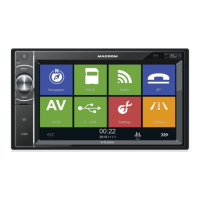
Guides on accessing the navigation function via its icon.
Instructions on using the audio icon to adjust the sound system.
Configures Wi-Fi and mobile hotspot connectivity.
Accesses general infotainment settings like display and sound.
 General
| Touchscreen | Yes |
|---|---|
| DVD Player | Yes |
| USB Port | Yes |
| SD Card Slot | Yes |
| Bluetooth | Yes |
| GPS Navigation | Yes |
| Radio Tuner | FM/AM |
| Amplifier | 4x45W |


 To Next Page