EasyManua.ls Logo

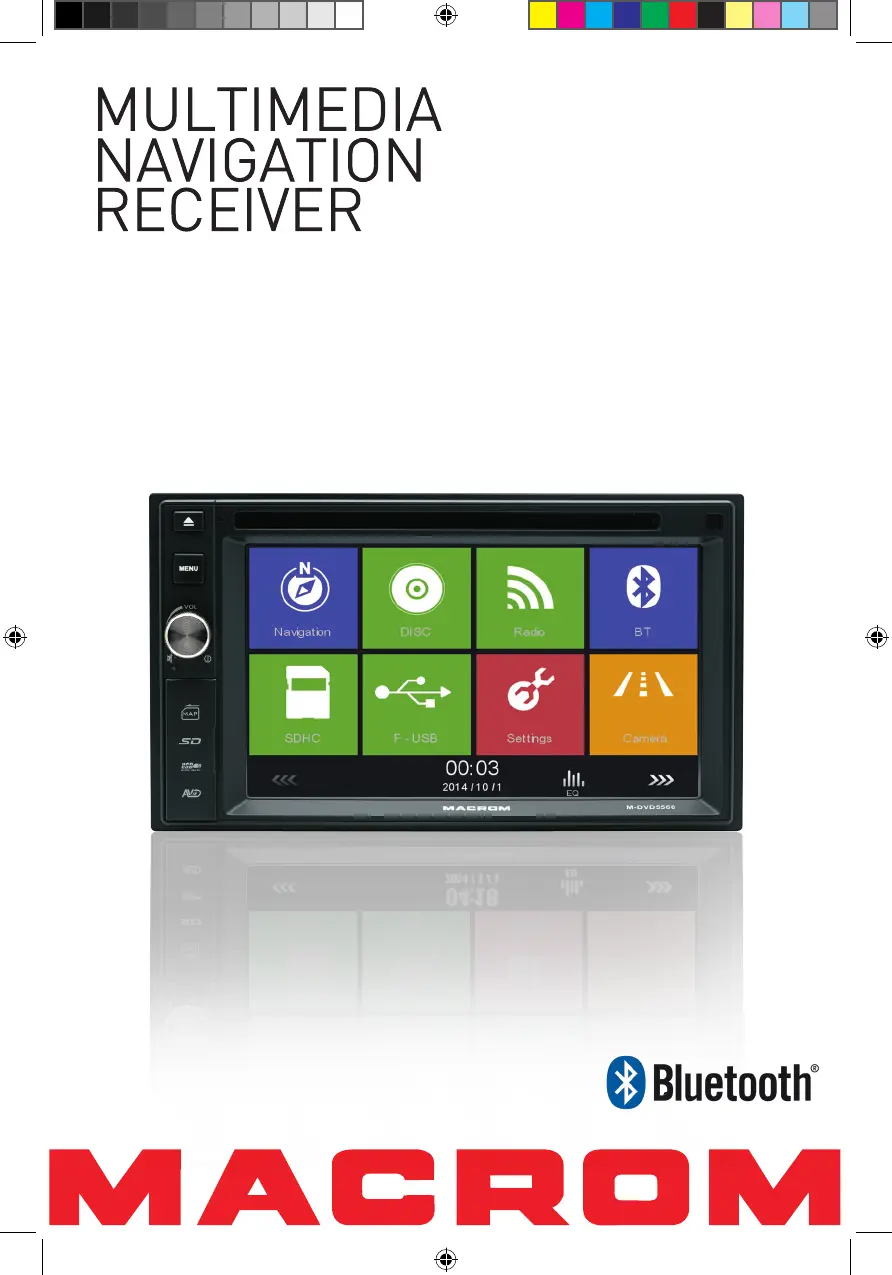
Macrom M-DVD5566 - User Manual

Macrom M-DVD5566
28 pages
Print Icon
To Next Page IconTo Next Page
Loading...
USER MANUAL
M-DVD5566
M-DVD5566 User manual_ENG.indd 1 22/12/2014 17:16:06

Table of Contents

Questions and Answers

Summary

Safety Precautions

General Safety Precautions

General safety advice including power, installation, usage, and environmental precautions.

Usage and Maintenance Guidelines

Guidelines on unit handling, cleaning, operation in different temperatures, and general care.

Expanding System Overview

Diagram illustrating expandable audio and visual system components.

Product Overview

Front Panel Controls and Ports

Detailed description of buttons, ports, and connectors on the unit's front panel.

Remote Control Overview

Remote Control Front View and Buttons

Identification and function of buttons on the remote control's front.

Remote Battery

Battery Installation and Usage Notes

Instructions for installing and replacing the remote control battery, and usage tips.

Basic Operations

Parking Brake, Mute, and Power Control

How the parking brake affects video, muting audio, and powering the unit on/off.

Source Selection and Audible Beep

Procedures for changing playback sources and managing audible feedback.

EQ Menu and Audio Adjustment

Accessing and adjusting equalizer settings for audio.

Fader, Balance, and Subwoofer Control

Adjusting speaker balance and subwoofer volume for optimal sound.

Setting Date and Time

Date, Clock Mode, and Time Configuration

Setting the unit's date, clock format, and current time.

Radio Mode

Tuner TFT Display and Tuning Options

Overview of the radio interface, display indicators, and tuning methods.

Station Presets and Auto Search

Saving radio stations to presets and using automatic tuning features.

Local Seeking and EQ Selection

Adjusting signal sensitivity and selecting equalizer presets for radio.

RDS Basics and Settings

Introduction to RDS and options for adjusting its related functions.

Detailed Radio Features (AF, EON, TA, CT, PTY)

Explanations of AF, EON, TA, CT, and PTY radio data system features.

Playback Mode

Media Loading and Basic Controls

Instructions for loading media and basic playback controls like play/pause.

File Browsing and Skipping Tracks

Navigating file folders and skipping tracks/chapters.

Folder Search and Repeat Playback Modes

Searching for files by folder and setting repeat modes for discs.

Repeat A-B and Shuffle Playback

Repeating specific sections of video and playing tracks randomly.

Audio Mode and Subtitle Selection

Choosing audio modes for VCDs and subtitle languages for DVDs.

Playback Information and Direct Track Entry

Displaying playback details and selecting specific tracks directly.

Picture Rotation, Zoom, and Video Setup

Rotating images, zooming, and adjusting video output settings.

Bluetooth Mode

Pairing Bluetooth Devices

Steps to connect and pair a Bluetooth-enabled phone or device.

Making and Receiving Phone Calls

Initiating and answering phone calls using Bluetooth connectivity.

Adjusting Bluetooth Settings

Configuring Bluetooth connection, auto-answer, and pairing code.

Bluetooth Music Playback

Using A2DP and AVRCP profiles for music playback.

Settings

General Settings and Touch Calibration

Adjusting radio region, dimmer, beep, and calibrating the touch screen.

Video and Sound Settings Configuration

Configuring video playback options and audio equalizer/subwoofer settings.

Time, Language, and DVD Settings

Setting time, language options, and DVD playback restrictions.

Volume Settings by Source

Adjusting volume levels for different audio sources.

DVD Settings and Parental Control

Configuring DVD playback and setting parental restrictions.

Other Modes

External Device Connection and Unit Reset

Connecting AV devices and performing unit resets.

Fuse Replacement and GPS Navigation

Replacing fuses and accessing GPS navigation features.

Steering Wheel Control Programming

Customizing steering wheel buttons for unit control.

Specifications

Supported Formats and Region Codes

List of supported file types and DVD region code information.

Troubleshooting

Power, Audio, and Display Issues

Solutions for common problems like no power, audio, or display errors.

Disc Playback and PBC Errors

Resolving issues with disc insertion, playback, and VCD PBC function.

Wire Connections

Pinout Diagrams and Wiring Guide

Visual guide to unit connectors and their wiring.

Macrom M-DVD5566 Specifications

General IconGeneral
BrandMacrom
ModelM-DVD5566
CategoryGPS
LanguageEnglish

Related product manuals