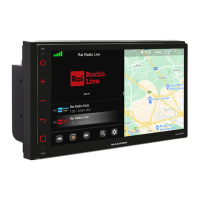
DISPLAY
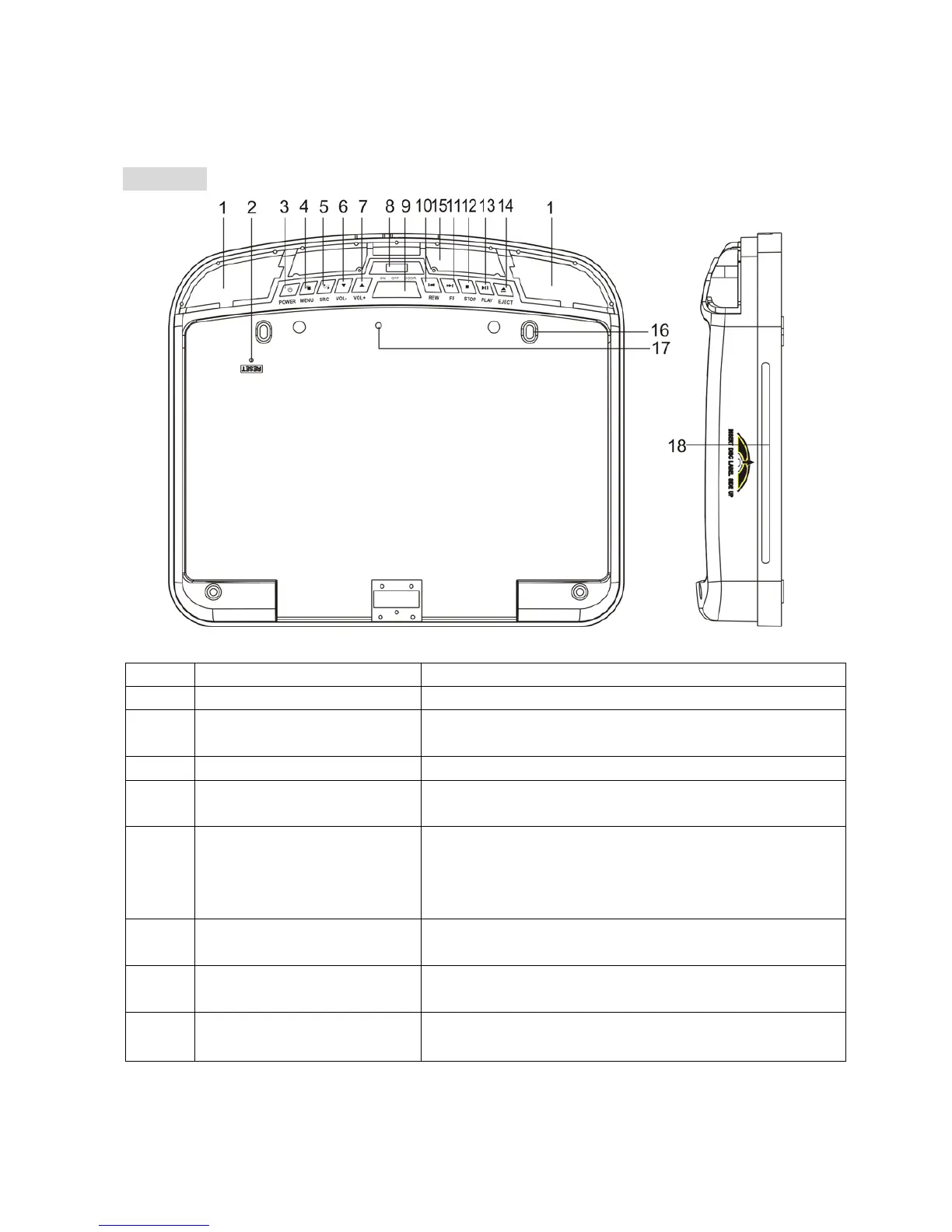
Item Name Function or Control
1 Dome Light Provides an interior light for the vehicle.
2 Reset button Press with a pencil or other narrow-tipped tool
to rest the player.
3 Power button Press to turn on or turn off the player
4 Menu button Press to open the TFT menu. Press again to
select a menu item.
5 SRC input source
button
Press to select the video input mode (DVD-IN
/USB/ SD/ MMC/ MS, AV IN1, AV IN2,). (When
the units sets in DVD mode, press it can
change USB/SD/MMC/MS mode.)
6
▼(VOL-)button
Press to reduce a value in the menu (such as
decreasing the volume).
7
▲(VOL+) button
Press to increase a value in the menu (such
as increasing the volume).
8 Dome Light switch Move to the ON/OFF position, then press it to
turn the dome light on or off.
5



 To Next Page