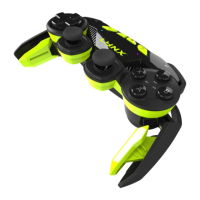
C.A.T. 9 ENGLISH
EN
Switch
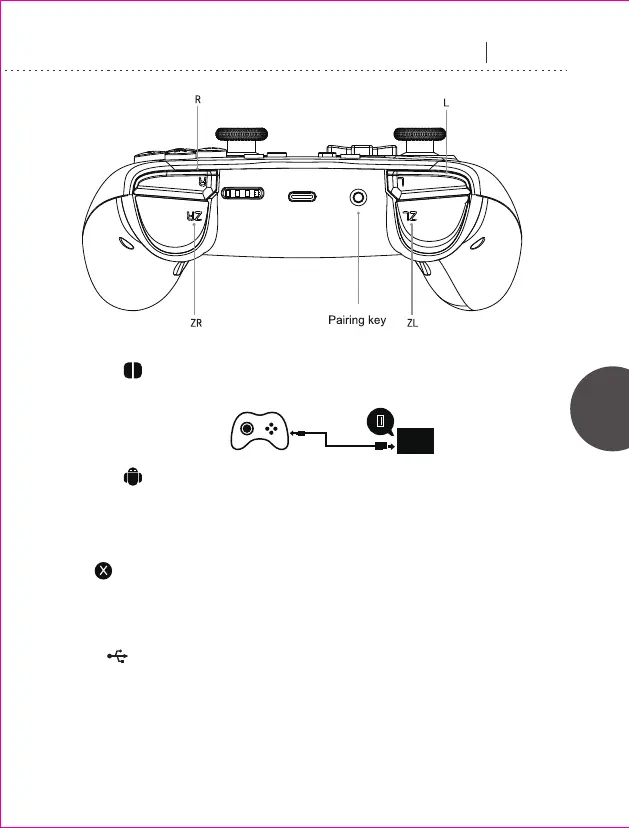
Press pairing key for 2 seconds, LED indicator flashes until successful connection
to Switch.
Android
1. Press “X+home” key for 2 seconds to enter Android gamepad mode. LED4 indicator
flashes until successful connection.
2. Press [home] key for future reconnection after successful pairing.
iOS
Enter Apple MFI mode, press “B+home” key for 2 seconds, LED3 indicator flashes
until successful connection.
USB
Gamepad charging activated when connected to the host computer via USB cable.
Switch between Xinput (default) and Directinput via pressing “+” and “-” keys for
3 seconds.
1. In Xinput mode: LED1 + LED4 indicator lights on.
2. In Directinput mode: LED2 + LED3 indicator lights on.
Second connection mode:
USB Port
Host
USB Charging Cable



 To Next Page