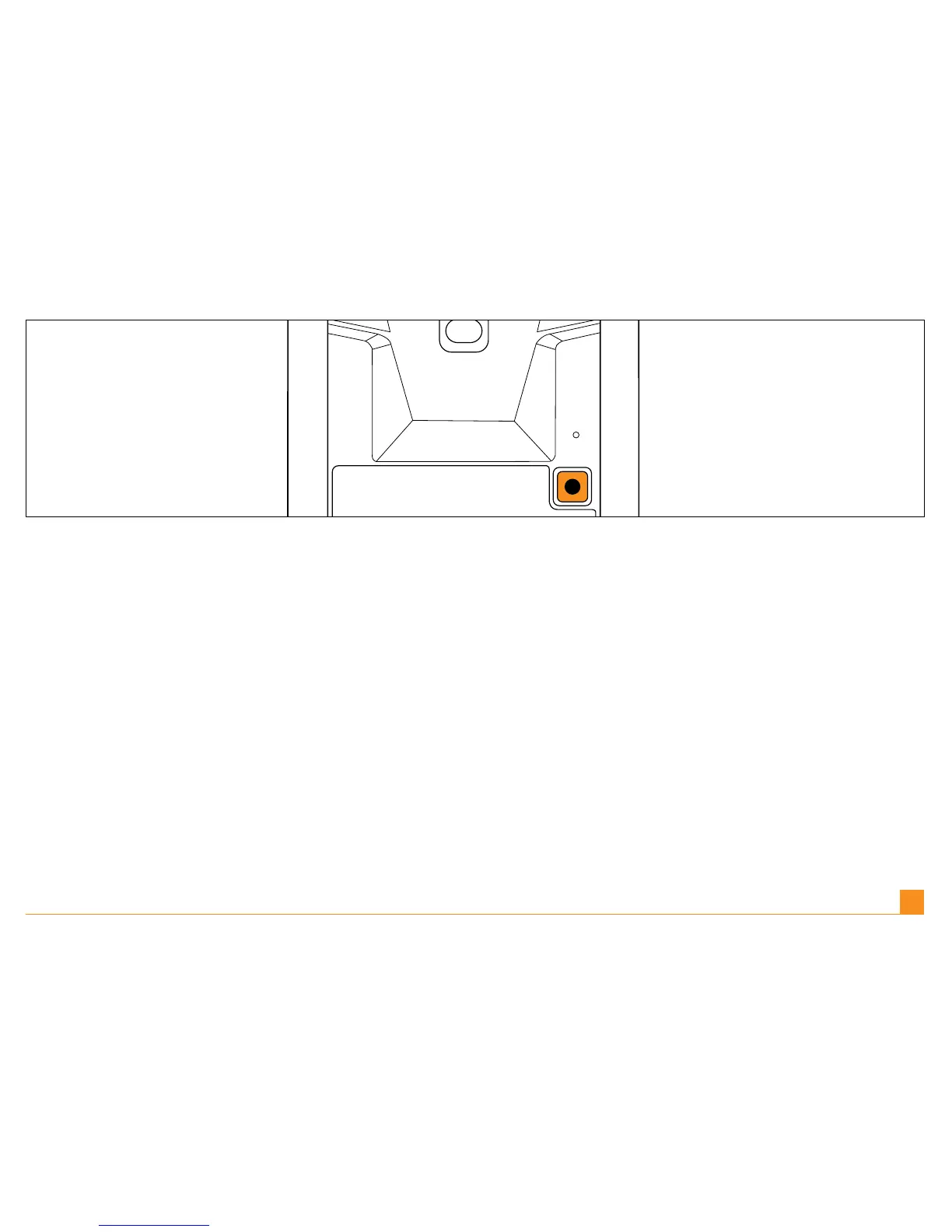
Setup & Pairing | Turn on the touchmouse™ by pressing the connection button on the
underside of the mouse once. The LED will light up green to show the mouse is on.
Einrichten und Verbinden | Schalten Sie die touchmouse™ durch einmaliges Drücken der
Verbindungstaste auf der Mausunterseite ein. Die LED leuchtet grün auf und zeigt an, dass
die Maus eingeschaltet ist.
Installation et connexion | Allumez la touchmouse™ en appuyant une fois sur le bouton de
connexion, situé sous la souris. Le voyant LED passera au vert pour indiquer que la souris est
allumée.
Impostazione & Sintonizzazione | Accendere il touchmouse™ premendo il tasto di connes-
sione nella parte inferiore del mouse una volta. La LED si accenderà e sarà verde, per indicare
che il mouse è acceso.
Conguración y pareado | Encienda el ratón táctil; para ello, pulse una vez el botón de con-
exión que hay en la parte inferior del ratón. El diodo luminiscente (DEL) se iluminará en verde
para indicar que el ratón está en funcionamiento.
EN |
DE |
FR |
IT |
ES |
5



 To Next Page