7
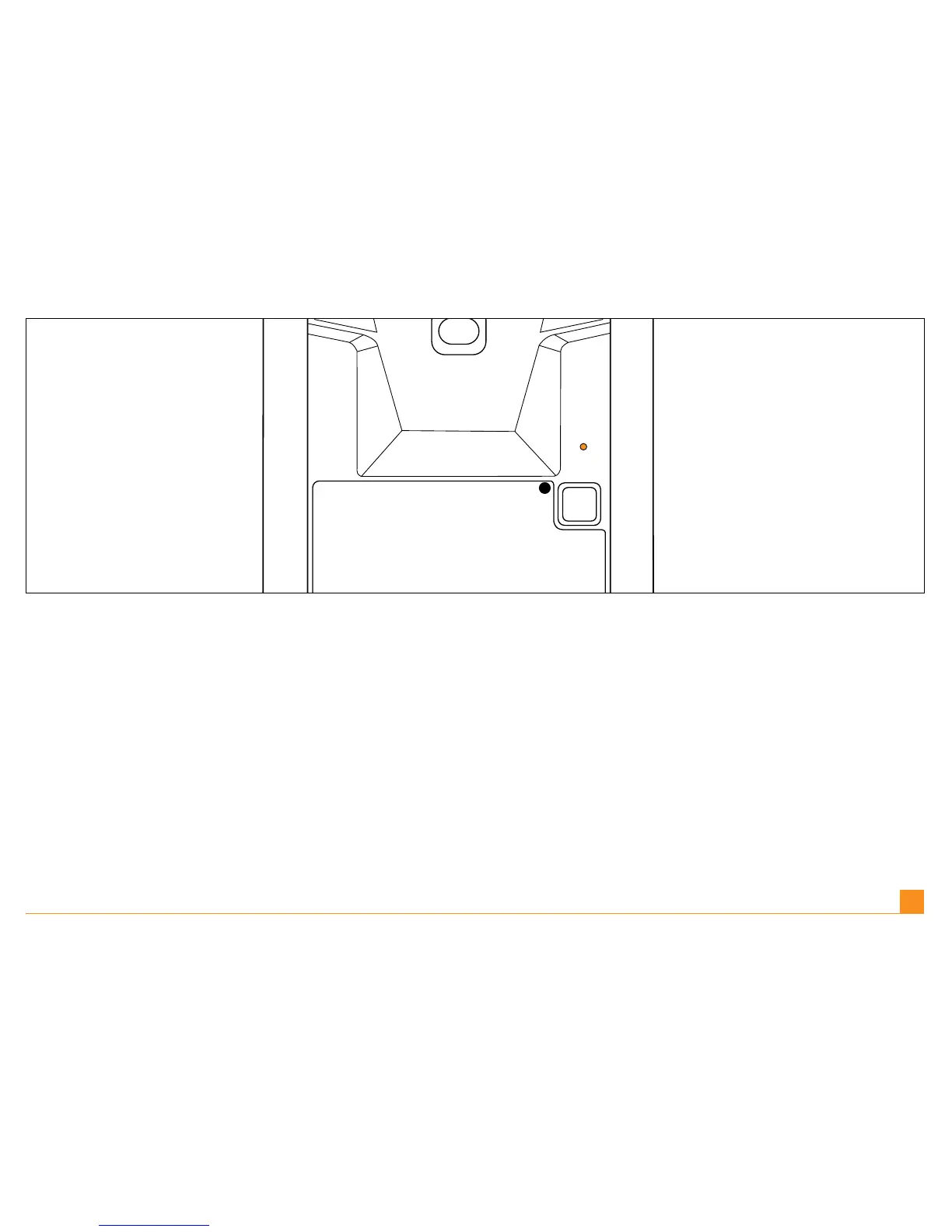
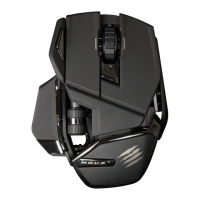
Press and hold the connection button for three seconds. The LED blinks red and green to
show that the mouse is looking for a connection.
Halten Sie die Verbindungstaste drei Sekunden lang gedrückt. Die LED blinkt rot und grün,
um zu zeigen, dass die Maus nach einer Verbindung sucht.
Appuyez et maintenez enfoncé le bouton de connexion pendant trois secondes. Le voyant
LED clignote alors en rouge et vert pour indiquer que la souris est en train de rechercher une
connexion.
Tenere premuto il tasto di connessione per tre secondi. La LED sarà rossa e verde e lampeg-
giante, per indicare che il Mouse sta ricercando una connessione.
Mantenga pulsado el botón de conexión durante 3 segundos. El DEL parpadeará en rojo y
verde para indicar que el ratón está intentando establecer una conexión.
EN |
DE |
FR |
IT |
ES |



 To Next Page