Instructions
UTILITY CARTS and ACCESSORIES
®
MB199UC / MB199UCFD UTILITY CARTS and ACCESSORIES - MANUAL - REV 1.0 - 2013
8
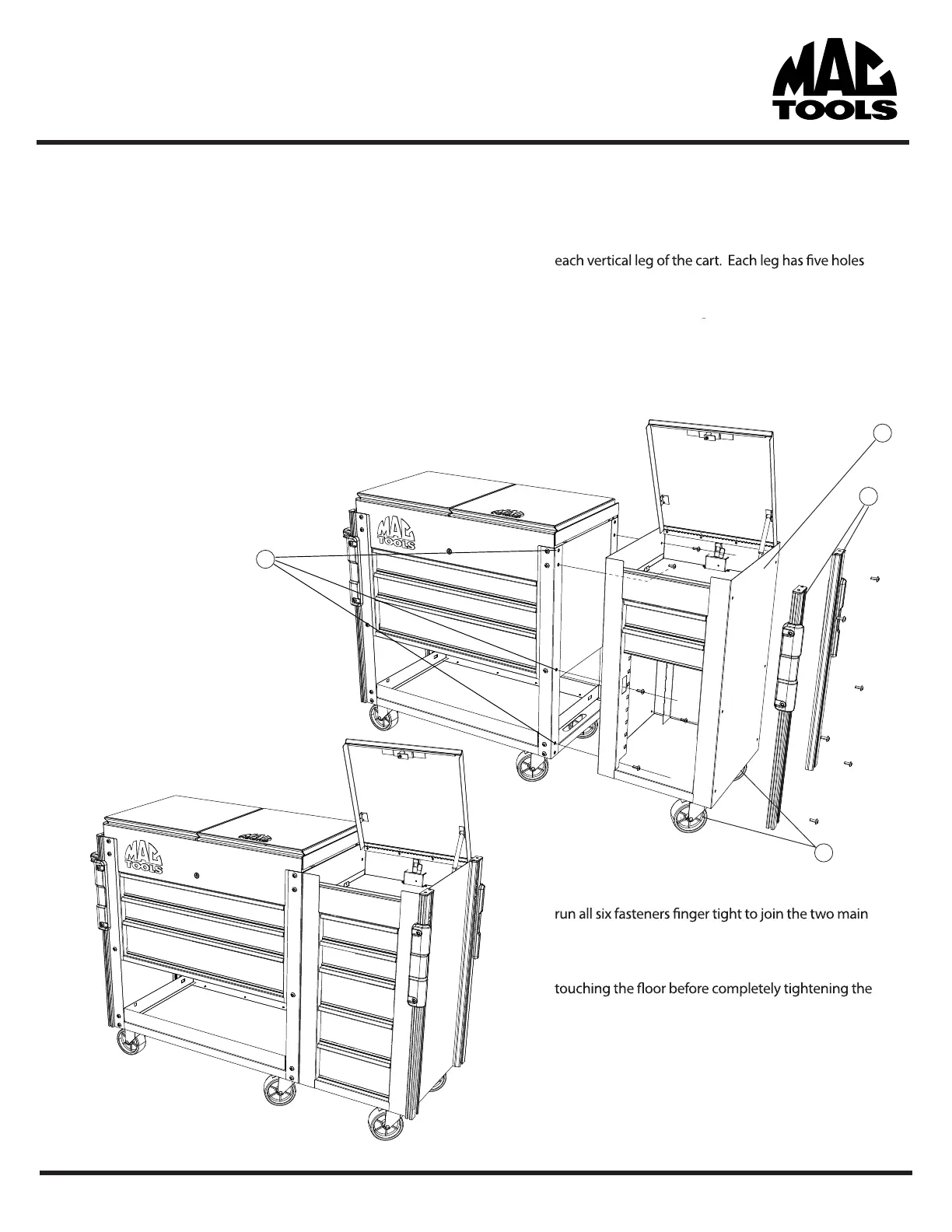
Side Box/Cabinet Attachment
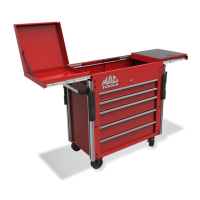
The MB199UC Utility Cart System allows for the easy attachment of
the MB199UCSB or MB199UCSC utilizing the existing hole
patterns present on the cart. The Side Box or Side Cabinet can be
attached to either side of the cart.
1. If the cart has the corner rails (V.) already attached you
will need to remove the rails on the side you wish to
install the Side Box/Cab (aa.) before proceeding. See
page 3 for details on how to remove the corner rails.
2. Attach the supplied casters on the outer most lower edge
of the Side Box/Cab (cc.) NOTE: follow the caster
attachment instructions on page 9.
3. The Side Box/Cab attaches using th
ree of the holes for
running vertically up the leg or corner. If the top
most hole is number 1, you will be using holes 2,3,4
(bb.) to mount the Side Box/Cab to each corner.
4. Remove the lower 3 drawers and open up the top
compartment lid of the Side Box/Cab to provide access
to holes (bb.)
4. Align the holes on the Side Box/Cab with the holes
(bb.) on the Main cart and using the supplied fasteners,
parts.
5. Make sure the Side Box/Cab is level and all casters are
fasteners.
6. If desired, you can install the Accessory Corner Rails (V.)
to the outside wall of the Side Box/Cab. See page 3 for
details.
PN# 080106
cc.
V.
bb.
aa.


 To Next Page