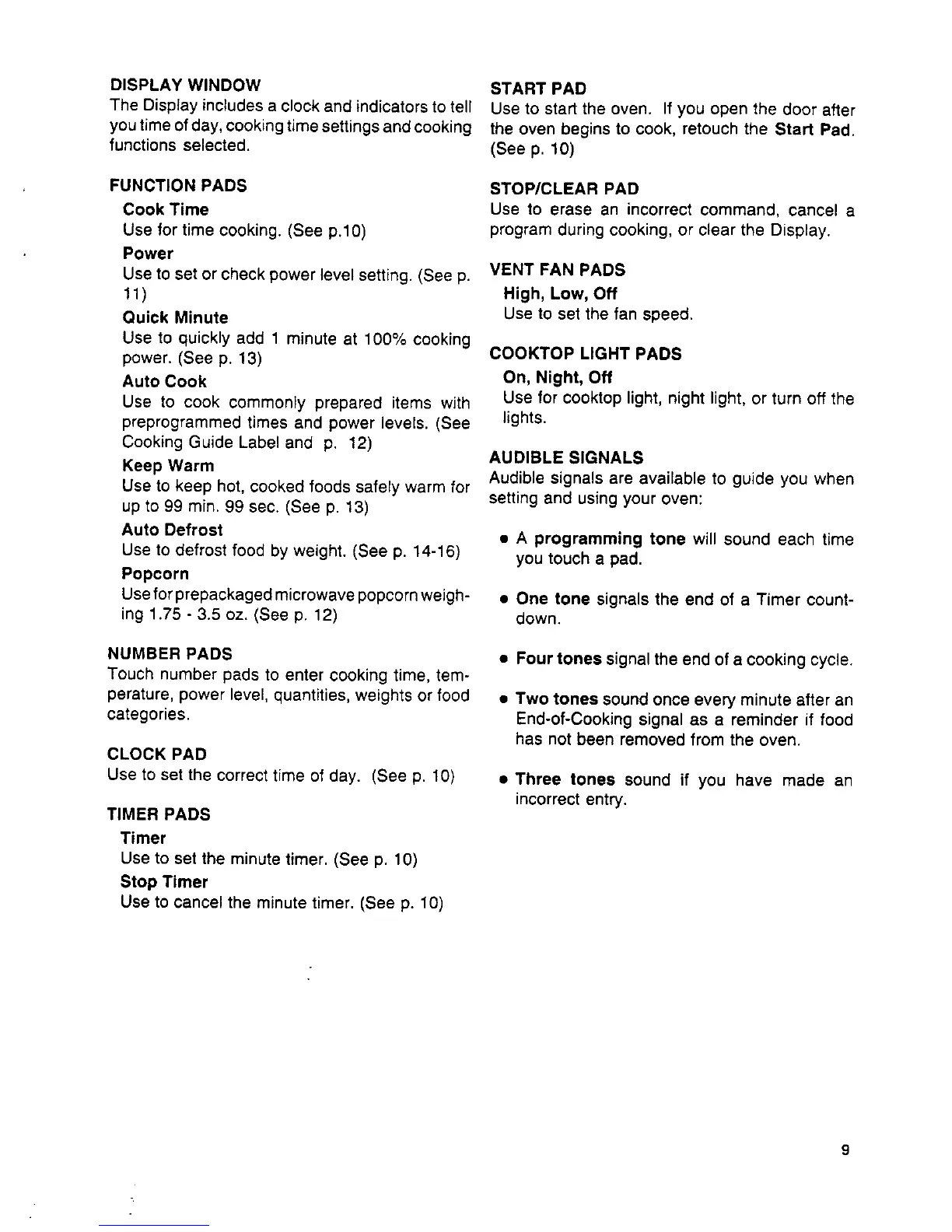
DISPLAY WINDOW START PAD
The Display includes a clock and indicators to tell Use to start the oven. If you open the door after
you time of day, cooking time settings and cooking the oven begins to cook, retouch the Start Pad.
functions selected. (See p. 10)
FUNCTION PADS STOP/CLEAR PAD
Cook Time Use to erase an incorrect command, cancel a
Use for time cooking. (See p.10) program during cooking, or clear the Display.
Power
Use to set or check power level setting. (See p. VENT FAN PADS
11) High, Low, Off
Quick Minute Use to set the fan speed.
Use to quickly add 1 minute at 100% cooking
power. (See p. 13) COOKTOP LIGHT PADS
Auto Cook On, Night, Off
Use to cook commonly prepared items with Use for cooktop light, night light, or turn off the
preprogrammed times and power levels. (See lights.
Cooking Guide Label and p. 12)
Keep Warm AUDIBLE SIGNALS
Audible signals are available to guide you when
Use to keep hot, cooked foods safely warm for
up to 99 min. 99 sec. (See p. 13) setting and using your oven:
Auto Defrost • A programming tone will sound each time
Use to defrost food by weight. (See p. 14-16) you touch a pad.
Popcorn
Useforprepackagedmicrowavepopcornweigh- • One tone signals the end of a Timer count-
ing 1.75 - 3.5 oz. (See p. 12) down.
NUMBER PADS • Four tones signal the end of a cooking cycle.
Touch number pads to enter cooking time, tem-
perature, power level, quantities, weights or food • Two tones sound once every minute after an
categories. End-of-Cooking signal as a reminder if food
has not been removed from the oven.
CLOCK PAD
Use to set the correct time of day. (See p. 10) • Three tones sound if you have made an
incorrect entry.
TIMER PADS
Timer
Use to set the minute timer, (See p. 10)
Stop Timer
Use to cancel the minute timer, (See p. 10)
9



 To Next Page