3
© Copyright 2019 V2 Karaoke Home Entertainment www.khe.com.au / www.khe.co.nz / www.karaokemp3g.com.au
microphones, this is a limitation of your TV.
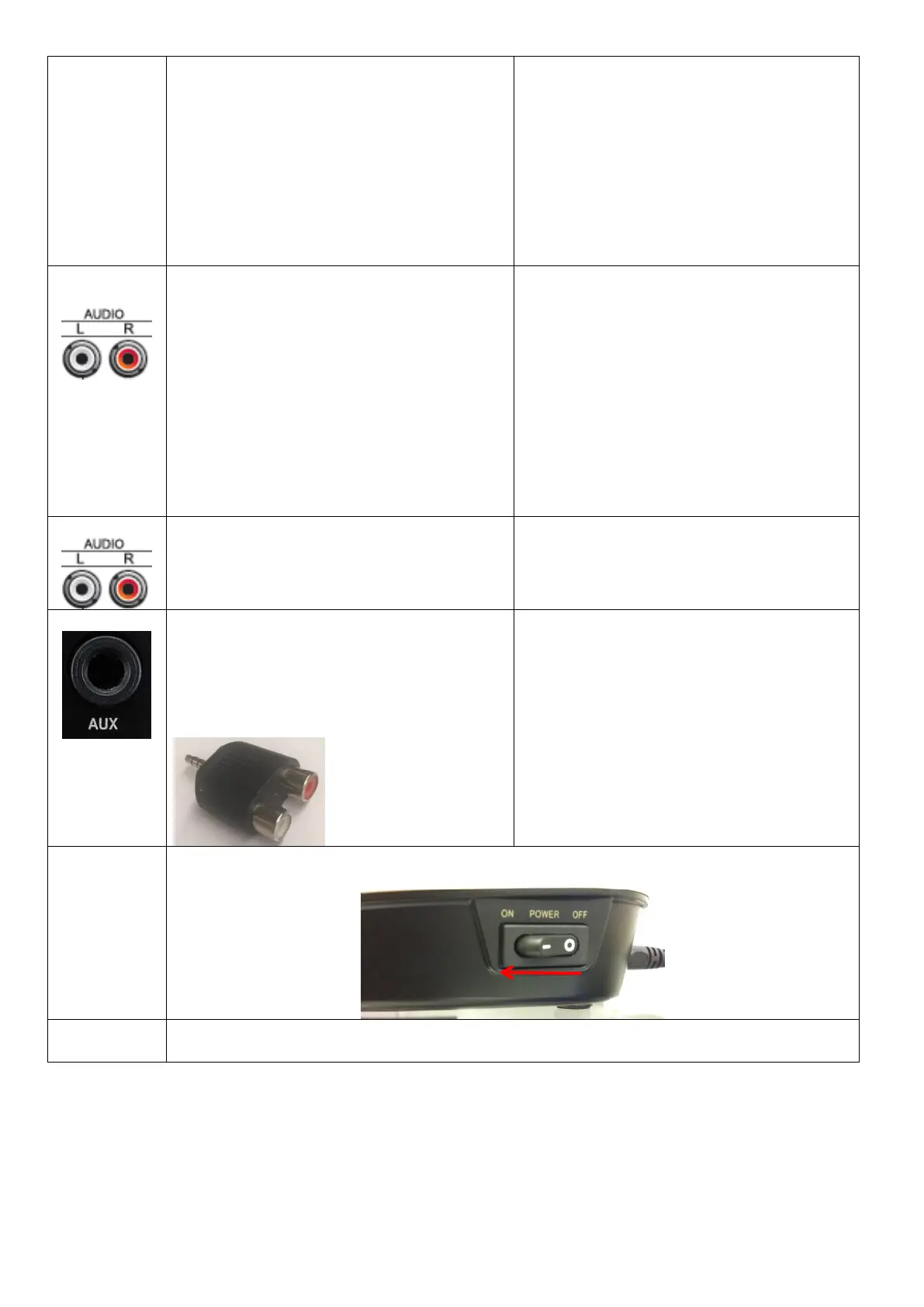
You can use a Home Theatre with red and
white cables directly into your amplifier but
should always change your amplifier settings to
2-Channel Stereo as all karaoke is in Stereo not
5.1 or 7.1 surround. However, be aware that
even if you're using 2-Channel stereo, if your
speakers are all very small satellite speakers
you may still have a delay and or cause damage
to them as they may be too small to handle
karaoke.
Please Note we never recommend the use of
sound bars for karaoke.
When using one of our dedicated amplifier and
speaker packages, you plug the red and white
into the amplifier directly.
Powered Speakers means the amplifier is built
into the one unit with the speaker, your Magic
Sing will connect using either the straight
red/white into the back of the speaker, or
depending on the speaker model using a AV
Jack to Line plug [Sold Separately].
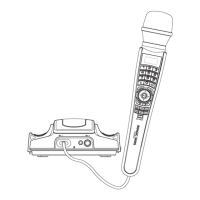
Once you’re connected the way you want to be, switch the base unit on.
Slide the back covers off the microphones and correctly insert 2x AA batteries in each of them
and put the covers back on


 To Next Page