© 2014 Karaoke Home Entertainment All Rights Reserved – Document Revision 1.0
www.khe.com.au / www.khe.co.nz / www.picknmix.com.au / www.mp3g.com.au
www.how-to-convert-cdg.com / www.magicsingdownloads.com / www.magicsing.com.au
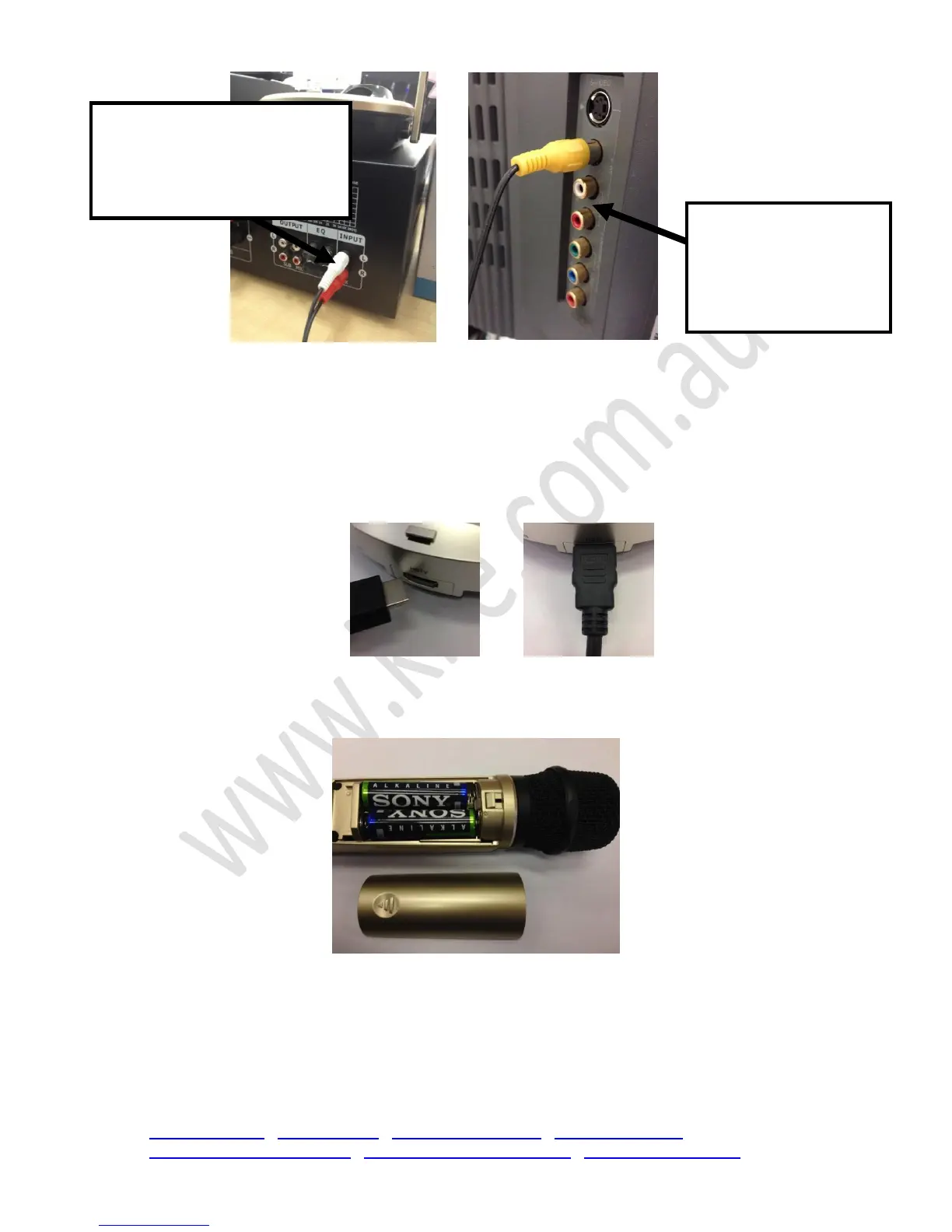
7. Using your HDMI cable, one end of this much thicker cable goes into the back of your base
unit and the other end plugs into the matching connection on your television. Move onto
Step 8.
Hint: You will need to find the appropriate “component” in your television menu
(source/input) once you are ready to switch on the unit.
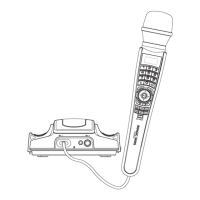
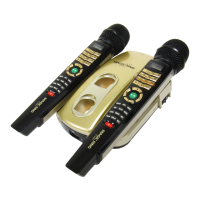
8. Then you will need to carefully slide the back piece of plastic off each microphone and insert
2x AA Batteries into each microphone.


 To Next Page