© 2014 Karaoke Home Entertainment All Rights Reserved – Document Revision 1.0
www.khe.com.au / www.khe.co.nz / www.picknmix.com.au / www.mp3g.com.au
www.how-to-convert-cdg.com / www.magicsingdownloads.com / www.magicsing.com.au
How to insert and remove the additional Magic Sing chips
1. Turn off the microphones and base unit, using the relevant off switches – unit can remain
plugged in but MUST be switched off.
Please Note: Failure to follow these steps can result in damage to your Magic Sing unit and
or song chips and will result your warranty being voided.
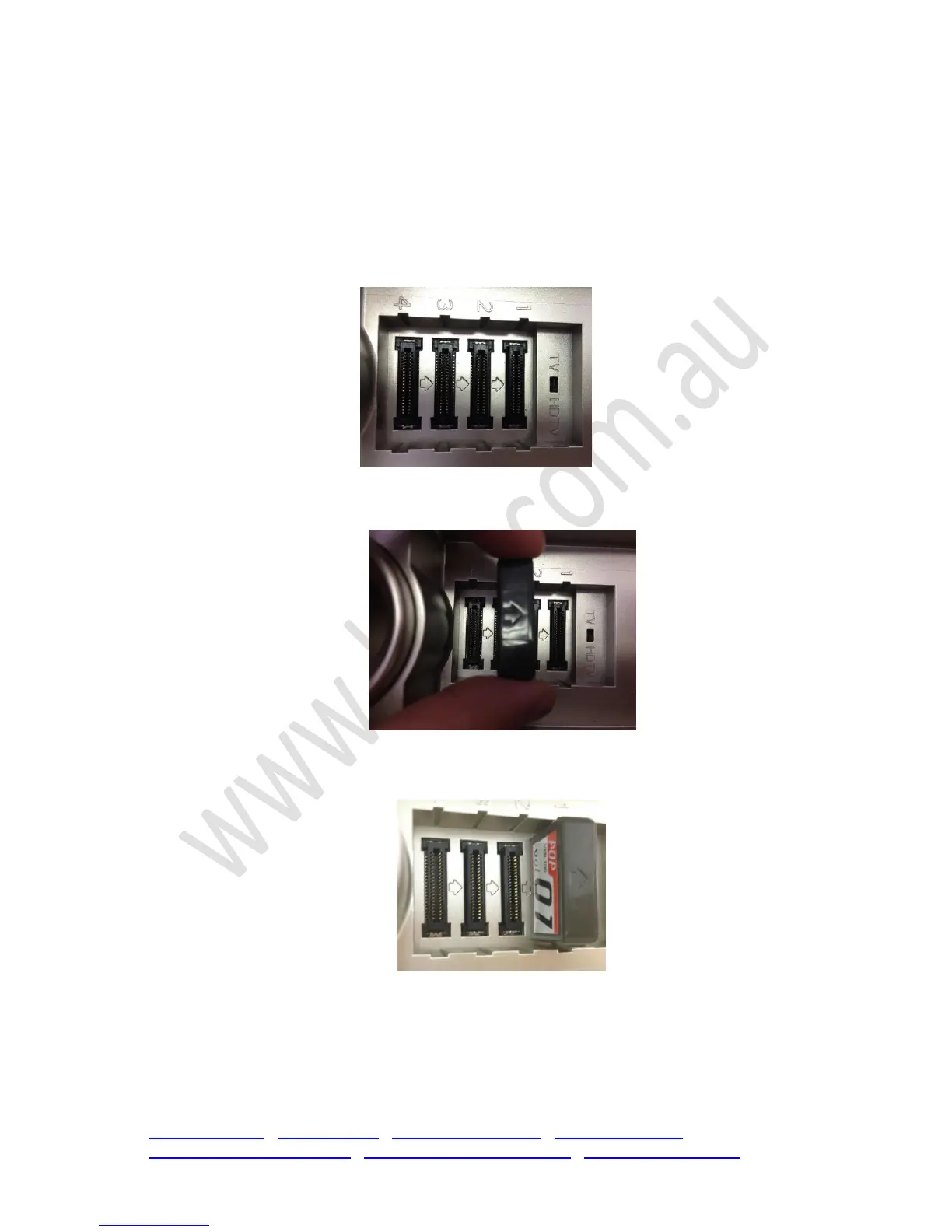
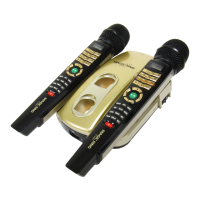
2. Remove the case on the top of the base unit, revealing chip slots.
3. Take note of the ARROWS on the plastic near the chip slots, and those which are on your
Magic Sing chip.
4. Facing the arrows the same way as is on the base unit, carefully insert the chip.
It may take a little push to get it in properly so that the unit can pick up the songs.
5. In order for the chips to work, they must be left in the top of the base unit as the unit does
not have any additional memory within itself.


 To Next Page