Magner350 USER Guide
Magner INT 46
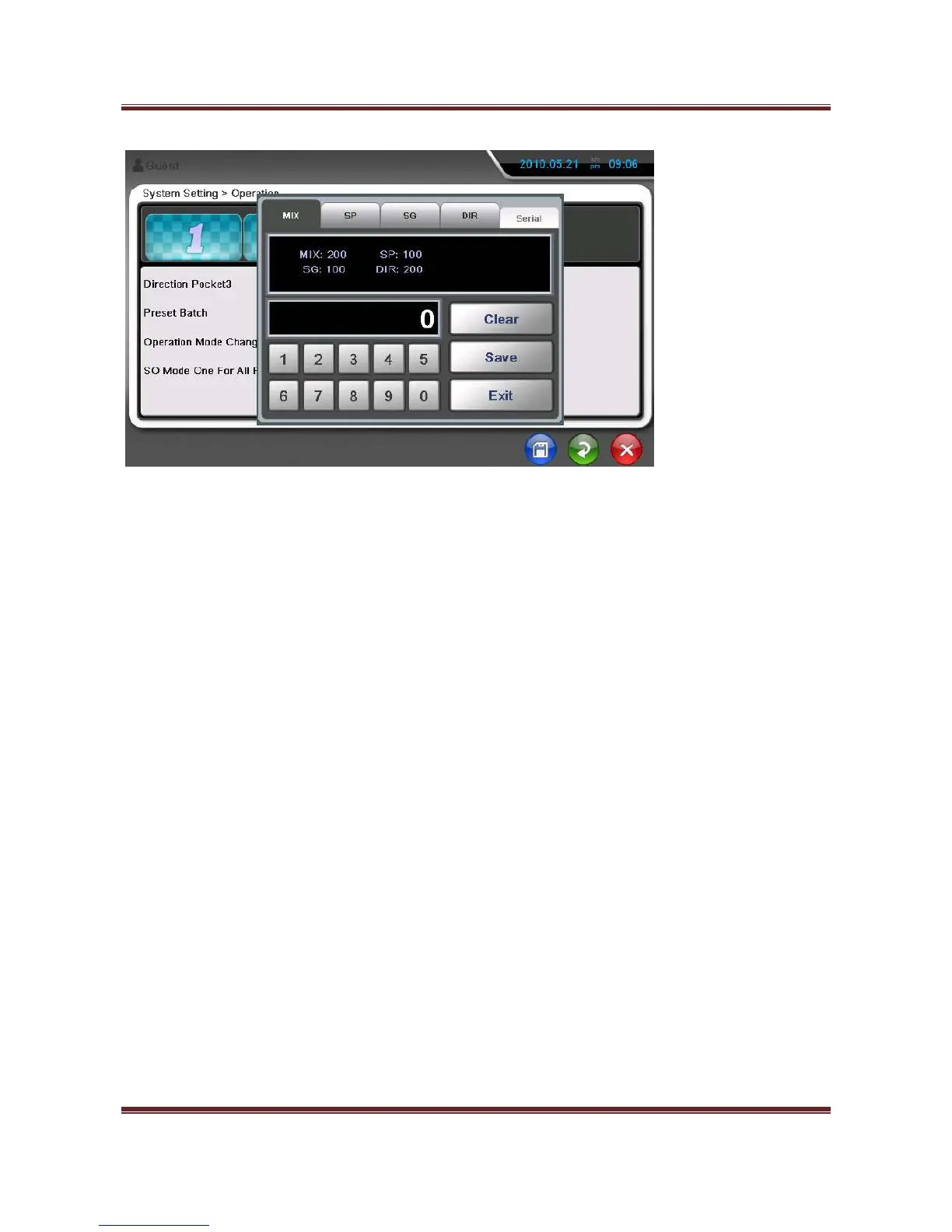
- OFF – Batch number for all Modes is the same.
13) Operation Mode Change
When change mode, SP Mode is loaded automatically.
14) SO Mode One for All Pocket
In DIR-SO Mode, One direction notes are sent to all Pockets.
15) Multi-User System
Other users can be added to this machine
16) Default Mode
When turn on the machine, default mode is displayed
17) Counterfeit Reject Sound
When counterfeit is sent to Reject Pocket, the machine makes the warning sound.


 To Next Page