EasyManua.ls Logo

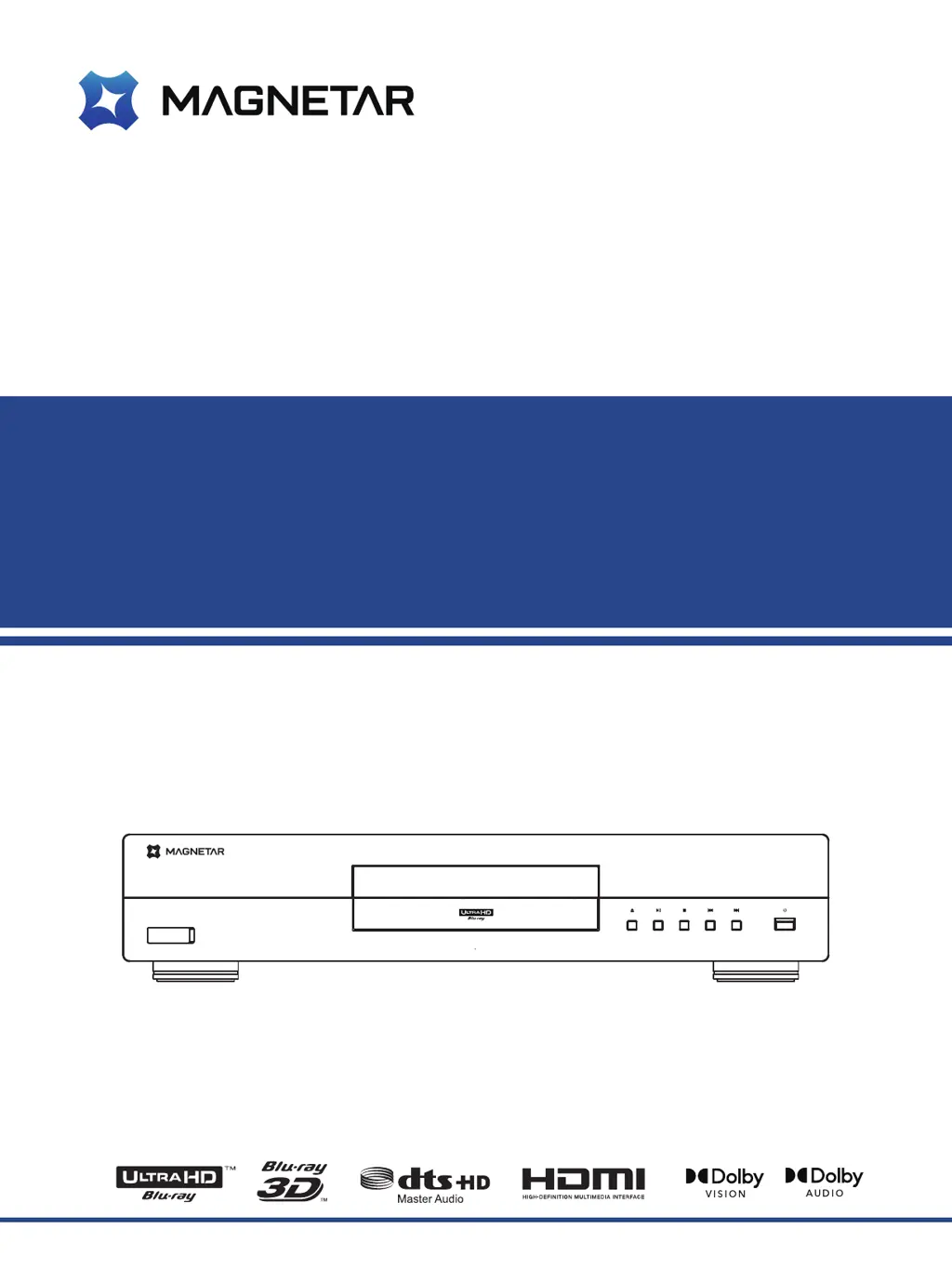
Magnetar UDP800 - User Manual

Magnetar UDP800
60 pages
Print Icon
To Next Page IconTo Next Page
Loading...
User Manual
Model: UDP800
Ultra HD Blu-ray Disc
TM
Player

Table of Contents

Questions and Answers

  • A
    Allen DickersonAug 14, 2025
    How to fix no sound on Magnetar Blu-ray Player?
    • P
      philipbrockAug 14, 2025
      If there is no sound from your Magnetar Blu-ray Player, check the following: * Ensure the audio cable is correctly connected; reconnect if necessary. * If mute mode is on, press the MUTE button to disable it. * Increase the volume by pressing the Volume + button until it reaches 100. * When playing SACD, coaxial or optical digital connections are not supported due to copyright restrictions. Use analog or HDMI audio output, or set SACD priority to CD mode. * Similarly, for DVD-Audio, use analog or HDMI, or switch to DVD-Video mode as coaxial or optical digital connections are not supported.
  • R
    Rachel GilbertAug 17, 2025
    What to do if there is no image on Magnetar Blu-ray Player?
    • K
      Kaitlyn NelsonAug 17, 2025
      If your Magnetar Blu-ray Player isn't displaying an image, try these steps: * Check the video cable connection and reconnect if needed. * Make sure you've selected the correct input source on your TV for the player. * If 'pure tone' mode is active, disable it by pressing the PURE TONE button. * Ensure the output resolution selected on the player is supported by your TV.
  • B
    Brooke HayesAug 21, 2025
    Why is my Magnetar Blu-ray Player remote control not working?
    • B
      bfloresAug 21, 2025
      If the remote control for your Magnetar Blu-ray Player is malfunctioning: * Ensure you are within the effective distance of the player. * Replace the batteries in the remote.
  • K
    Kari WellsAug 25, 2025
    How to fix “No compact disc” or “unknown disc” error on Magnetar Blu-ray Player?
    • M
      Matthew HumphreyAug 25, 2025
      If your Magnetar Blu-ray Player displays a “No compact disc” or “unknown disc” error, consider the following: * Take out the disc and inspect it to ensure it is compatible. * Clean the disc to remove any dirt, stains, or fingerprints. * Ensure the disc is placed correctly, with the printing side up. * If the laser head has condensation, open the player, remove the disc, and let the player air out for an hour.
  • M
    Melinda FrederickAug 27, 2025
    What causes temporary malfunctions on Magnetar Blu-ray Player?
    • K
      Kaitlyn SloanAug 27, 2025
      Temporary malfunctions on your Magnetar Blu-ray Player can occur due to several reasons: * A scratched or damaged disc can cause issues; try replacing the disc. * Some functions may not work during playback; try again after the player fully stops. * Interference from other devices can also cause problems; power off other devices to identify and relocate the source of interference.
  • C
    Carrie HensleyAug 30, 2025
    Why is the color wrong on my Magnetar Blu-ray Player?
    • G
      Gary FreyAug 31, 2025
      If the color is wrong when using your Magnetar Blu-ray Player, especially when outputting videos through HDMI, check the color space settings on both your TV and the player.
  • A
    Adam BestSep 3, 2025
    How to restore color on Magnetar Blu-ray Player?
    • M
      maldonadojuliaSep 3, 2025
      If your Magnetar Blu-ray Player is displaying no color, check the saturation settings on both your TV and the player.
  • M
    Michael CollinsSep 6, 2025
    What to do if 'Connection test' fails on Magnetar Blu-ray Player?
    • W
      williamramosSep 6, 2025
      If the “Connection test” fails on your Magnetar Blu-ray Player, it indicates the player can't connect to the Internet. Verify that your router is connected to the Internet. Try restarting both the modem and the router. If possible, try directly connecting your player to Ethernet.
  • G
    Gabriel HooperSep 9, 2025
    Why does my Magnetar Blu-ray Player display 'The network' shows no server is available?
    • A
      Ariana ClarkSep 9, 2025
      If your Magnetar Blu-ray Player displays that no server is available, it suggests there's no Internet connection. Check if other network functions are working correctly. If network issues persist, consult the instructions for your media server to ensure the configurations are correct.

Magnetar UDP800 Specifications

General IconGeneral
Disc FormatsBlu-ray, DVD, CD
Video ResolutionUp to 4K (3840 x 2160)
Video OutputHDMI
HDR SupportHDR10, HDR10+, Dolby Vision
Audio FormatsDolby Atmos, Dolby TrueHD, DTS:X, DTS-HD Master Audio
Audio OutputHDMI, Optical
ConnectivityHDMI, USB, Ethernet
EthernetYes, Gigabit Ethernet
USBUSB 3.0
Build QualityAluminum chassis

Related product manuals