EasyManua.ls Logo

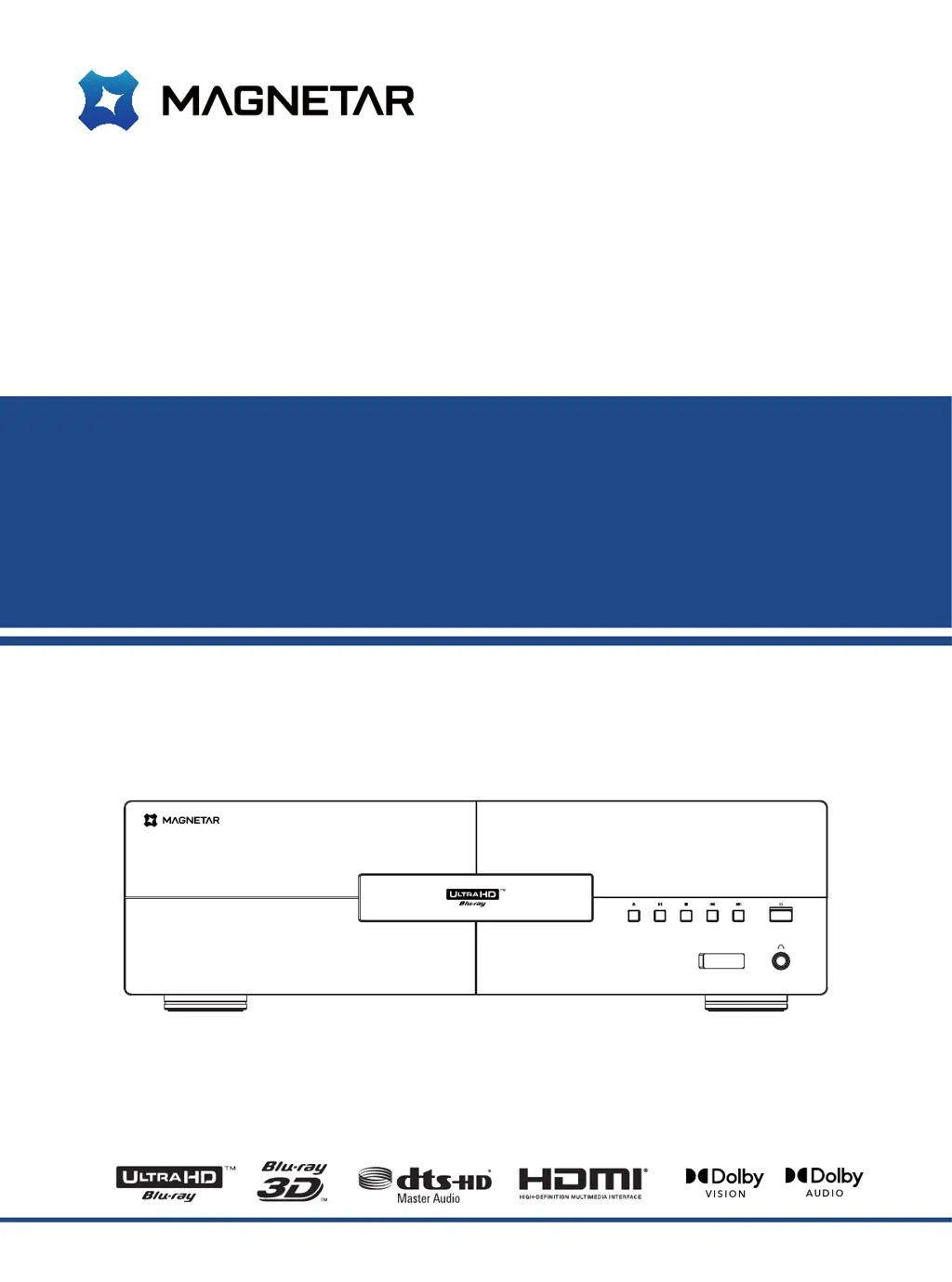
Magnetar UDP900 - User Manual

Magnetar UDP900
64 pages
Print Icon
To Next Page IconTo Next Page
Loading...
User Manual
Model: UDP900
Ultra HD Blu-ray Disc
TM
Player

Table of Contents

Questions and Answers

  • M
    martincarlyJul 29, 2025
    Why is there no sound coming from my Magnetar UDP900?
    • W
      Wendy LopezJul 29, 2025
      If you're not getting any sound from your Magnetar Blu-ray Player, there might be a few reasons: * Check that the audio cable is correctly connected, and reconnect if necessary. * Ensure mute mode isn't activated by pressing the MUTE button. * Increase the volume by pressing the Volume + button until it reaches 100. * If playing SACD and using coaxial or optical digital connections, switch to analog or HDMI audio output, or set SACD priority to CD mode. This is due to copyright limitations. * Similarly, for DVD-Audio, if using coaxial or optical digital connections, use analog or HDMI, or switch to DVD-Video mode.
  • P
    paynejessicaAug 4, 2025
    What to do if my Magnetar UDP900 has no image?
    • X
      xdownsAug 4, 2025
      If your Magnetar Blu-ray Player isn't displaying an image, try these steps: * Make sure the video cable is properly connected; reconnect if needed. * Select the correct input source on your TV to match the player's connection. * If the player is in “pure tone” mode, disable it by pressing the PURE TONE button. * Ensure the output resolution selected on the player is supported by your TV.
  • M
    michaellawsonAug 10, 2025
    How to fix wrong color on Magnetar UDP900?
    • K
      Kyle JacksonAug 11, 2025
      If the color is displaying incorrectly on your Magnetar Blu-ray Player, when outputting videos through HDMI, verify the color space settings on both your TV and the player.
  • J
    Joshua GardnerAug 16, 2025
    Why is there no color on my Magnetar Blu-ray Player?
    • N
      nicholas66Aug 16, 2025
      If there is no color on your Magnetar Blu-ray Player, check the saturation settings on both your TV and the player.
  • D
    Debra LeeAug 22, 2025
    What to do if my Magnetar UDP900 shows 'No compact disc' or 'unknown disc' error?
    • L
      lauren44Aug 22, 2025
      If your Magnetar Blu-ray Player displays a “No compact disc” or “unknown disc” error, remove the disc and inspect it.

Summary

Important Information

Safety Instructions and Precautions

Covers essential safety warnings, handling, and warnings about voltage and laser.

Product Installation Guide

Rear Panel Connectivity Ports

Details all input and output ports located on the back of the player for connectivity.

Common Connections

HDMI Connectivity Options

Guides on connecting to A/V amplifiers and TVs via HDMI, including dual HDMI setups.

Audio Connectivity Options

Instructions for connecting to stereo systems via RCA, XLR, and to amplifiers via S/PDIF.

Basic Operations

Disc Playback and Menu Navigation

How to insert, play discs, and navigate through disc menus.

Advanced Operations

Set Menu Options

Display Configuration Settings

Adjusting TV screen aspect ratio, resolution, HDR, color space, and depth.

Audio Configuration Settings

Configuring SPDIF, HDMI audio formats, SACD, DVD Audio, and speaker crossover.

Other Data and Troubleshooting

Troubleshooting Guide

Common issues and their solutions for sound, image, and connectivity problems.

Detailed Product Specifications

Magnetar UDP900 Specifications

General IconGeneral
Disc FormatsBlu-ray, DVD, CD, SACD
Video OutputComposite
Audio OutputHDMI, Optical, Coaxial
HDR SupportHDR10, Dolby Vision
DACESS ES9038PRO
ConnectivityEthernet, Wi-Fi
USB Ports2 x USB 3.0
Dimensions430 mm
StreamingNo

Related product manuals