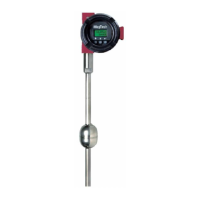
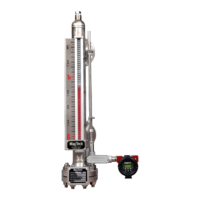
7.2 Features (Exclusive to the LTM-250/350 models)
There is an “advance” menu incorporated into the LTM-250/350 models. To access this menu press and
hold the increment (↑) button first then while holding the increment button press and hold the enter
button for 3 seconds. A new menu will appear on the LCD screen.
The following is a flow chart of the “advanced” menus
ComPort? >>> Serial
Yes > No (yes) Active
v
Default? >>> Default? >>> Select >>>>>>>>>>>>>>>>>>>>>>>>>>>>>> Defaults
Yes > No (yes) Load >Save (Load) Factory > Sensor1 > Sensor2 > Sensor 3 Loaded
>>> Select >>>>>>>>>>>>>>>>>>>>>>>>>>>>>> Defaults
(Save) Sensor1 > Sensor2 > Sensor3 Saved
v
Deadzone
1.50in
v
1pt Cal? >>> SelLngth >>> Sel LRV >>> Sel URV >>> Energy >>> DCOffset >>> HoldTime >>> CrntLvl? >>> CrntLvl?
Yes > No (yes) 30.00in 0.00in 24.00in 22% 1.50V 4 us 0.00in -Busy-
v
LvlAdjst >>> CrntLvl? >>> CrntLvl?
Yes > No (yes) 0.00in -Busy-
v
FlipPrb? >>> Config >>> ReRange? >>> Sel LRV >>> Sel URV >>> CrntLvl? >>> CrntLvl?
Yes > No (yes) Bottom > Top Yes>No (yes) 0.00in 24.00in 0.00in -Busy-
(no) >>>>>>>>>>>>>>>>>>>> ^
v
ChgSgnl? >>> Energy >>> DCOffset >>> HoldTime
Yes > No (yes) 22% 1.50V 4 us
v
PW Filter >>> PW Min >>> PW Max
On>Off (On) 40 tics 100 tics
v
Exit?
Yes > No
23


 To Next Page