Maipu In-Wall AP Series User Manual
Maipu Confidential & Proprietary Information Page 33 of 34
Appendix
Hardware Restoration
Configuration
If the AP password loss or other fault occurs, you can press the Reset button on
the front panel to clear the configuration and restore the AP to the default
setting.
Operation Steps:
Step 1: Power on the AP and start the AP to the normal work status. (The AP can
be pinged through via the PC.)
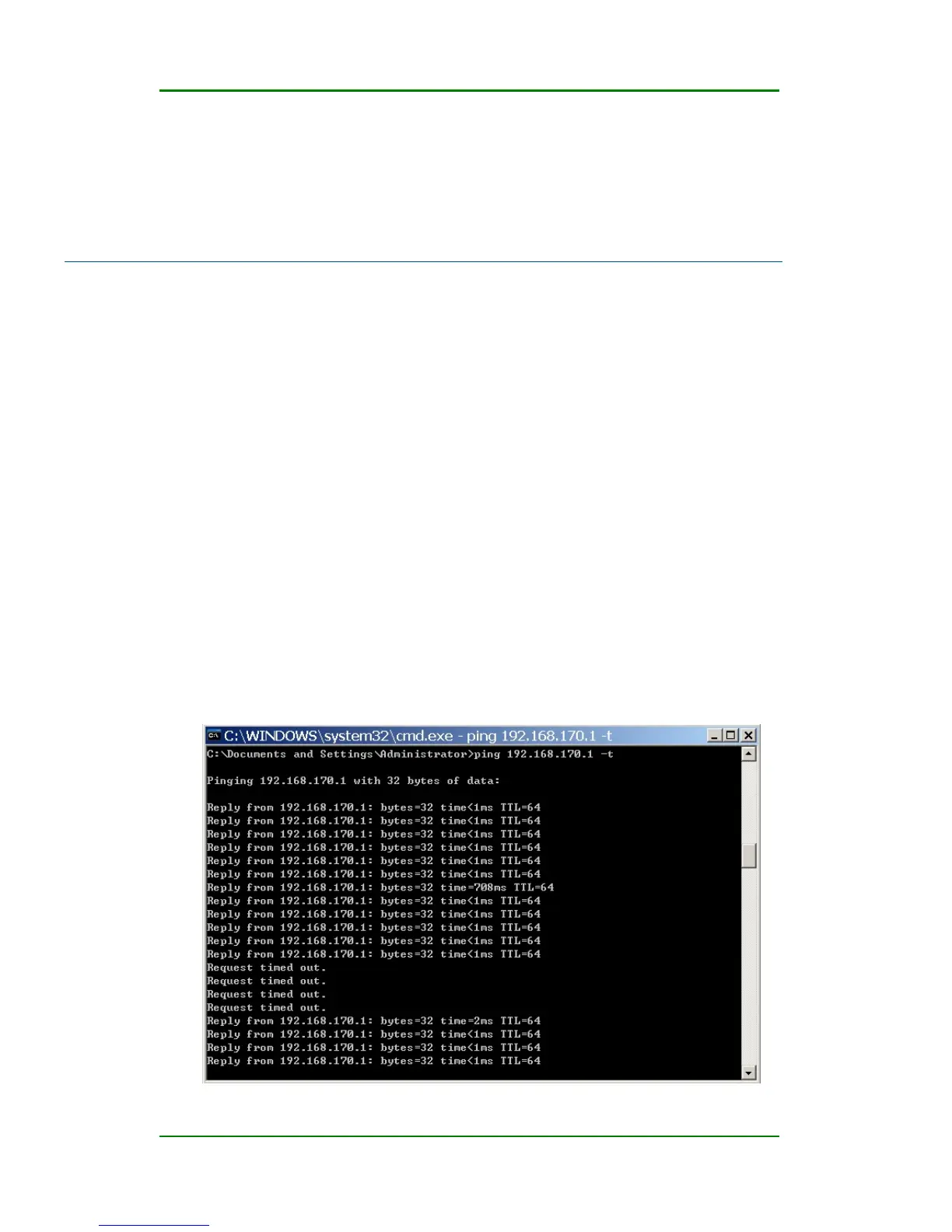
Step 2: Use a sharp object to press the Reset button on the front panel and
release the Reset button until the ping value is changed to a larger value,
as shown in the following figure.



 To Next Page