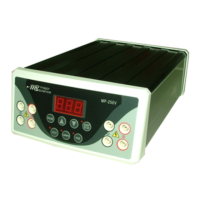
7. Press Key, and then press Key or Key to adjust
timer (minute) upon your request if setting time is required. It will auto stop
when the timer is up.
8. Press Key to start the run. The LED is lit.
9. Press Key to temporarily interrupt the run if necessary. The LED is
lit.
10. Press Key again to stop the unit at any time if necessary.
11. When the run is completed, Press Key to terminate a timed run,
and Turn the AC power OFF by the switch on the rare.



 To Next Page