7
EN
Instructions Guide
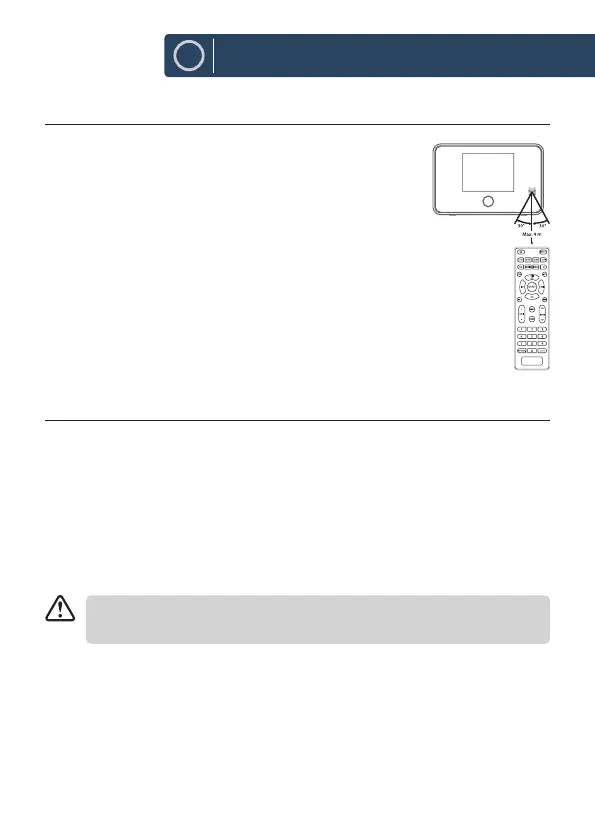
REMOTE CONTROL OPERATION RANGE
The remote control sensor on the front unit is
sensitive to the remote control’s commands up to a
maximum of 4 metres away and within a maximum
of 60° arc.
Note that the operating distance may vary depending
on the brightness of the room.
CONNECTION
1. The audio output (analogue) and optical out (digital) are available on
the back of the unit to connect A/V amplier or HiFi system.
2. Connect the antenna included in the supply to the antenna connection
and unwind it to the desired length.
3. Unwind the mains adapter cable to its full length. Connect the end of
the cable to the DC IN Socket at the rear of the unit and then connect
the mains adapter to the mains socket. Make sure the mains adapter is
rmly inserted into the mains socket. The unit is now ready to use.
Connecting the unit to any other power source may damage the
unit.
4. To switch the unit o completely, unplug the mains adapter from the
mains socket.



 To Next Page