58
Startup and Calibration
The drone needs to calibrate before flight."
Disconnect any USB power or battery."
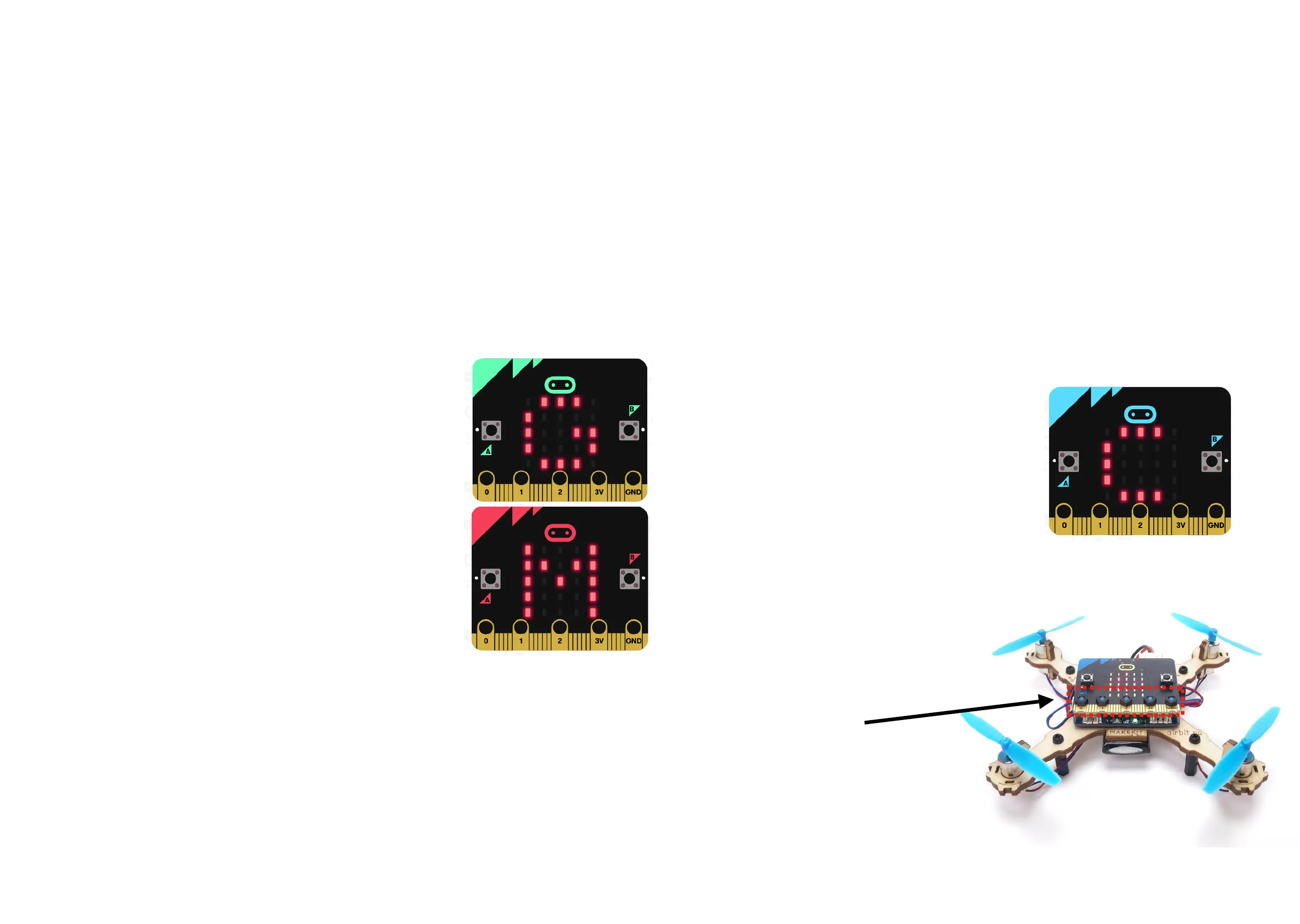
Place the drone on a still, level surface and connect the battery. The drone will check for sensors and
calibrates. "
If you get “no gyro”, check the 5 top screws and reconnect power."
If you get “no pca”, disconnect USB and battery, and connect only battery.
Gyroscope present
Motor driver present
Calibrating:
When calibrating,
the drone needs to
be still, on a level
surface.
If you get “no gyro”,
check /tighten
screws


 To Next Page