59
Flying
Find an open room without obstacles, indoor or outside at a grass field or similar."
Carpets and low ceiling lowers the risk of damaging the drone. Fly low and over soft surfaces."
Keep children under 8 and animals at a safe distance. Even small propellers can hurt!"
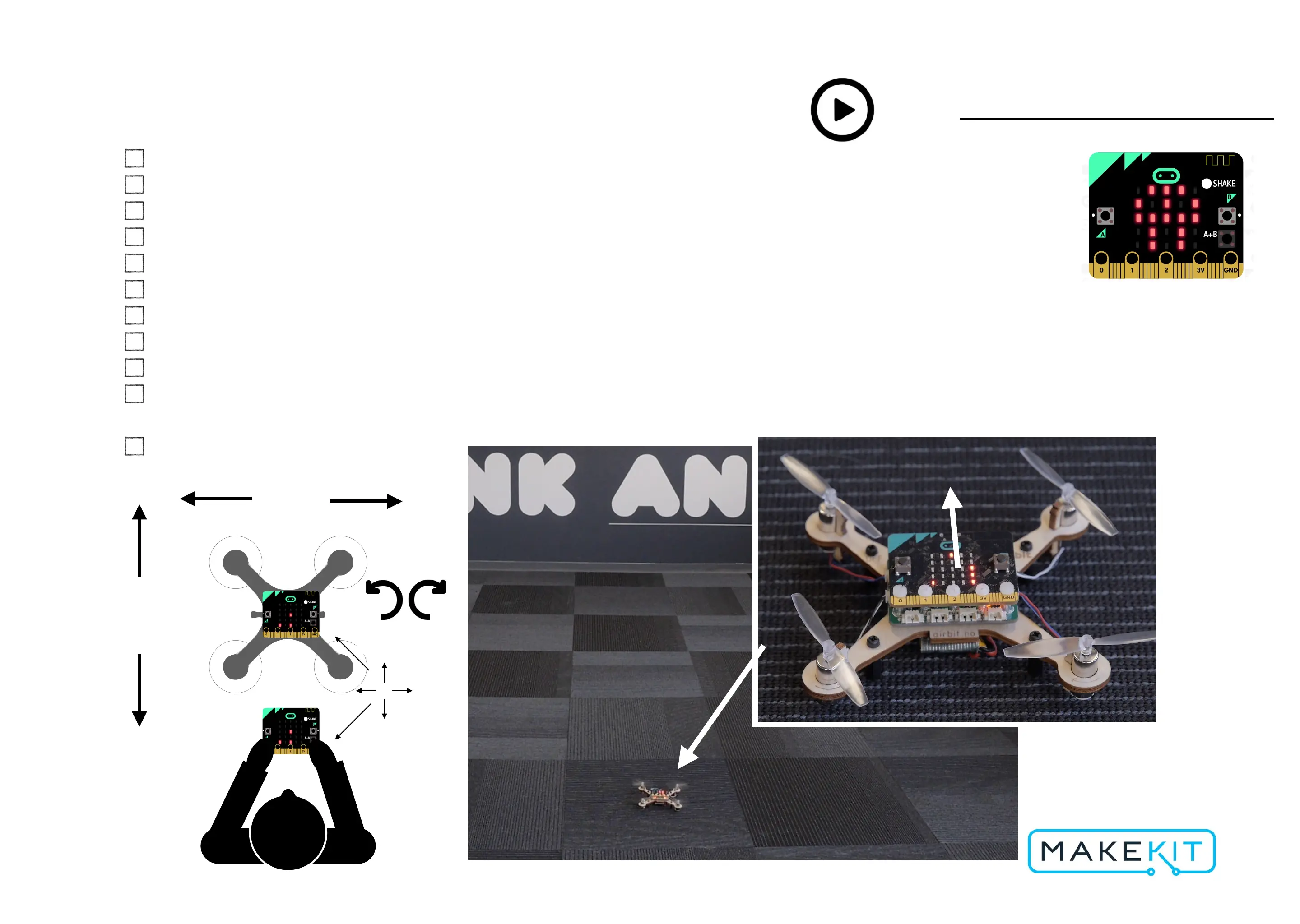
Place the drone in the middle of the space, with the microbit´s “face” towards you."
Start the propellers by pressing A + B simultaneously."
Increase throttle step by step until the drone is hovering 10-30 cm above the ground."
Move the micro:bit transmitter to steer the drones roll and pitch."
As soon as drone starts to climb, lower throttle a bit to maintain altitude."
If you need to emergency stop: shake the remote."
When the battery is empty, the battery icon will blink, then drone will land. Then the battery will
be cut off. Do not fly, disconnect battery or charge."
Follow local drone regulations.
Forward
Video: https://youtu.be/VMF9uehLfg8
Battery empty


 To Next Page
 Loading...