61
Problems?
Can´t start the
motors/propellers
Motor starts, but
can´t lift off
• Is the micro:bit on the drone receiving the
radio signal? The dots on the screen should
move when you move the remote. Check
and re-upload code for transmitter and
receiver. Make sure they are on the same
radio channel. You can try with ready made
code for both transmitter and receiver."
• On the drone, is the control board and the
microbit connected? If the text say “No
Gyro” or “No Motor controller”, the
connection is not stable: thighten the nuts.
Disconnect / reconnect battery. Look for the
letters G and M during startup.
Have you placed the correct propeller on
the right motor? (Page 23)
Are all the motors working and spinning?
Can there be a damaged motor?
Have you placed the drone the proper way
and given enough throttle? You need about
50-60% to lift off. See page 52.
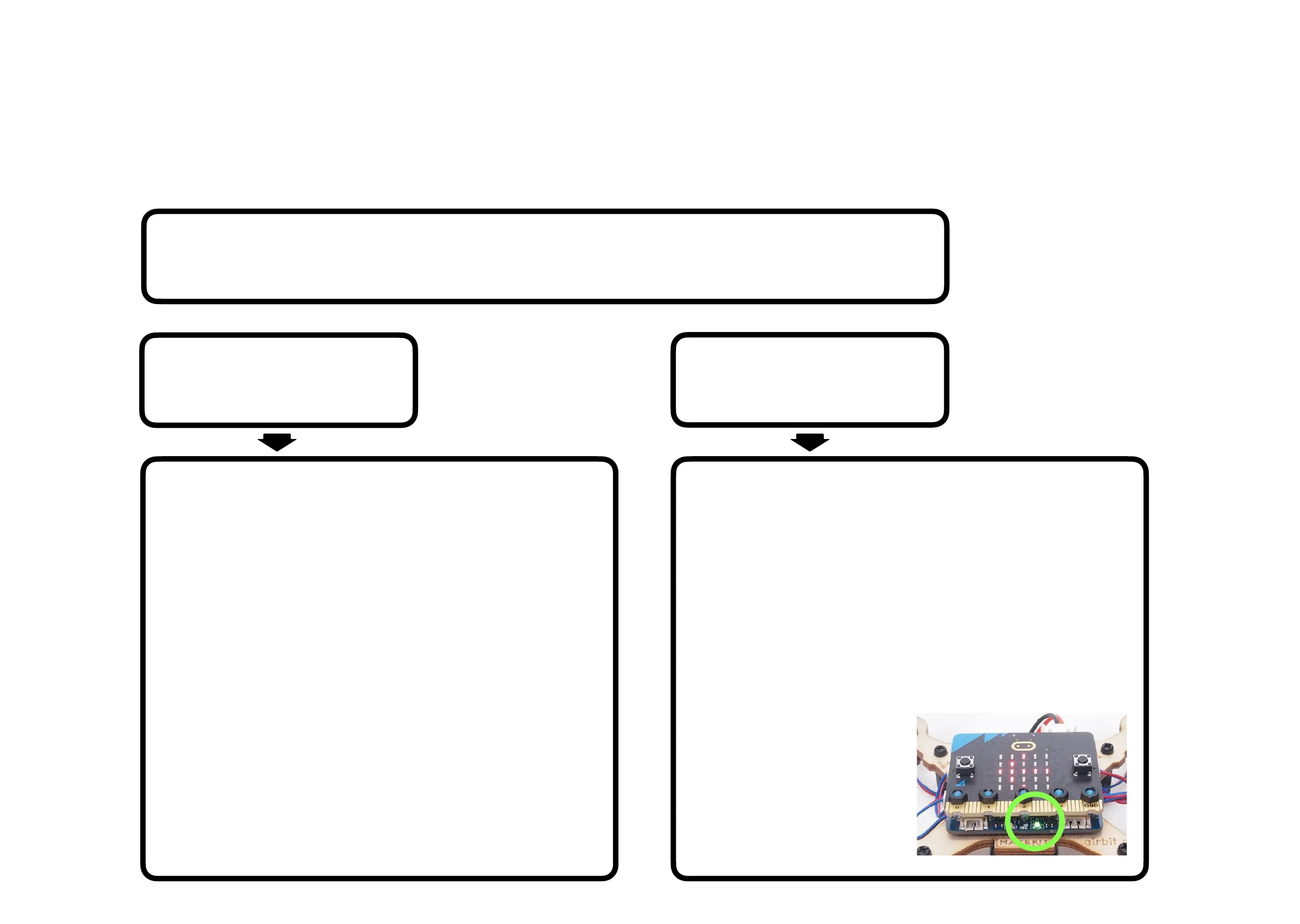
Is the battery charged
and is there a
green light?
Place drone flat on ground, connect battery, wait until “C” (calibrating) is done.
Press A+B on remote and release quickly. Press a couple of times and watch
the propellers closely to see if they starts and stops to spin.


 To Next Page
 Loading...