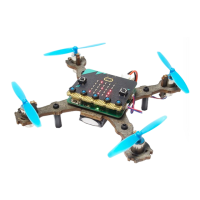
Extra task: Yaw
Yaw
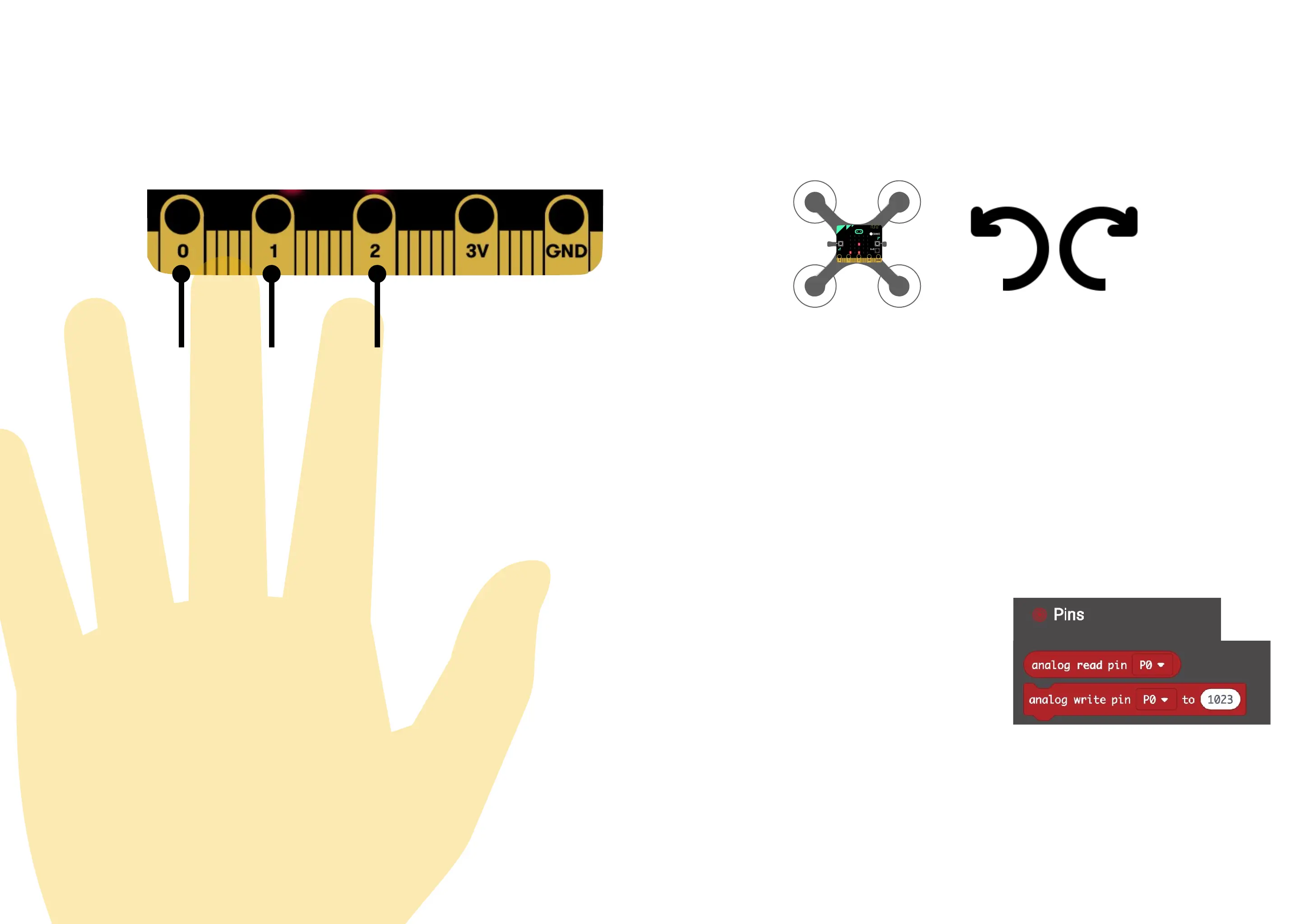
Yaw makes the drone rotate sideways around its center. You can make artificial button
and control the yaw.
• Use analog write to make P1 send out power
• Use analog read to make P0 and P2 read power that is lead trough your fingers
• When nothing is touching P0 and P2, the analog read will be low (around 200)
• When conducting electricity from your fingers, the analog read can be about 800
• Using a treshold on about 500, you can detect a finger press.
• When a press is detected, change the yaw to a negative number for left rotation,and a
positive number for right rotation
• If no button is pressed, the yaw should be 0. The easiest way is to set it to zero before
checking if a button is pressed.
• The micro:bit V2 is slightly different and might require different values.
Fingers can conduct electric current
62
Yaw is a sideways
rotation


 To Next Page
 Loading...