3.2 Unload
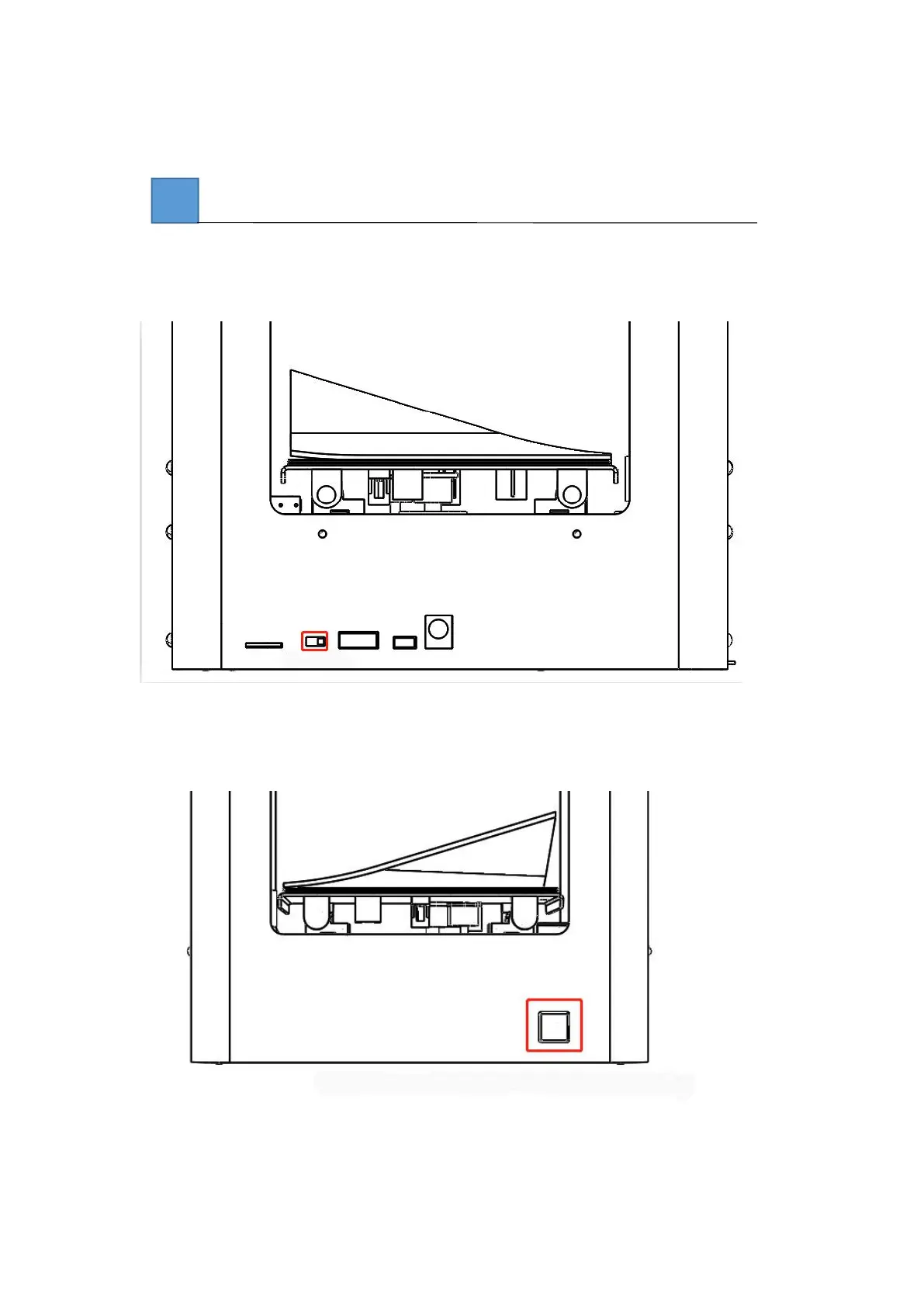
Toggle the switch to the right as the unload (to the left is the load, the right is the unload, the
middle is the stop).
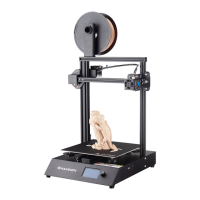
When the red light flickers, the printer nozzle begins to heat, the green light is always on, the
printer nozzle is heated, and the printer begins to unload.


 To Next Page