EasyManua.ls Logo

Makita CL114FD - User Manual

Makita CL114FD
16 pages
Print Icon
To Next Page IconTo Next Page
Loading...
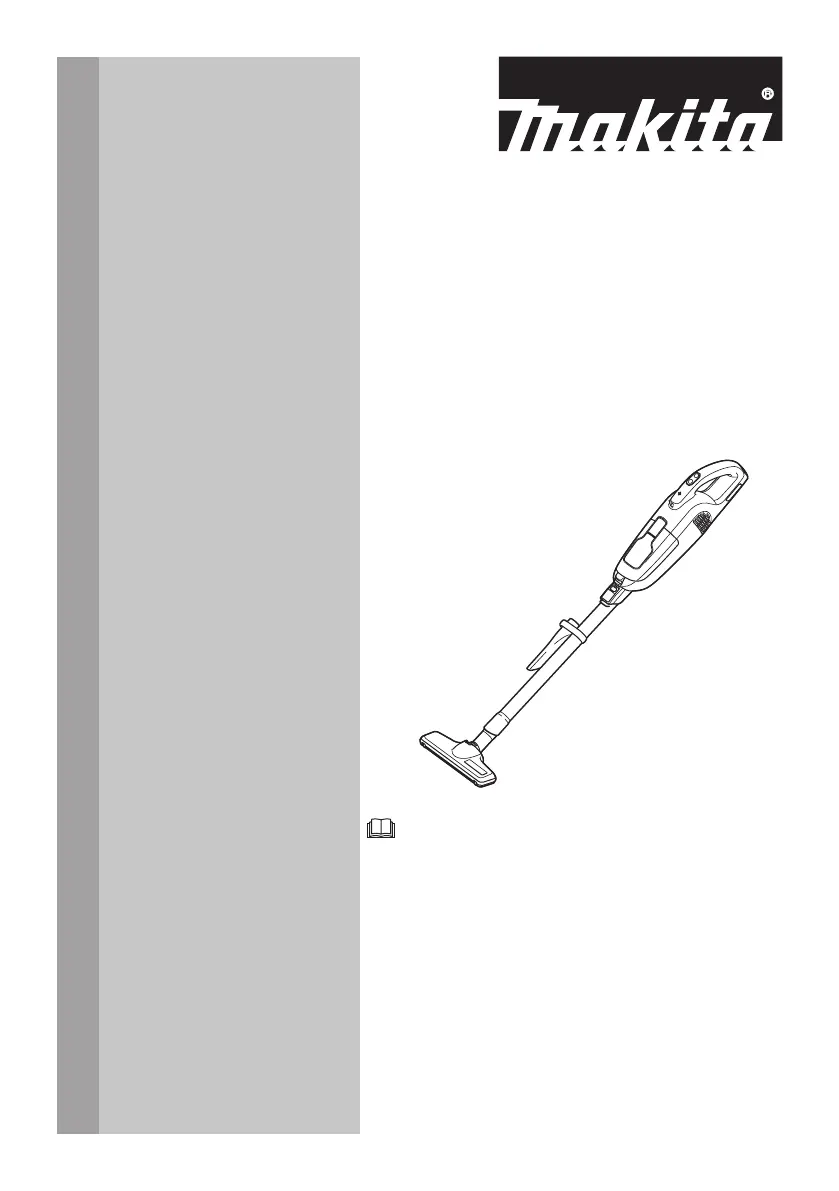
INSTRUCTION MANUAL
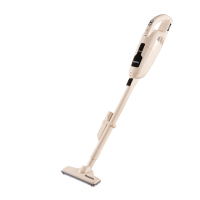
Cordless Cleaner
CL114FD
ENGLISH: Original instructions
Read before use.

Questions and Answers

  • J
    Jeffrey SpencerAug 7, 2025
    Why does my Makita Vacuum Cleaner have weak suction power?
    • C
      Crystal CollierAug 7, 2025
      If your Makita Vacuum Cleaner has weak suction power, it might be due to a few reasons. First, check if the dust bag or paper filter is full and needs emptying. Also, the dust bag might be clogged, in which case you should dust it down or wash it. If the paper filter is clogged, replace it. Finally, ensure the battery cartridge isn't exhausted; if so, charge it.
  • M
    Matthew CampbellAug 14, 2025
    Why does my Makita Ultrasonic Jewelry Cleaner have weak suction?
    • I
      ijenningsAug 14, 2025
      If your Makita Ultrasonic Jewelry Cleaner has weak suction, several factors could be responsible. First, check if the dust bag or paper filter is full; if so, empty it. Second, the dust bag might be clogged; try dusting it down or washing it. Third, a clogged paper filter could be the culprit, in which case you should replace it. Finally, ensure the battery cartridge isn't exhausted by charging it.
  • A
    Anthony BurkeAug 22, 2025
    What to do if my Makita Ultrasonic Jewelry Cleaner is not working?
    • B
      bandradeAug 22, 2025
      If your Makita Ultrasonic Jewelry Cleaner isn't working, the most likely cause is a discharged battery cartridge. Try charging the battery cartridge.
  • P
    Pamela GeorgeAug 30, 2025
    How to close the dust case cover on my Makita Ultrasonic Jewelry Cleaner?
    • T
      Troy LopezAug 30, 2025
      If the dust case cover on your Makita Ultrasonic Jewelry Cleaner won't close, it might be because the dust bag or paper filter isn't properly set. Ensure the dust bag or paper filter is correctly set in place.

Summary

Product Specifications

Applicable Battery Cartridge and Charger

Lists compatible batteries and chargers for the cleaner.

Symbols Explained

Explains the meaning of symbols used in the manual and on the equipment.

Safety Warnings and Instructions

Cordless Cleaner Safety Precautions

General safety precautions for operating the cordless cleaner.

Additional Safety Rules

Further safety guidelines for using the appliance and materials to avoid.

Built-in Battery Safety

Specific safety precautions related to the built-in battery.

Functional Description and Operation

Charging the Built-in Battery

Instructions on how to charge the cleaner's built-in battery correctly.

Battery Power Lamp Indicators

Explains the meaning of the battery power lamp and its states.

Switch Operation and Speed Control

Details on how to turn the cleaner on/off and select speed modes.

Lamp Functionality

Instructions on how to use the built-in lamp during operation.

Assembly and Installation

Dust Bag and Paper Filter Installation

Guidance on installing dust containment components.

Installing the Dust Bag

Step-by-step instructions for fitting the dust bag correctly.

Installing the Paper Filter

Step-by-step instructions for fitting the paper filter correctly.

Product Operation and Cleaning

Cleaner Attachment Installation

Instructions for attaching and detaching accessories to the cleaner.

Using Attachments with Lock Function

How to connect and disconnect attachments with a lock mechanism.

Cleaning with Nozzle Attachments

Guides on using different nozzle types for cleaning surfaces.

Using Attachments without Lock Function

How to connect and disconnect attachments without a lock.

Corner Nozzle and Extension Wand Assembly

Combining corner nozzle and extension wand for hard-to-reach areas.

Cleaning Without Nozzle

How to use the cleaner without any nozzle attached.

Disposing of Dust

Procedures for safely emptying the dust container.

Cleaner Body Cleaning

How to clean the exterior of the cleaner body.

Dust Stopper Cleaning

Instructions for cleaning the dust stopper.

Dust Bag Cleaning and Maintenance

How to wash and dry the dust bag for reuse.

Sponge Filter Removal and Installation

Steps for removing, cleaning, and reinstalling the sponge filter.

Maintenance and Troubleshooting

Performing Maintenance and Repairs

Guidelines on maintenance, repairs, and authorized service centers.

Storing the Cleaner

Recommendations for storing the cleaner after use.

Nozzle Cleaning

Method for cleaning the nozzle brush.

Wall Mount Installation

Instructions for mounting the cleaner on a wall mount accessory.

Common Troubleshooting Guide

A guide to diagnose and fix common issues with the cleaner.

Battery Management and Disposal

Removing Built-in Battery

Step-by-step guide to safely remove the built-in battery.

Installing Replacement Battery

Instructions for replacing the battery unit.

Optional Accessories

Makita CL114FD Specifications

General IconGeneral
ModelCL114FD
Suction Power30 W
Battery TypeLithium-ion
Power SourceBattery
TypeCordless Vacuum Cleaner
Weight1.1 kg
Included Accessoriesbrush nozzle

Related product manuals