INSTALLATION
VARIGATE 4+ MANUAL V.1
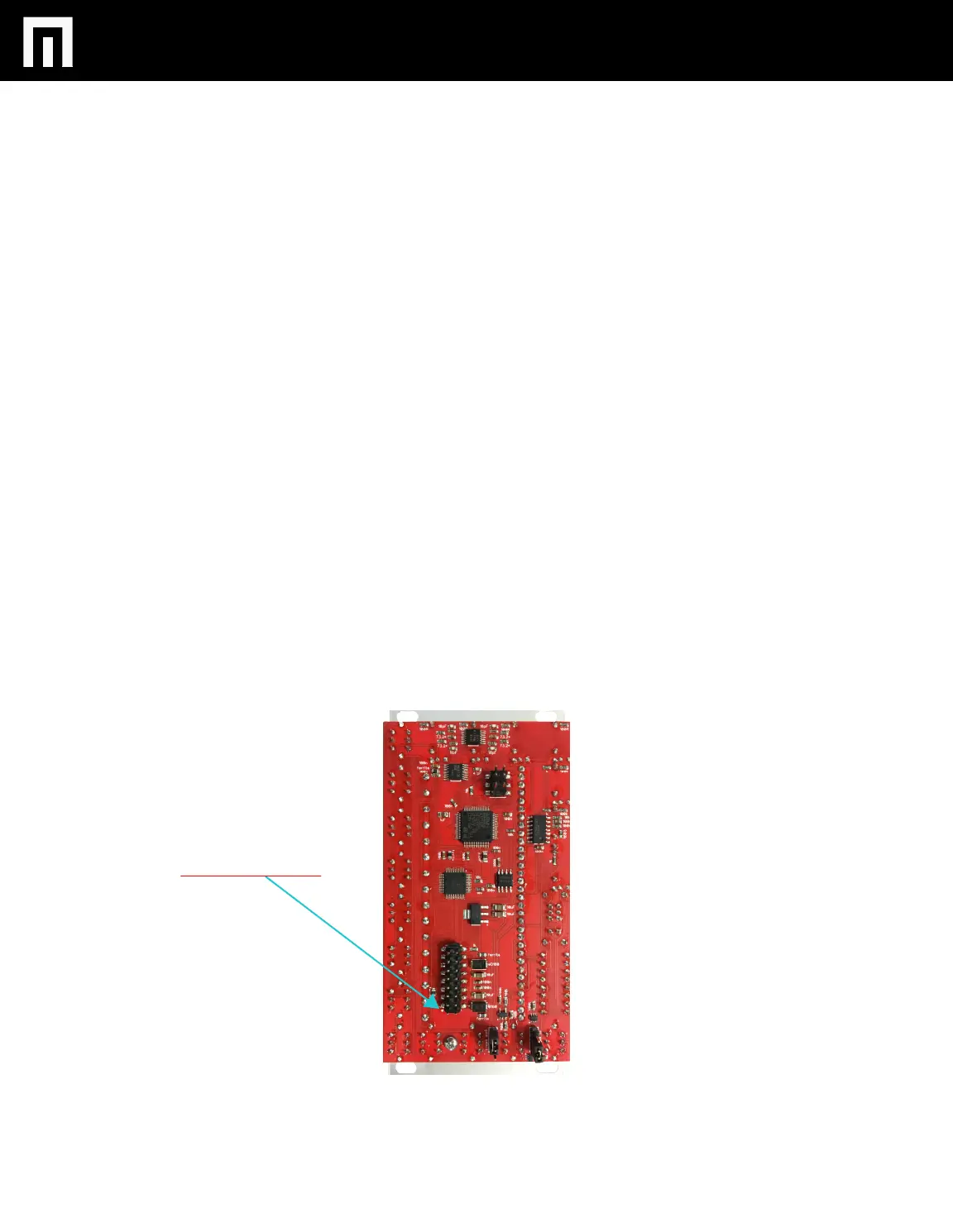
RED STRIPE DOWN
Remove module from packaging.
Power down your modular synthesizer and disconnect the power cable from the
wall outlet.
Attach the included power cable to the module’s power connector and connect
the other end to the power distribution bus in your EuroRack synthesizer case.
Position the red stripe DOWN on your Varigate 4+.
Position the module on the mounting rails in your EuroRack case and screw
down mounting screws. Power up! If your case does not turn on properly then
you have installed the module incorrectly. Simply power down and make sure to
follow the diagram when reconnecting the module.
PG. 2


 To Next Page