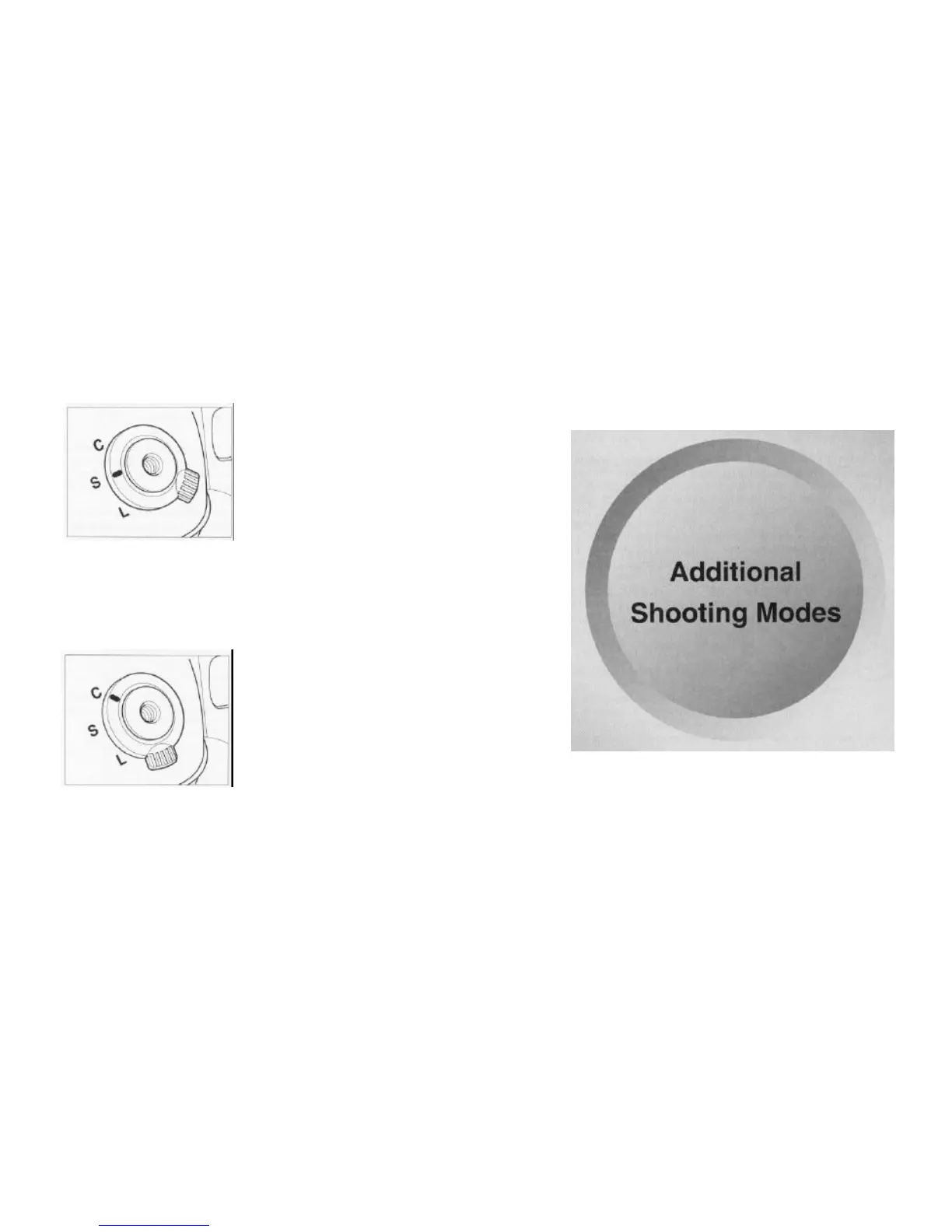
Single-Frame Mode/Continuous Mode
The film is advanced one frame at a time each time the shutter release button is pressed.
Set the shutter release mode selector lever to
"
Photographs are taken continuously as long as the shutter release button is pressed.
Set the shutter release mode selector lever to
"C". Photographs are taken continuously at a
rate of about 1.2 frames per second.
If you reach the end of the film when shooting in
the continuous mode, "End" flashes on the
The mode setting button can be used to set three modes: the
auto bracketing mode, the multiple exposure mode and the self
timer mode.
NOTE: Each of these modes can be used independently. You
cannot use these modes simultaneously.



 To Next Page