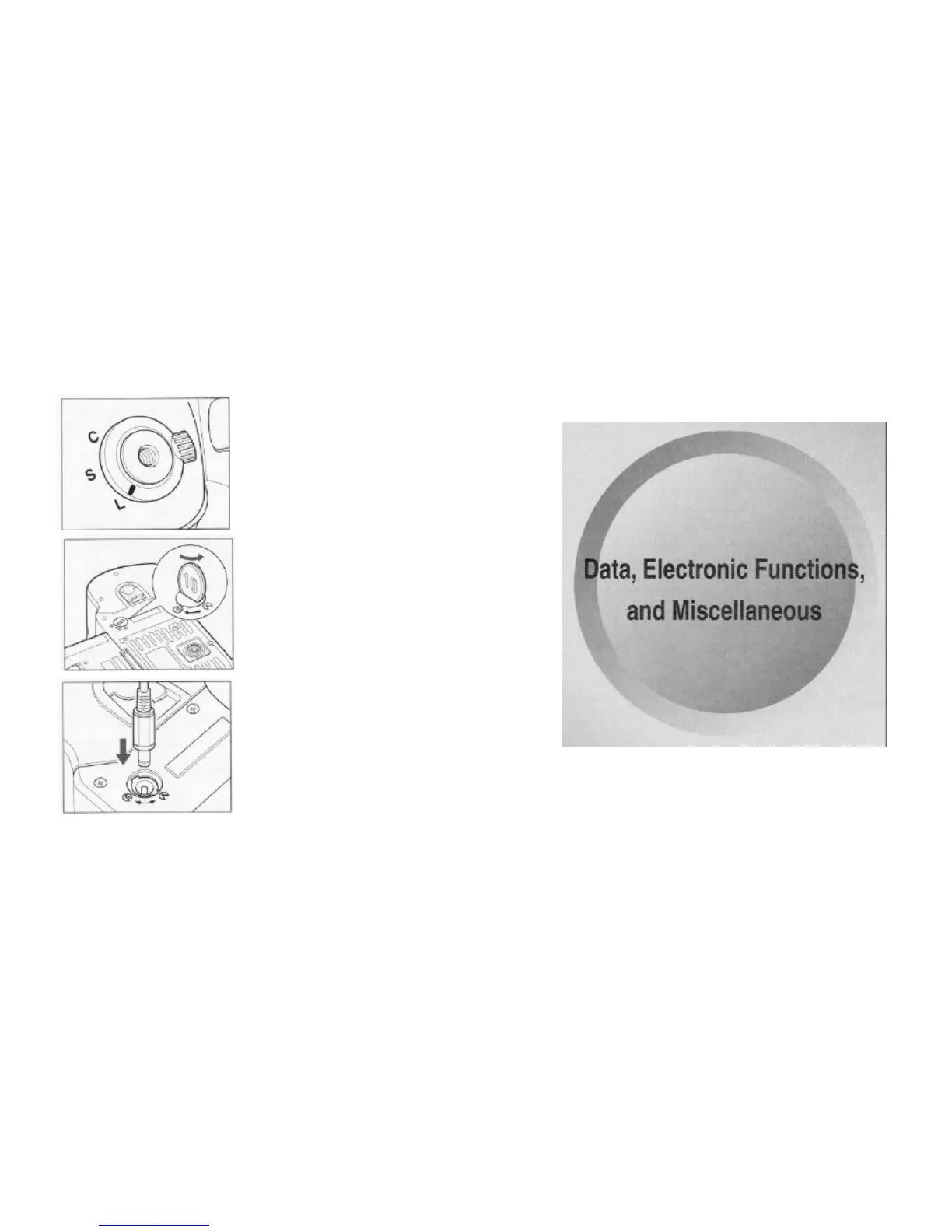
When using an external battery case for cold weather operation (sold seperately),
connect it to the external power socket.
1. Set the shutter mode selector lever to "L".
2. Remove the cap.
Use a coin, etc., to remove the external power
socket's cap.
3. Remove the batteries from the camera's bat-
tery case.
Turn the battery case detach lever, remove the
battery case, remove the batteries, then re-insert
the battery case into the body and lock the bat-
4. Connect the power cord from the external
battery case to the external power socket.
*Be sure to attach the battery case to the body.
*The camera will operate even if the batteries are not removed from the battery
case, but remove them for the safety of the camera's body.



 To Next Page