camel
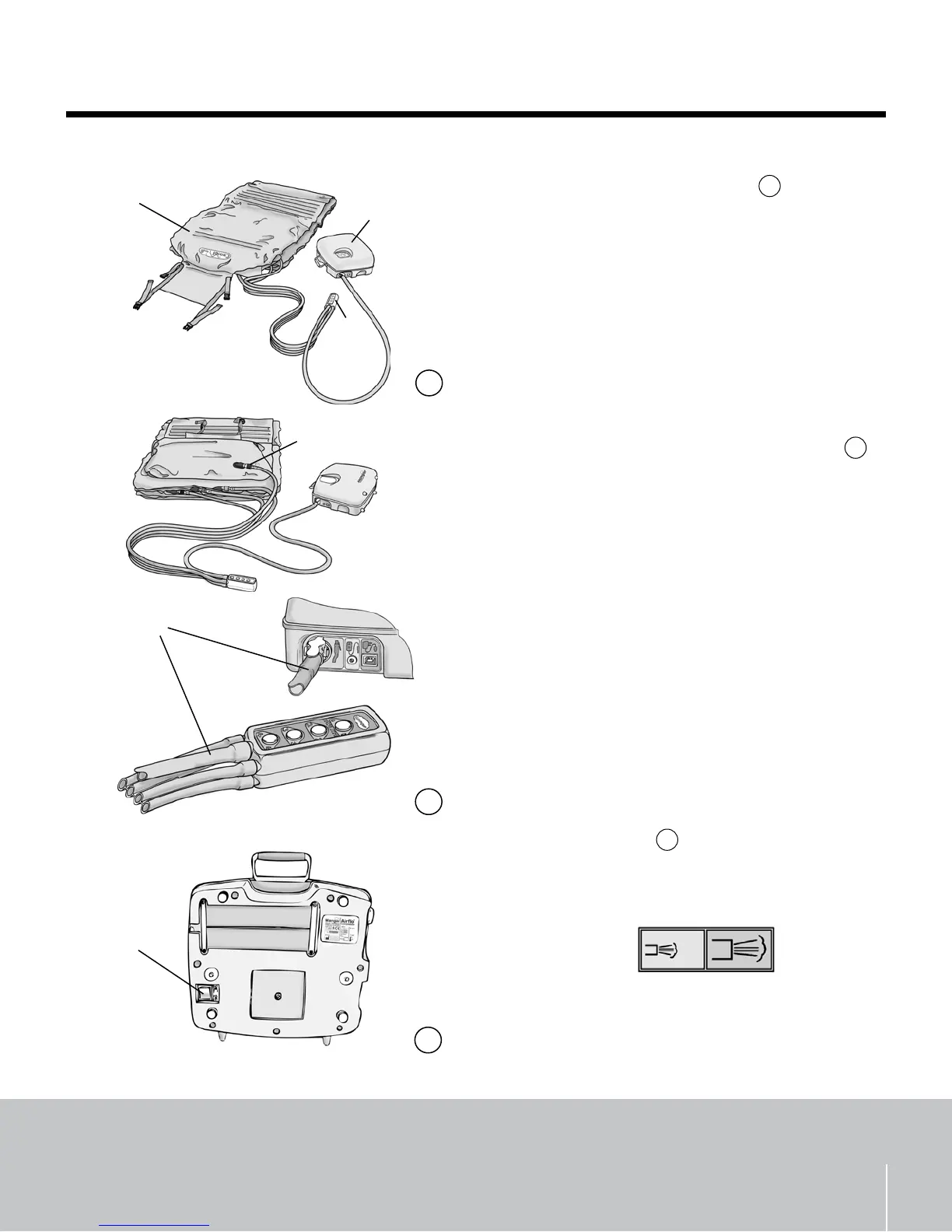
Standard Package Contents - g.
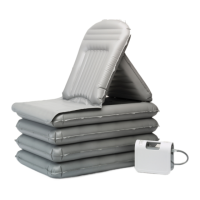
1 x CAMEL (A) including carrying bag (not shown)
1 x CAMEL Hand Control (B)
2 x Airo Compressors (C) with user instructions
1 x Slide Sheet (not shown)
1 x Transfer Belt (not shown)
Connecting the Hand Control and Airo - g.
Remove the CAMEL from the carrying bag, •
unfasten the straps and unroll.
Connect the four hoses (• A) from the Hand Control
to the corresponding numbered and colored
connectors on the CAMEL.
Connect the hose (• B) from the Hand Control to the
Airo compressor.
Position the Airo compressor so that it will not be •
in the way while positioning the patient. Ensure
that the hoses are not kinked.
Extra Air Flow - g.
Select the ‘High’ Air Flow using the switch on the •
underside of the Airo compressor (D).
WARNING: DO NOT operate the Normal/High air ow
switch while the compressor is running.
3
freedom through lightweight solutions
ME0074 issue 2
2
B
A
3
A
B
C
1
Normal
High
D
1
2
3


 To Next Page