3. Click on the scanned Bluetooth name of the
smartwatch you want to connect to (note:
The Bluetooth name can be checked on the
shutdown screen)
4. Confirm a successful connection.
Unpairing the app:
1. In the app menu, click the “settings” option
to enter the settings interface.
2. Click on the “Remove device” at the bottom
of the interface to unbind the smartwatch.
O INTERFACE THEME SELECTION
To choose the interface theme, use one of the
following methods:
Method 1: Press and hold the touch button for 3
seconds on the main interface to select the theme.
There are 3 themes to choose from.
Method 2: In the system interface, find the theme
mode, long press to switch the theme interface.
MAIN FUNCTION DESCRIPTION
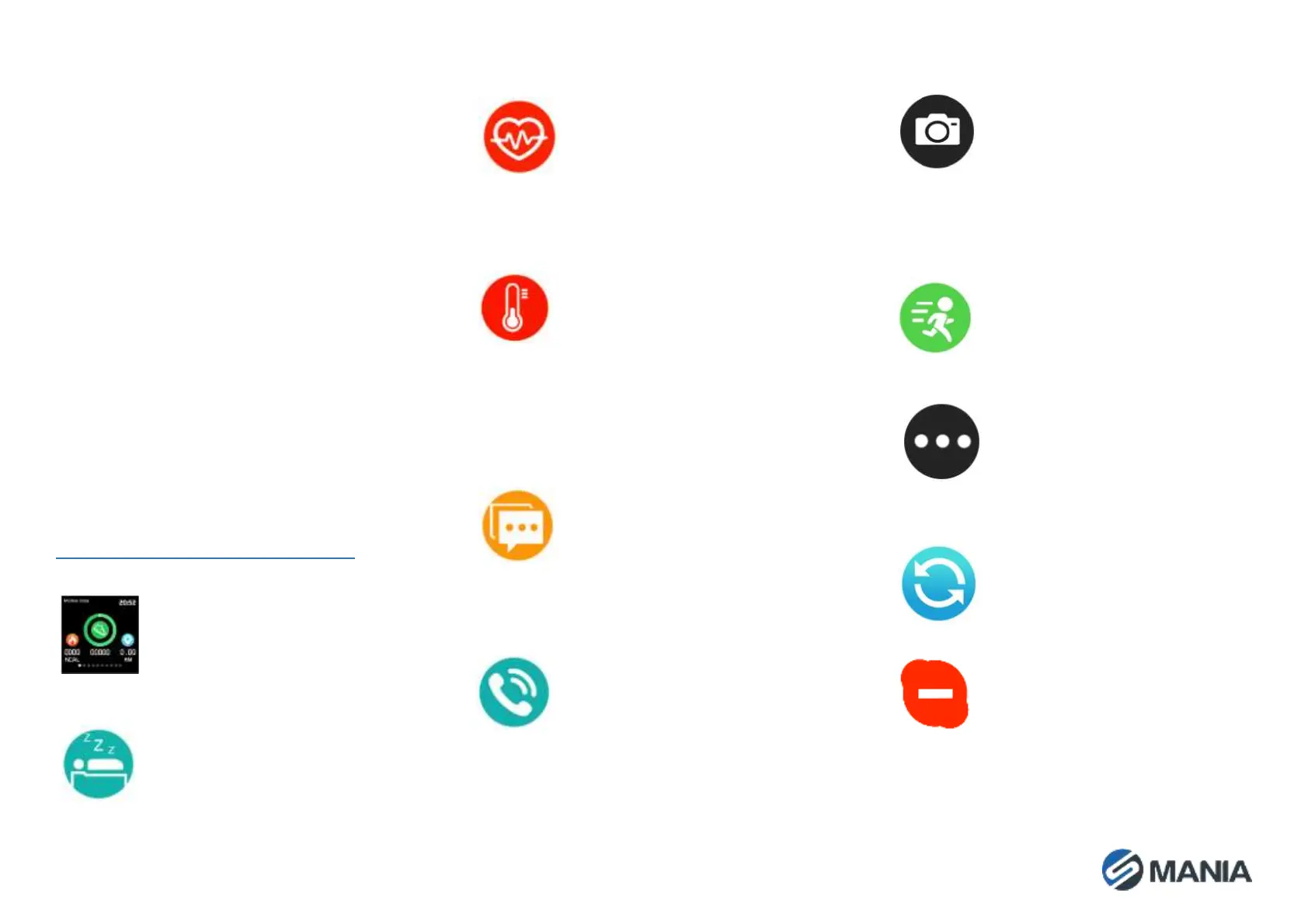
Sports data
The smartwatch records daily
mileage information, calories
burned, walking steps, and uploads
to them to the app.
Sleep
At night the smartwatch monitors
the quality of sleep in real-time and
displays the length of sleep. You can
check the details of sleep quality in
the app for a long time.
Heart rate
Long press the heart rate interface
to measure the heart rate, wait for
the end of the measurement to
display the heart rate value, and
upload it to the app for further
analysis.
Blood pressure
Long press the blood pressure
interface to measure blood
pressure, wait for the end of the
measurment to display the blood
pressure value (systolic pressure/
diastolic blood pressure), and
upload it to the app for further
analysis.
Messages
After the message push function is
enabled in the app, the smartwatch
can receive pushed messages from
the mobile phone in real-time,
and the smartwatch can store the
last three message records.
Call reminder
After the call reminder function is
enabled in the app, the smartwatch
will vibrate to alert you of an
incoming call
Camera control
After turning on the camera control
function in the app, and turning on
the relevant permissions, you can
remotely take a photo by long-
pressing the camera control
interface.
Sport mode
Long press to enter the sport mode.
Long press for 3 seconds to enter
the chosen sport mode.
Settings menu
Long press this interface to enter
the additional function selections
interface, including brightness
adjustment, silent mode, factory
reset, shutdown operation, etc.
Reset
Press and hold this interface to
restore the smartwatch to its
factory settings.
Do not disturb mode
Press and hold this interface to turn
on/off the “Do not disturb” feature.


 To Next Page
 Loading...