English
6
CONTROLS, CONNECTIONS
AND INDICATORS
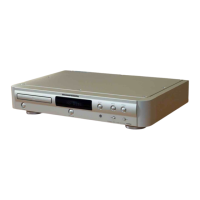
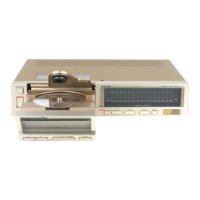
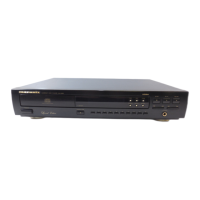
Please read the following instructions referring to the illustration on page
122.
FRONT
zz
zz
z POWER switch
Press to switch power ON, and press again to switch OFF.
xx
xx
x DISC TRAY
Place a disc with the label side up.
cc
cc
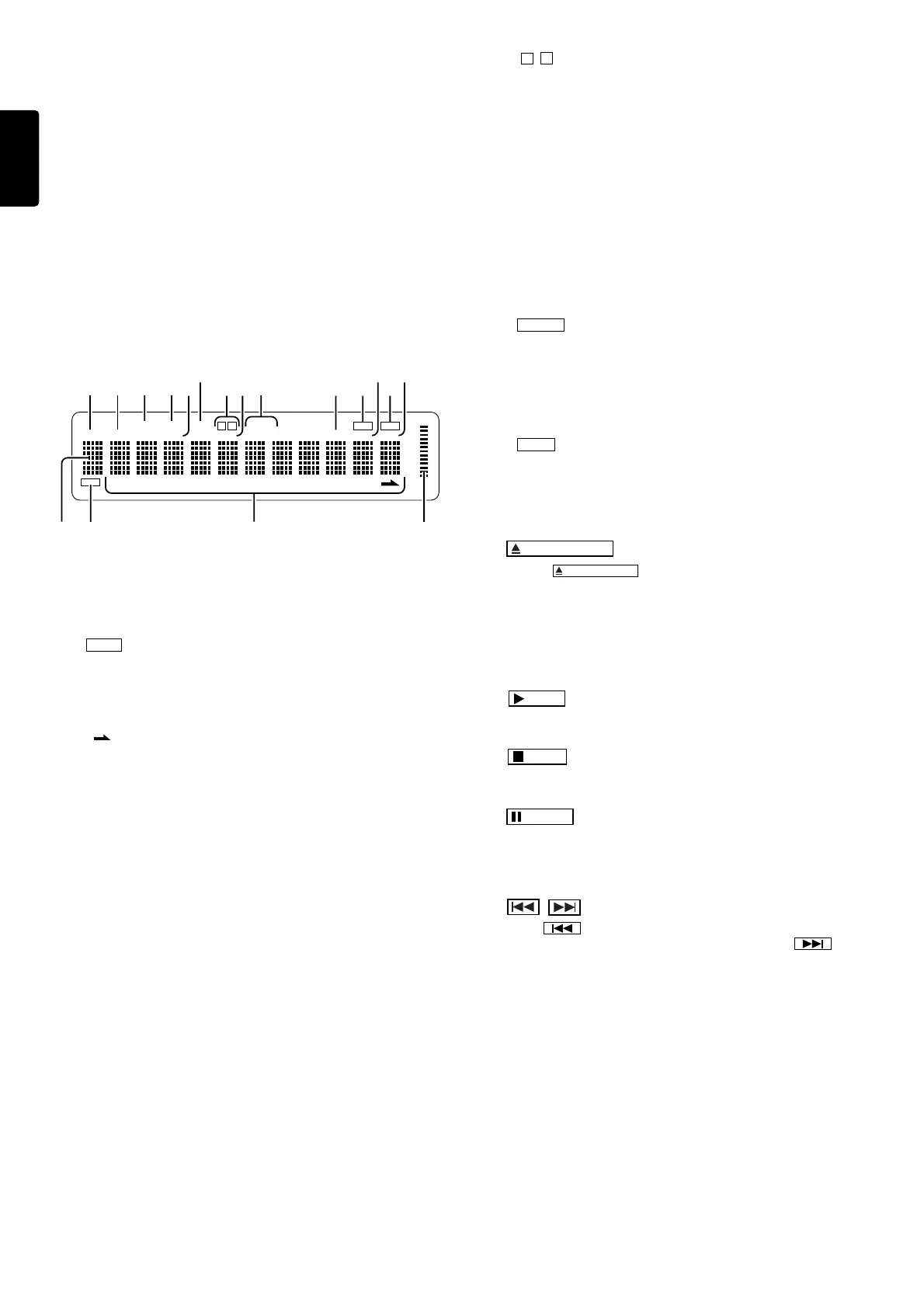
c Display
Shows information such as the power ON/OFF state, track number,
playing time and current operation mode.
qq
qq
q TIME/TEXT information
Shows the time information when an ordinary music CD is played,
and shows the text information when a CD-TEXT compatible disc
is played.
ww
ww
w TEXT CD-TEXT indicator
Lights up when a CD-TEXT compatible disc is loaded.
ee
ee
e Track number indicator
When a disc is placed on the tray and the tray is closed, the TOC*
is read and the numbers of all the tracks on the disc are displayed
“ ” lights up if there are more than 20 tracks on the disc. In
program mode only the track numbers of the programmed tracks
light up.
The track numbers go out in turn as each track finishes playing.
* TOC is the disc’s “Table Of Contents” and contains non-audio
data such as the track numbers and playing times of all the tracks
on the disc.
rr
rr
r Output level indicator
Shows the analog output level as a relative reference.
tt
tt
t DISC indicator
Blinks during TOC readout.
yy
yy
y TOTAL indicator
Lights up when the total number of tracks in a disc is displayed.
uu
uu
u RNDM (Random) indicator
Lights up in the random play mode.
ii
ii
i PROG (Program) indicator
Lights up in the programming or delete programming mode.
oo
oo
o TRACK indicator
Lights up when the track number being played is displayed.
!0!0
!0!0
!0 EDIT indicator
Lights up when the player is in edit mode.
!1!1
!1!1
!1
A
/
B
indicators
Both indicators light up in the A-B repeat mode or one of them
lights up during playback of tape side A or B in the edit mode.
!2!2
!2!2
!2 INDEX indicator
Lights up when the index number being played is displayed.
!3!3
!3!3
!3 RPT (Repeat) indicators
RPT: Lights up during all-track repeat mode, which plays all the
tracks on the disc repeatedly. Also lights up during program
repeat mode, which plays all the programmed tracks repeatedly.
RPT 1: Lights up during 1-track repeat mode, which repeatedly
plays a single track repeatedly.
!4!4
!4!4
!4 PEAK indicator
Lights up during peak search, and flashes during playback of the
peak.
!5!5
!5!5
!5 PAUSE indicator
Light up in the pause mode.
!6!6
!6!6
!6 TOTAL indicator
Indicates the remaining playing thme of the entire disc. In program
mode, this indicator shows the remaining playing of the current
program.
!7!7
!7!7
!7 PLAY indicator
Light up during CD playback.
!8!8
!8!8
!8 TIME indicator
Lights up in the time display mode.
vv
vv
v
OPEN/CLOSE
button
Pressing the
OPEN/CLOSE
button opens the disc tray. Place a compact
disc on the tray with the label side facing up. Gently press the front of the
disc tray to close.
bb
bb
b REMOTE SENSOR
This window receives signals transmitted from the remote control unit.
nn
nn
n
PLAY
button
Press to start playback.
mm
mm
m
STOP
button
Press to stop playback. This button is also used for deleting a program.
,,
,,
,
PAUSE
button
Press to interrupt playback temporarily. The indicator lights up during
pause. When pressed again, the indicator goes out and playback
resumes from the same position.
..
..
. , (Track Previous/Next) buttons
When the button is pressed during playback, play re-starts at
the beginning of the current or a previous track. When the button
is pressed, play re-starts at the beginning of the next or a subsequent
track. The same number of tracks as the number of times the button is
pressed can be skipped.
The selected track number is shown on the display.
These buttons can also be used to select a desired track from which to
start playback.
These buttons are also used in program mode to select tracks for
programming.
TEXT
1 2 3 4 5 6 7 8 9 10 1112 1314 1516 1718 1920
DISC TOTAL TRACK INDEX
A
B
EDITPROGRNDM
PEAK TOTAL TIME
PLAY
PAUSE
RPT 1
q
t
yui
o!1
!2 !4 !5 !7!3
!0 !6 !8
we r



 To Next Page