5
Use Cursor Up/Down buttons to select the “Play Now”
or “Play Now & Replace Queue”, then press ENTER.
Playback starts.
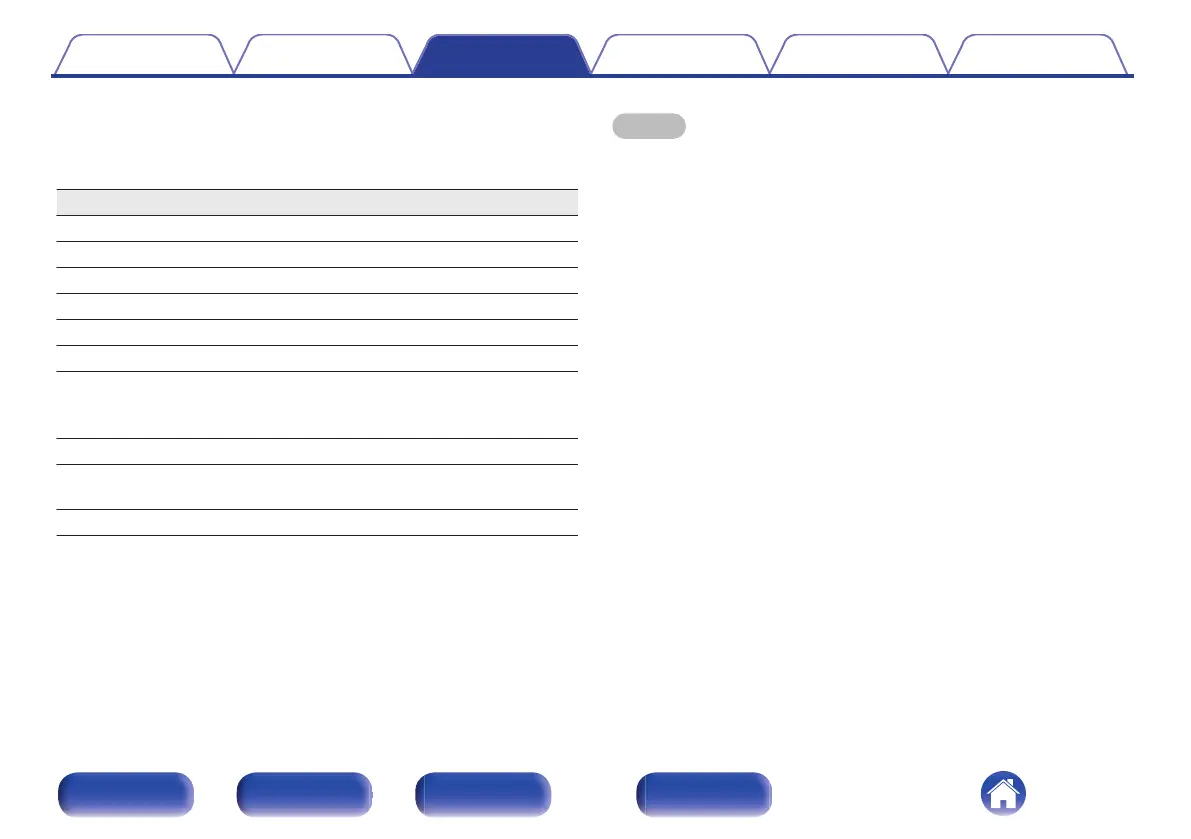
Operation buttons Function
p
Playback / Pause
i
Stop
k j
Skip to previous track / Skip to next track
Cursor Up/Down Select the item
ENTER Enter the selected item
BACK Moving up a level in the hierarchy
REPEAT r
Repeat playback
0
Switching between Single-track repeat
and All-track repeat
RANDOM s
Random playback
INFO
Switching the song name - artist name,
album name and file format
QUEUE This displays the queue
NOTE
0
When playing back music files with your PC or NAS connected through wireless
LAN, audio may be interrupted depending on your wireless LAN environment. In
this case, connect using a wired LAN.
0
The order in which the tracks/files are displayed depends on the server
specifications. If the tracks/files are not displayed in alphabetical order due to the
server specifications, searching by the first letter may not work properly.
Contents Connections Playback Settings Tips Appendix
43
Front panel Rear panel
Remote control
unit
Index



 To Next Page