Menu map
For menu operations, see the following page.
By default, this unit has recommended settings defined. You can customize this unit based on your existing system and your preferences.
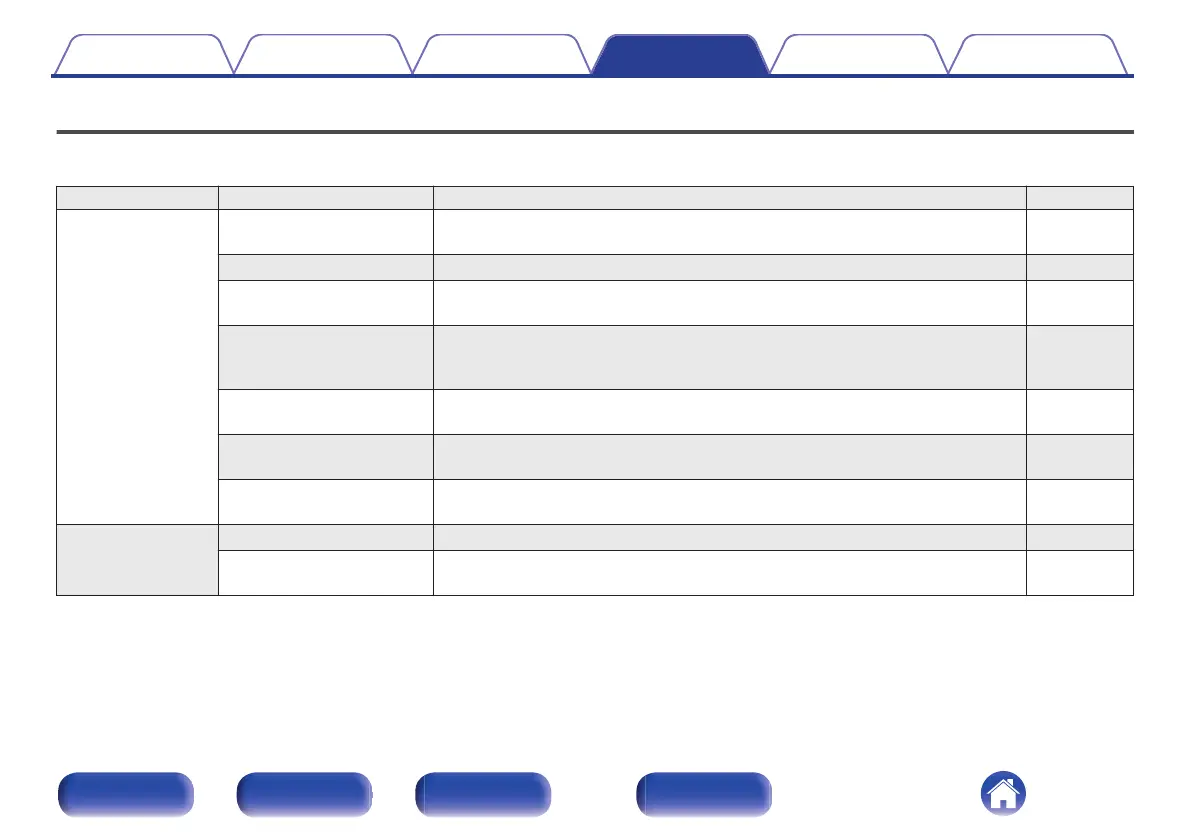
Setting items Detailed items Description Page
Audio Filter This unit is equipped with a sound quality adjusting function which allows users to
enjoy the desired playback sound quality.
97
Lock Range Narrowing down the “Lock Range” setting reduces jittering, providing clearer sound. 97
Line Out Level Set according to the terminal (VARIABLE or FIXED) where the amplifier is
connected.
98
Variable Out You can stop the circuit that outputs audio from the analog audio output terminals
(VARIABLE) of this unit. This prevents the audio signal output from the analog
audio output terminals (FIXED) from being affected.
98
Volume Limit Make a setting for maximum volume. The volume cannot be increased above this
setting.
99
Digital Out Stopping digital audio output reduces a source of noise that affects sound quality,
enabling higher sound quality playback.
99
H/P Amplifier Gain Set the gain of the headphone amplifier. By setting according to the impedance of
your headphone, you can enjoy playing headphones at an appropriate volume.
100
TV TV Input Set this when playing audio from a TV on this unit. 101
HDMI Power Off Control Set the “HDMI Power Off Control” function that is keyed to the power off operation
of your TV to turn the device’s power to standby.
102
Contents Connections Playback Settings Tips Appendix
91
Front panel Rear panel
Remote control
unit
Index



 To Next Page