o
Installing the dedicated driver
(Windows OS only)
n
Installing the driver software
1
Disconnect the USB cable between your PC and the
unit.
0
The driver software cannot be installed correctly if your PC is
connected to the unit by a USB cable.
0
If the unit and your computer are connected by a USB cable and
the computer is switched on before installation, disconnect the
USB and restart the computer.
2
Download the dedicated driver from the “Download”
section of the CD 50n page of the Marantz website onto
your PC.
3
Unzip the downloaded file, and double-click the exe
file.
4
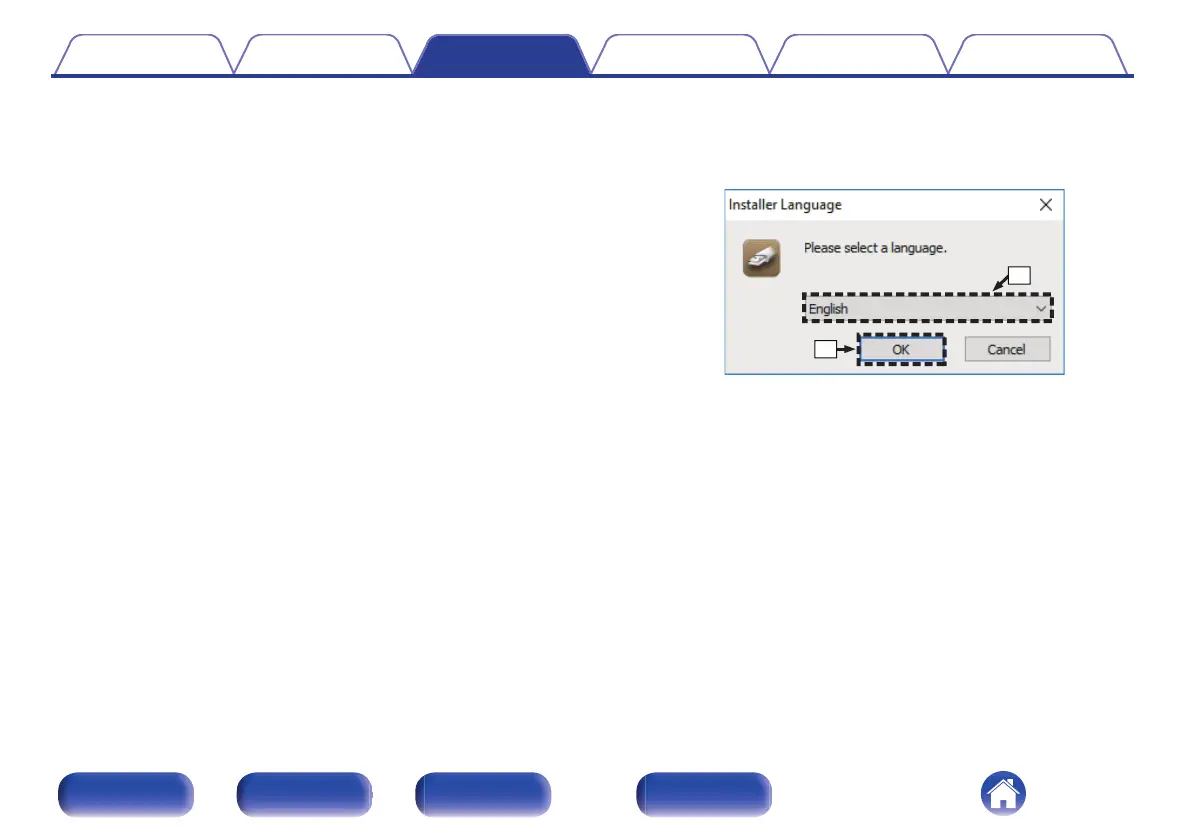
Install the driver.
A
Select the language to use for the installation.
B
Click “OK”.
Contents Connections Playback Settings Tips Appendix
74
Front panel Rear panel
Remote control
unit
Index



 To Next Page