Inputting characters
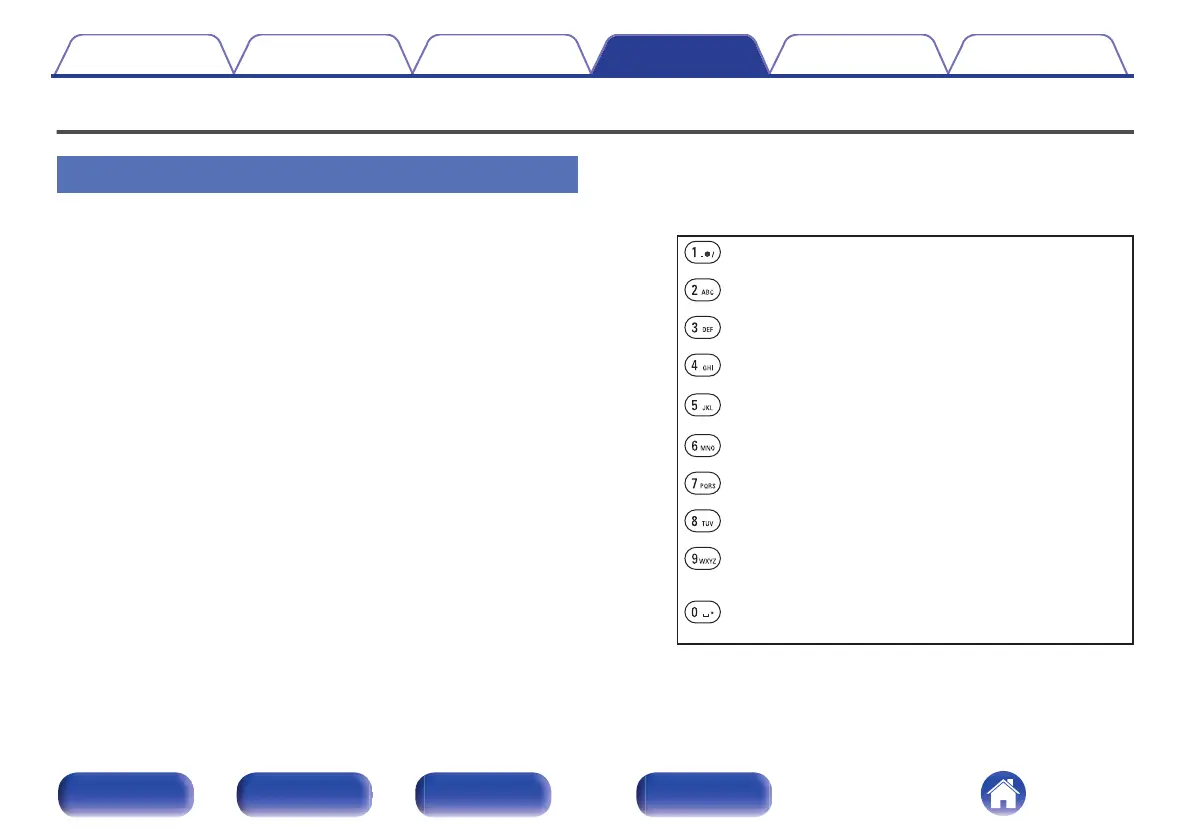
Using the number buttons
1
Display the screen for inputting characters.
0
To change a character, use Cursor Left/Right buttons to align the
cursor with the character that you want to change.
2
Press a/A to select the character type (upper case,
lower case, characters with diacritical marks or
numeric characters).
3
Use 0 – 9 until the desired character is displayed.
0
The types of characters that can be input are as shown in the
following table.
1 . @ - _ / :
m n o M N O 6 ñ ö ò ó ô õ ø Ñ Ö Ò Ó Ô Õ Ø
a b c A B C 2 ä à á â ã å æ ć ç č Ä À Á Â Ã Å Æ Ć Ç Č
p q r s P Q R S 7 ß ŕ ř ś ş š ß Ŕ Ř Ś Ş Š
d e f D E F 3 ð ë è é ê Ð Ë È É Ê
t u v T U V 8 ü ù ú û Ü Ù Ú Û
g h i G H I 4 ï ì í î Ï Ì Í Î
w x y z W X Y Z 9 ý ź ž þ Ý Ź Ž Þ
j k l J K L 5
0
{ | } ¡ ¢ £ ¤ § © « ¯ ° ± » ¿
! “ # $ % & ‘ ( ) z
+ , ; < = > ? [ \ ] ^ `
(Space)
Contents Connections Playback Settings Tips Appendix
94
Front panel Rear panel
Remote control
unit
Index



 To Next Page