N
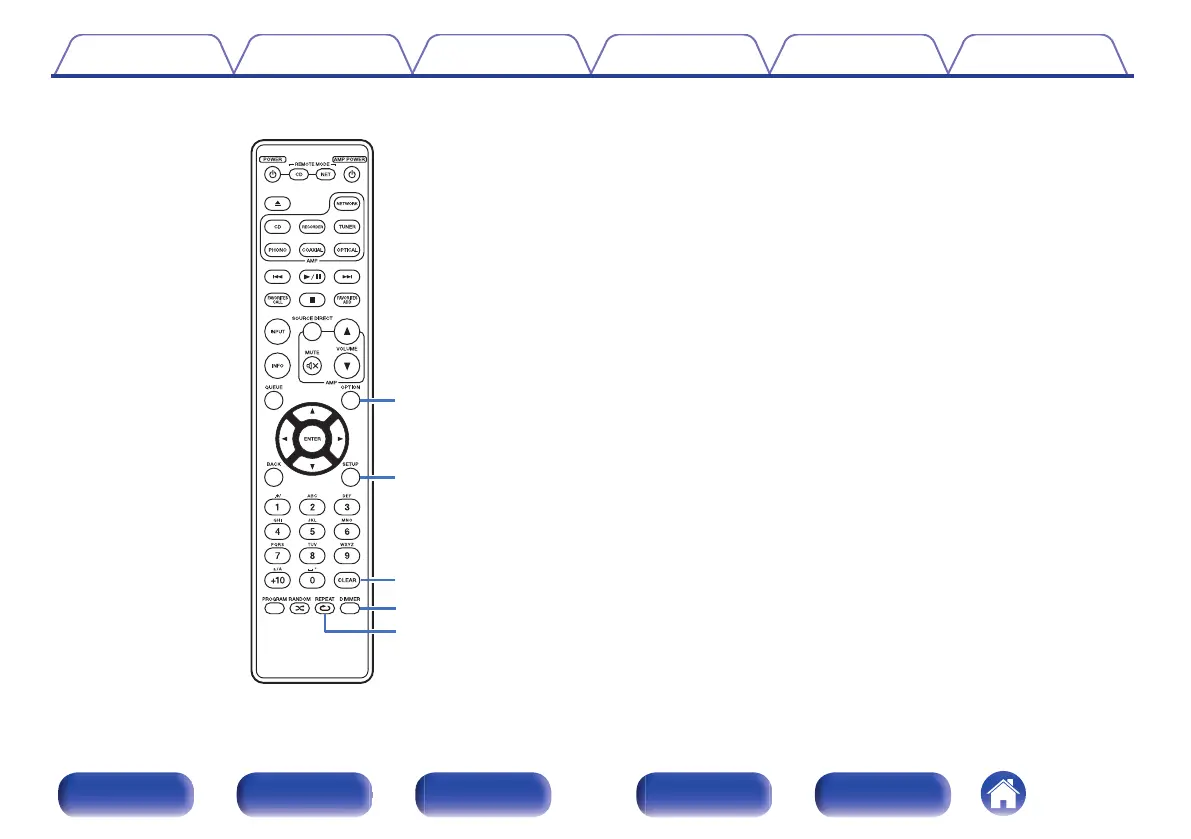
OPTION button
Selects the playback range of the data CD. (v p. 32)
O
SETUP button
This displays the setting menu on the display. (v p. 37)
P
CLEAR button
This clears the program registration. (v p. 29)
Q
DIMMER button
This switches the brightness of the display. (v p. 26)
R
REPEAT button (L)
Switches to the repeat playback.
Contents Connections Playback Settings Tips Appendix
13
Front panel Display Rear panel Remote Index



 To Next Page