2 Press the PLAY button (13) to start recording and immediately
start the digital source.
➜➜
The relevant track number and the recording time used will
appear on the display. Press DISPLAY (18) to view the total
remaining recording time.
3 Press STOP (15) to stop recording in either the manual or auto-
matic mode.
➜➜
In the automatic mode, recording will stop after a twenty-
second silence (-50dB) on the original.
Note:
- You can also use the PAUSE button (14) instead of the STOP
(15) button if you want to stop and re-enter the Record-Pause
mode.
- After recording, the temporary table of contents will be automati-
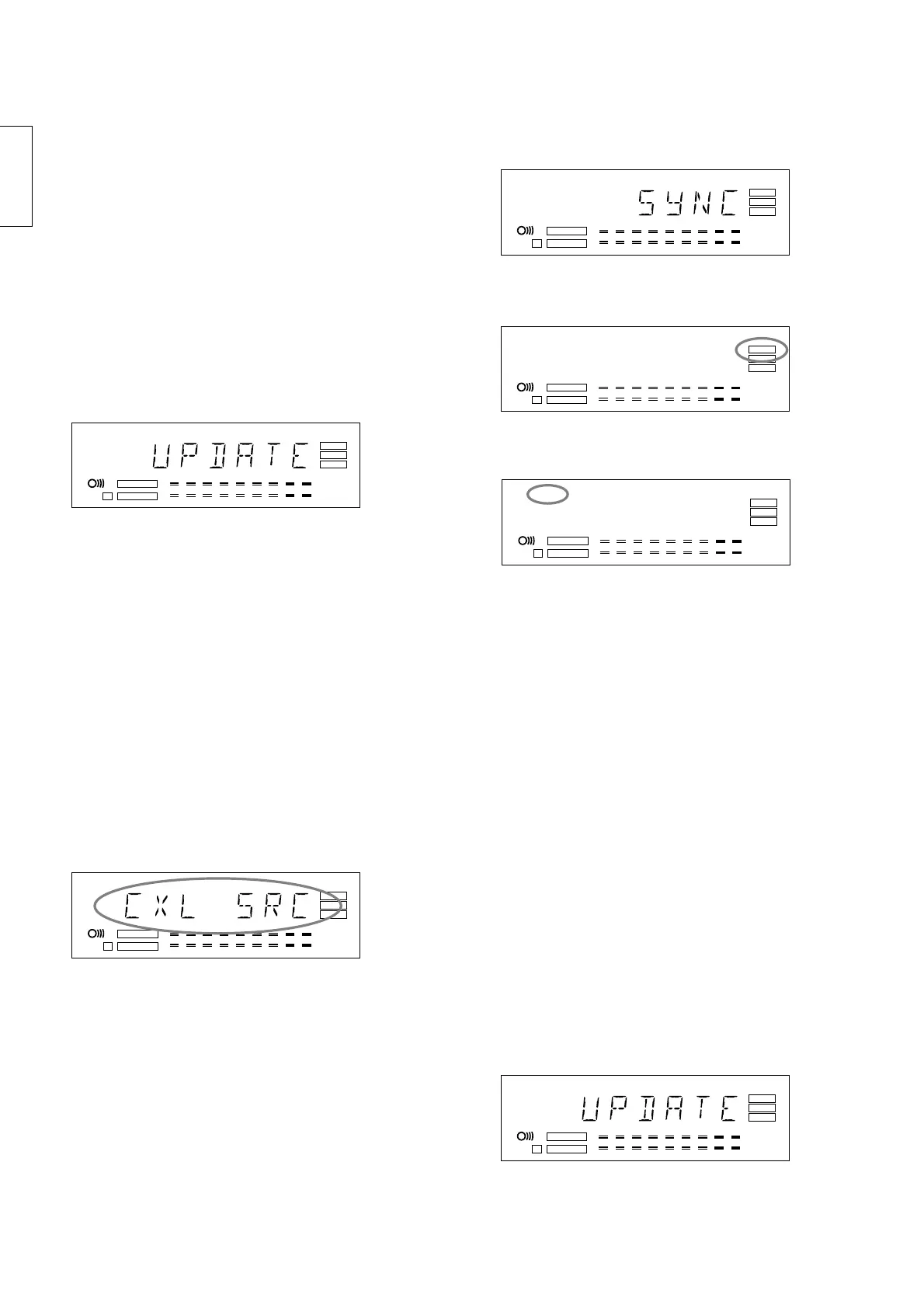
cally up-dated. During this process, the display will indicate
UPDATE
.
Attention!
If you want to play the disc in a different, regular CD-
player, the disc must be finalized. See ‘Finalizing
discs’ p. 11.
Automatic recording from a digital
source
In order to make recordings easily and quickly, the recorder is
equipped with the handy CD-SYNC function. This function can be
used to synchronously record individual tracks or entire discs. The
original may be a CD, DAT or MD, or any compatible digital source.
Preparations for recording
1 Press the INPUT button (19) a number of times until (depend-
ing on the connection used)
CXL SRC
,
CXL 44
,
OPT SRC
or
OPT 44
appears on the display.
Note:
- If you try to make a full (1 to 1) copy [OPT 44, CXL 44] of a digi-
tal source that does exceed the 44.1 kHz +/- 100 ppm range,
recording will most likely not start. In some rare cases, mutes
may occur and recording may stop. Use a better source or use
OPT SRC or CXL SRC to avoid these problems.
➜➜
Do not start the digital source yet.
To start recording
1 To record a single track, press CD-SYNC (10) once to record
one track;
SYNC-1
will appear on the display. To record all
tracks, press CD-SYNC (10) twice in rapid succession to
record all tracks;
SYNC
will appear on the display.
➜➜
Wait until the pause setting is activated and the display indica-
tor ‘RECORD’ starts to flash.
If the digital connection is incorrect, the display indicator ‘DIG’ will
flash.
➜➜
If the digital source exceeds the 44.1 kHz +/- 100 ppm range
and CXL44 or OPT44 is selected, the display indicator DIG will
flash. When the source gets better (for example by adjusting a
bad cable connection) the label stops blinking.
2 Press Play on the digital source.
➜➜
The CD Recorder will now automatically start to record. If you
start the source in the middle of a track, automatic Synchro
recording will not commence until the beginning of the next
track.
➜➜
The relevant track number and the recording time used will
appear on the display.
➜➜
To view the recording time remaining, press DISPLAY (18).
3 Press STOP (15) to stop recording.
➜➜
In the automatic mode, recording will stop after a twenty-
second silence (<-50dB) on the source.
Note:
- You can also use the PAUSE button (14) instead of STOP (15)
to stop and re-enter the Record-Pause mode.
- After recording, the temporary table of contents will be automati-
cally up-dated. During this process, the display will indicate
UPDATE
.



 To Next Page