DVD Setup Menu6
56
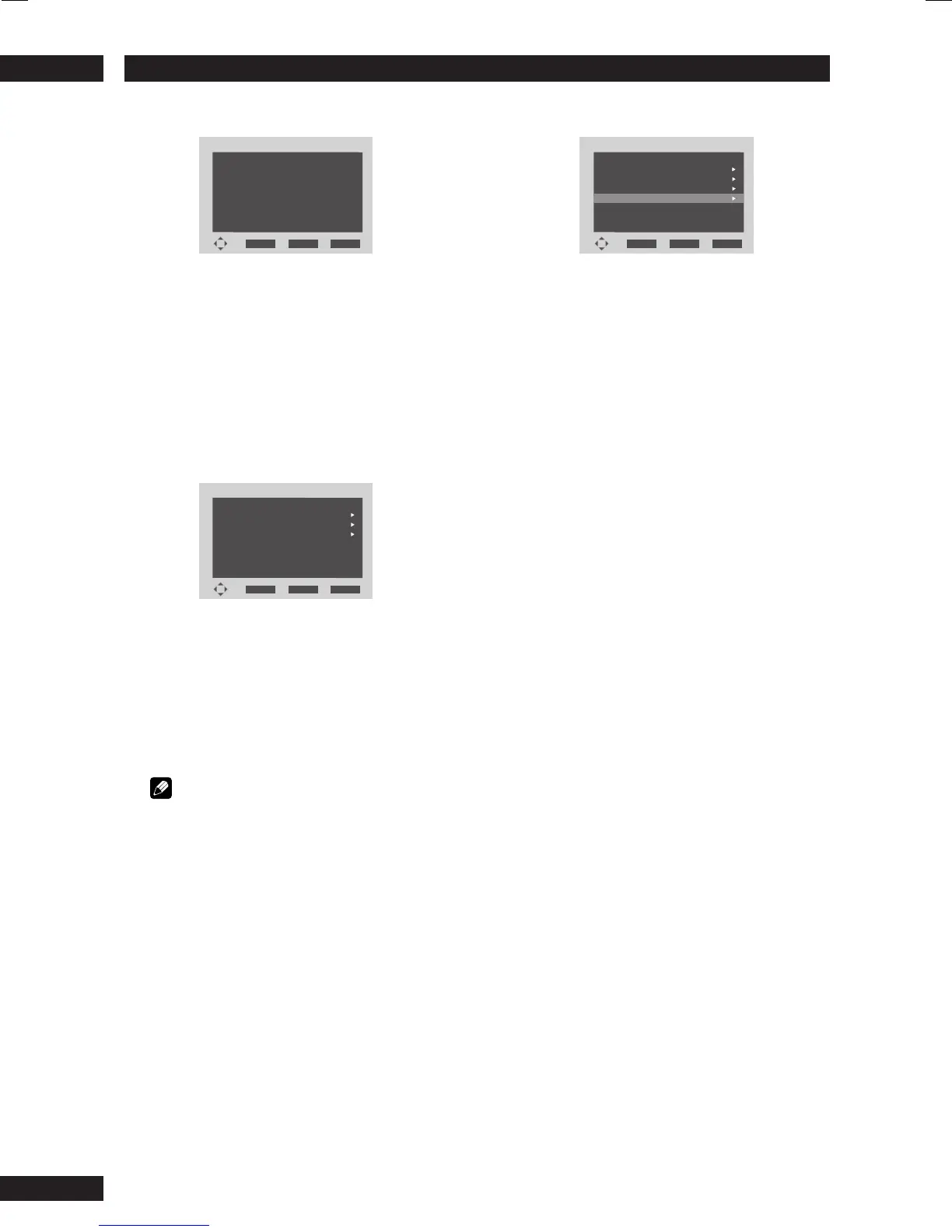
2 Select
Connections SelectConnections Select
Connections SelectConnections Select
Connections Select
OTHERS
ENTER
RETURN
SETUP
YYY
Marantz
XXX
SR9600
AAA
BBB
BRAND
MODEL
• The model names and brand names of all
components connected through i.LINK are
listed on the display. NO NAME is displayed
when the model and brand cannot be retrieved.
• Auto Play can be enabled for the component
selected here.
Select one of the options with the cursor buttons
(5/∞) and press the ENTER button.
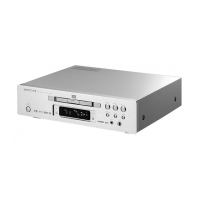
3 Select
Output FormatOutput Format
Output FormatOutput Format
Output Format
OTHERS
ENTER
RETURN
SETUP
: Bit Stream
: Bit Stream
DTS Out
MPEG Out
SR9600 Marantz
: Bit Stream
Dolby Digital Out
• This option allows you to select Bit Stream or
PCM Outputs for audio (Dolby Digital/DTS/
MPEG).
• The selected audio format is output to all
components connected through i.LINK.
Select one of the options with the cursor buttons
(2/3/5/∞).
Note
• Select either multi-channel output or 2-channel
downmixed output for DVD-Audio discs from
Audio Out under Audio Setup 1. (page 39)
• Some DVD-Audio discs prohibit downmixing.
4 Select
Auto PlayAuto Play
Auto PlayAuto Play
Auto Play
OTHERS
ENTER
RETURN
SETUP
:
:
Connections Select
Output Format
i.LINK
: On
Audio Out
: Off
Auto Play
•You can link the play control of this unit with
the input selector on the component selected
under the Connections Select option.
• Some components do not support Auto Play.
Select one of the options with the cursor
buttons (3).


 To Next Page