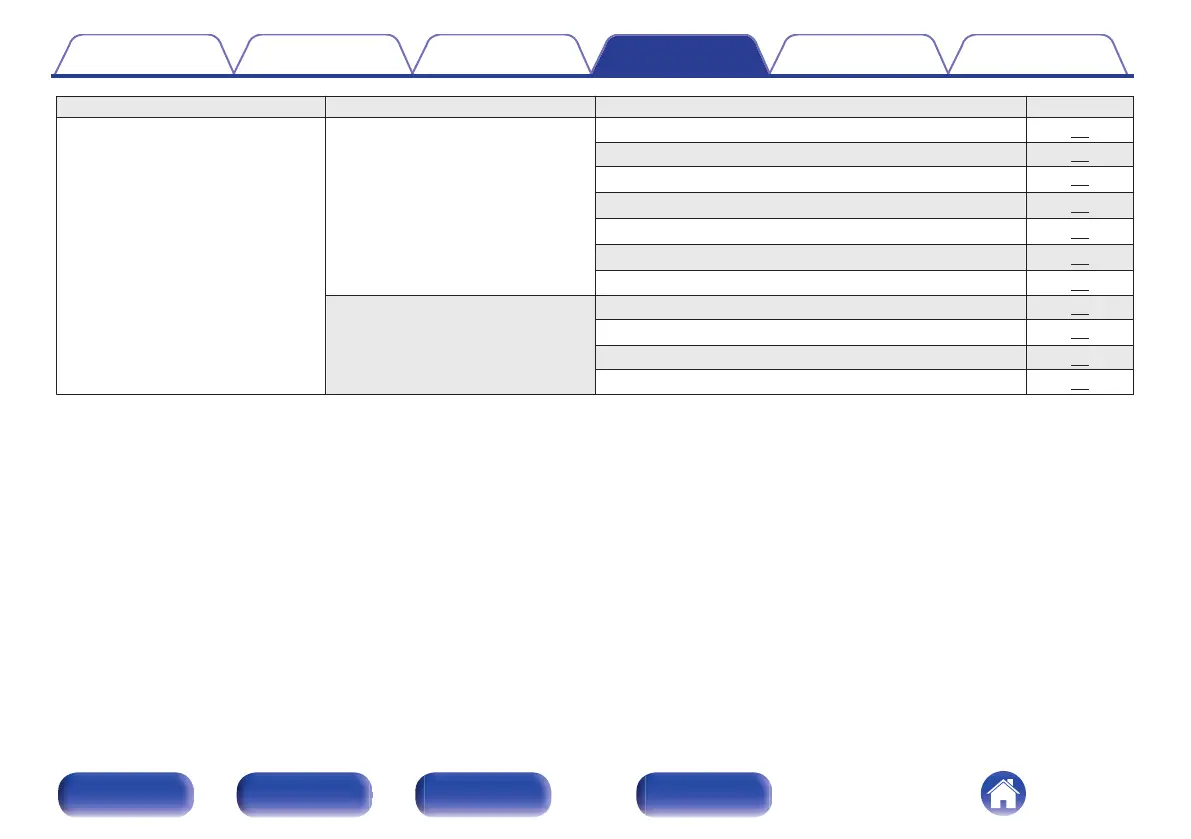
Setting items Detailed items Description/Detailed items Page
Network Settings Used for manually setting the IP address. 84
DHCP 84
IP Address
z
1
84
Subnet Mask
z
1
84
Gateway
z
1
84
DNS
z
1
84
Save 84
Diagnostics Used to check the network connection. 85
Physical Connection
z
2
85
Router Access 85
Internet Access 85
z1
Displayed when the “DHCP” setting is “Off”.
z2
When connected using a wireless LAN, “Connection Wireless (Wi-Fi)” will be displayed.
Contents
Connections Playback Settings Tips Appendix
66
Front panel Rear panel
Remote control
unit
Index



 To Next Page