User Guide
8
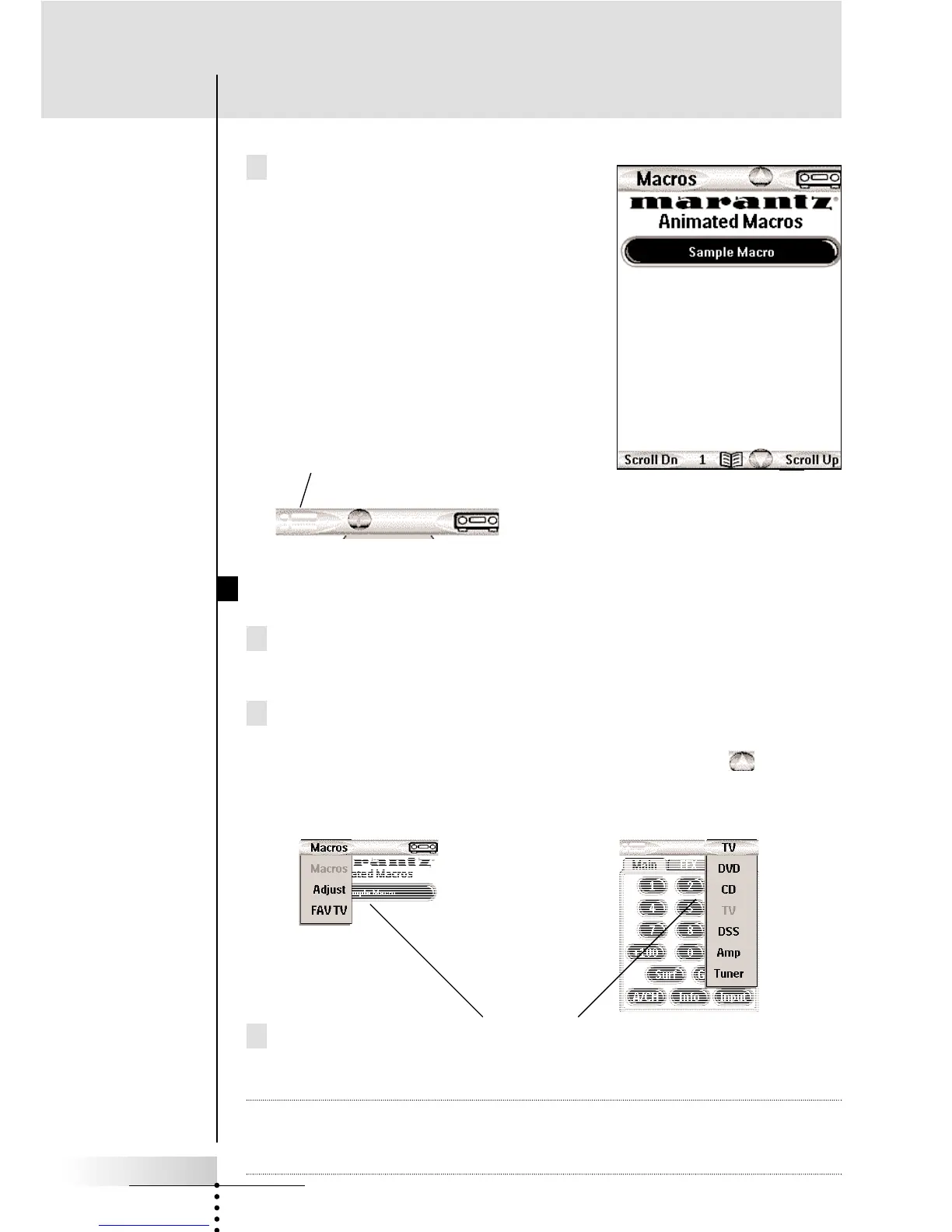
Macros — The Macro side of your
RC9200/5200 displays Macro buttons.
Macro buttons play back a sequence
of up to 255 different commands (and
panel jumps, which can be pro-
grammed to do crude animations or
to give messages during the Macro).
You can always select the Macro side
of the RC9200/5200 by tapping the
menu bar to the left.
Using Menus to Jump to a Panel Group
1 Navigate to either the Macro (left) or the Device (right) side of
the remote by tapping the left or right menu bar.
2 Tap the Menu bar again. A menu will pop into view, enabling you
to choose which group of panels you want. If you have a large
system with more than seven groups, scroll arrows enable
you to select those that are out of sight.
3 After using the scroll arrows to view all of the choices, simply
tap the label of the group you would like.
Note When you jump to a Device, the RC9200/5200 will change the
input of your home theater receiver/preamp (using the pull down
menus is exactly the same thing as pressing a Home button).
Getting Started
Tap to select the Macro side of your
RC9200/5200.
Device Groups
Macro Groups



 To Next Page