User Guide
16
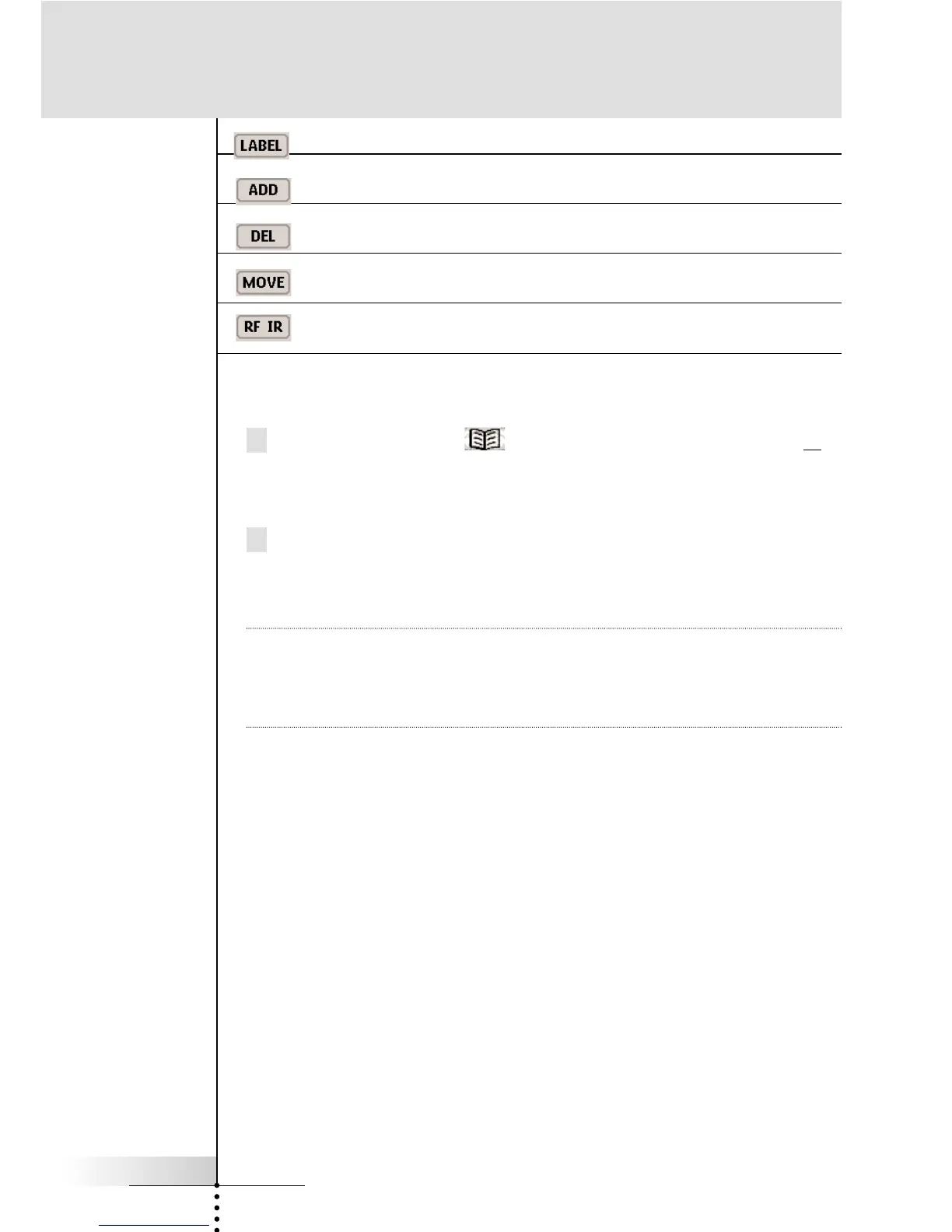
For labeling buttons and commands.
For adding new devices.
For deleting buttons, devices and macros.
For changing the order in a menu.
For selecting the correct ID for the RF Extender
To switch to another mode
1 Tap the Mode button at the bottom of the touchscreen or
the label of the mode you are using.
The Mode menu pops up.
2 Tap the mode you want to use.
The label of the active mode appears on the RC9200/5200 icon.
You can now work in the selected mode.
Note USE mode is the normal operating mode for the
RC9200/5200. The RC9200/5200 will not “time out” and
automatically return to USE mode. You must redisplay the Mode
Menu and select USE.
Getting Started



 To Next Page