41
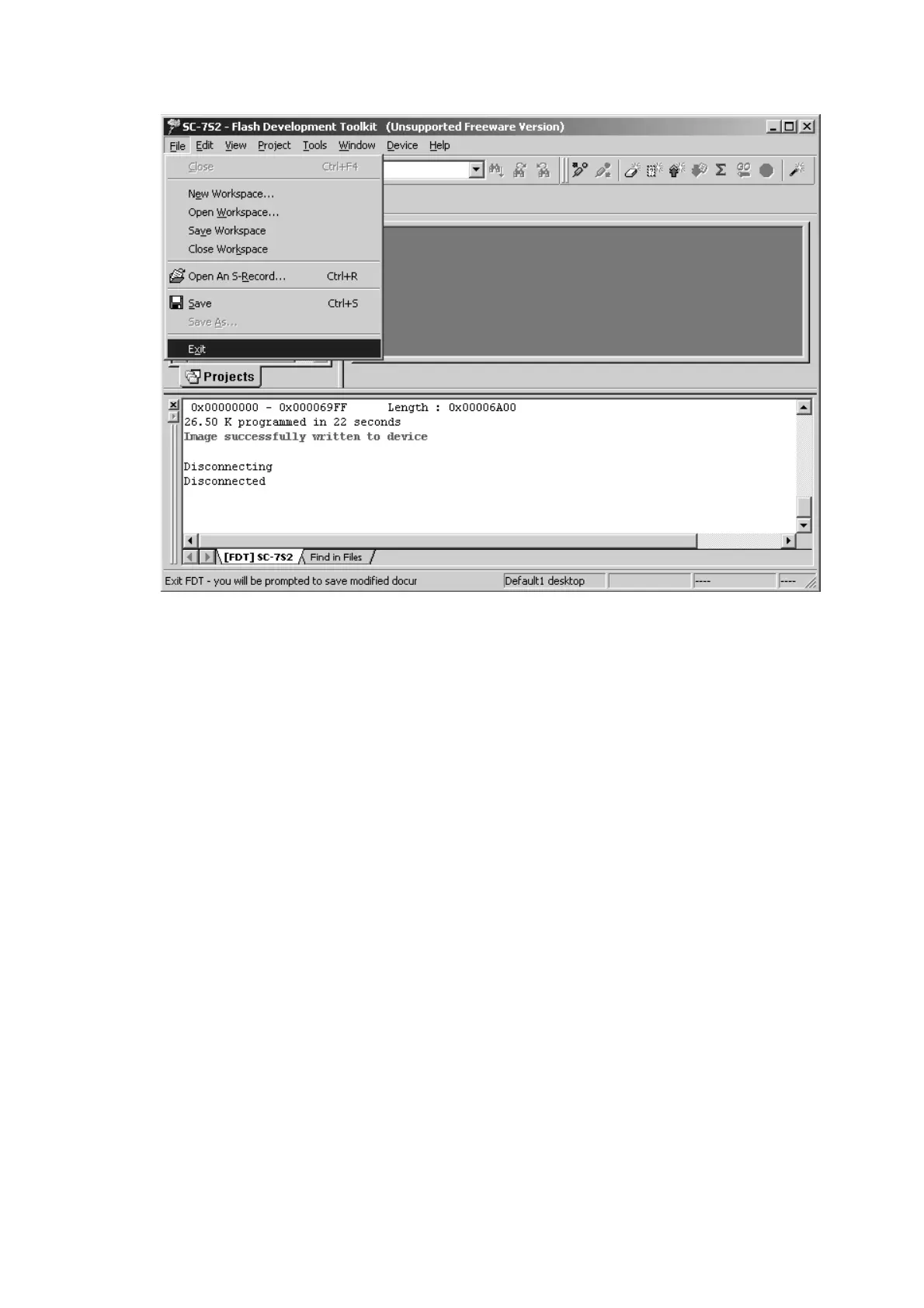
17. Click the File and select the Exit in menu.
18. Press the power on/off button for turn off the unit.
19. Disconnect the mains cord and 4 pins connective code
from the unit.
20. Turn the slide switch (S271) on
OPERATE side.
21. Mount the top lid on the unit.
17. Fileをクリックし、メニューからExitをクリックします。
18. power on/off
ボタンを押し、本機の電源を切ります。
19. 本機から電源コードと4ピンケーブルを外します。
20. P271のスライドスイッチ(S271)をOPERATE側に切替
えます。
21. 本機にトップカバーを取り付けます。


 To Next Page