NOTE:
•
The clock will automatically synchronize with the
radio wave signal at 3.00 a.m. every day to
maintain accurate timing.
•
If reception fails, scanning will stop and the will
disappear from the LCD
•
The clock can be set to synchronize manually by
holding the button for 3 seconds.
(Synchronization can take several minutes.)
•
You can stop the DCF synchronization by holding
the button for 3 seconds.
•
If the weather station is in daylight savings mode
a will show on the LCD.
EN
Radio controlled clock
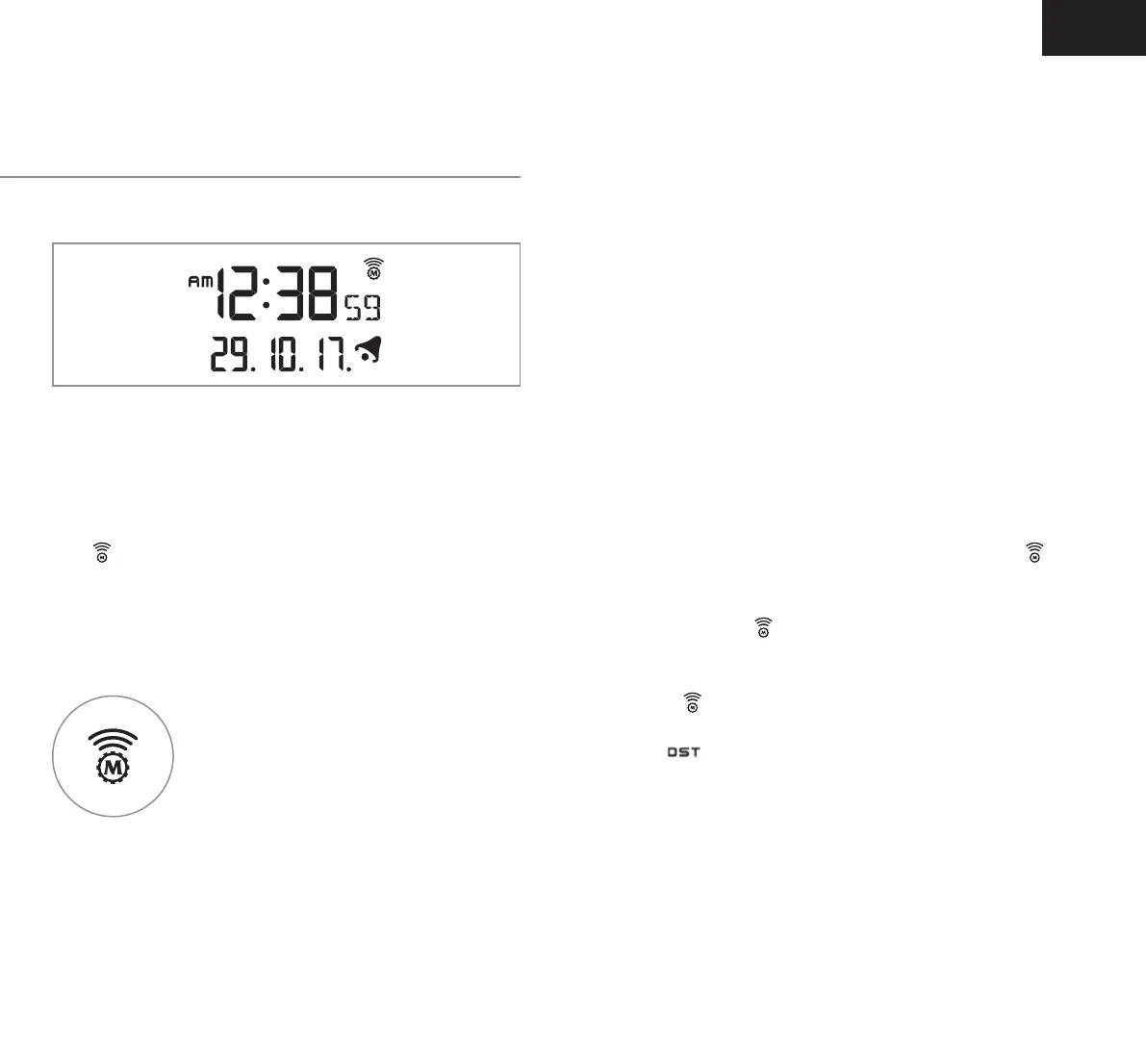
After the weather station has powered on and
completed syncing temperature and humidity from
the outdoor sensor, The DCF signal, radio controlled
icon
will automatically flash on the LCD, indicating
the clock synchronizing the current time and date.
Icon Turns on
Indicates signal has been received
Icon Flashes
Indicates it is receiving DCF signal
Icon Disappears
Indicates signal has failed
Setting the time and
setting an alarm


 To Next Page