NOTE:
•
All setting modes will automatically exit in 15
seconds without any adjustment.
•
Seconds only can be adjusted to 0.
•
If the “day of the week” is incorrect, please
double check the “year” entered.
•
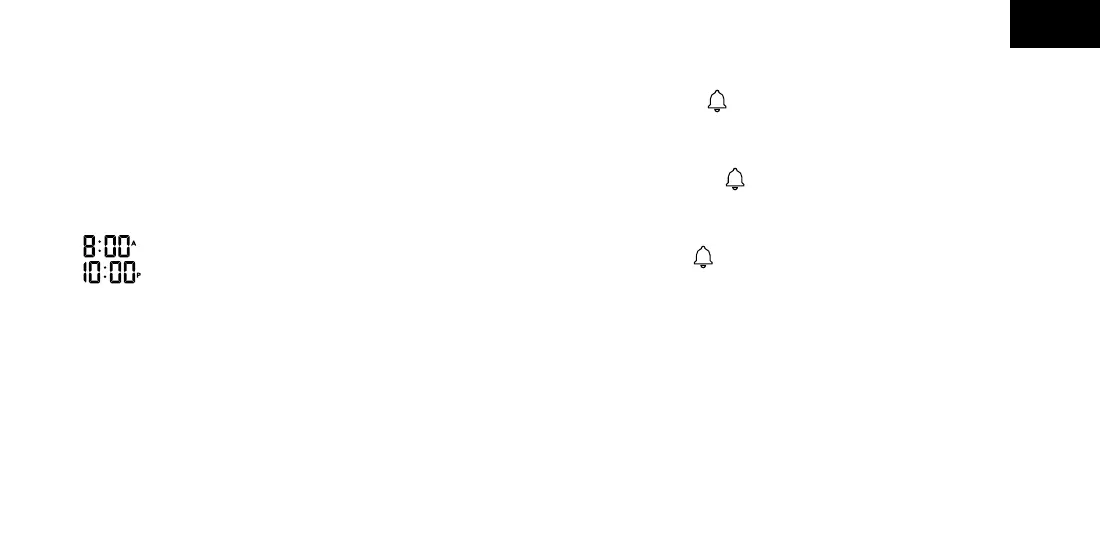
When the time is in 12 hour format;
indicates 8 o’clock in the morning.
indicates 10 o’clock at night.
There are 8 time zone for selectable:
•
Eastern - EST
•
Atlantic - AST
•
Newfoundland - NST
•
Hawaii - HST
•
Alaskan - AKST
•
Pacic - PST
•
Mountain - MST
•
Central - CST
Daily Alarm Setting:
•
Press the button to toggle the display
between ALARM TIME and DATE.
•
Setting the alarm
º
Hold the button for 2 seconds.
º
The alarm time will ash.
º
Press + or - button to adjust the alarm time.
º
Press button to conrm the setting.
NOTE: Holding the + or - button will speed up the
setting.
Snooze Alarm Function:
•
Slide the ALARM ON/OFF switch to ON to activate
the alarm function, Slide ALARM ON/OFF switch to
EN



 To Next Page