Getting Started
1. Open battery door.
2. Insert 2 AAA size batteries observing the
polarity marks [ + and – ].
3. Replace battery compartment cover.
4. The unit can be placed onto any at surface and
is ready for use now.
Time and Alarm Setting
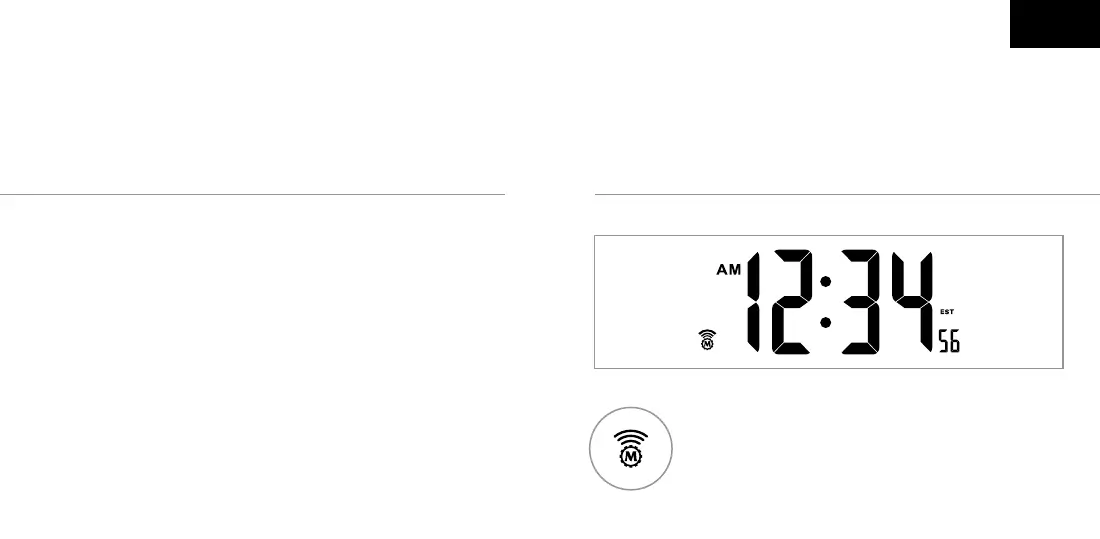
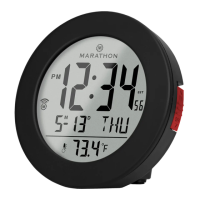
Icon Turns On - Indicates signal has been
received
Icon Flashes - Indicates it is receiving
WWVB signal
Icon Disappears - Indicates signal has failed
EN


 To Next Page