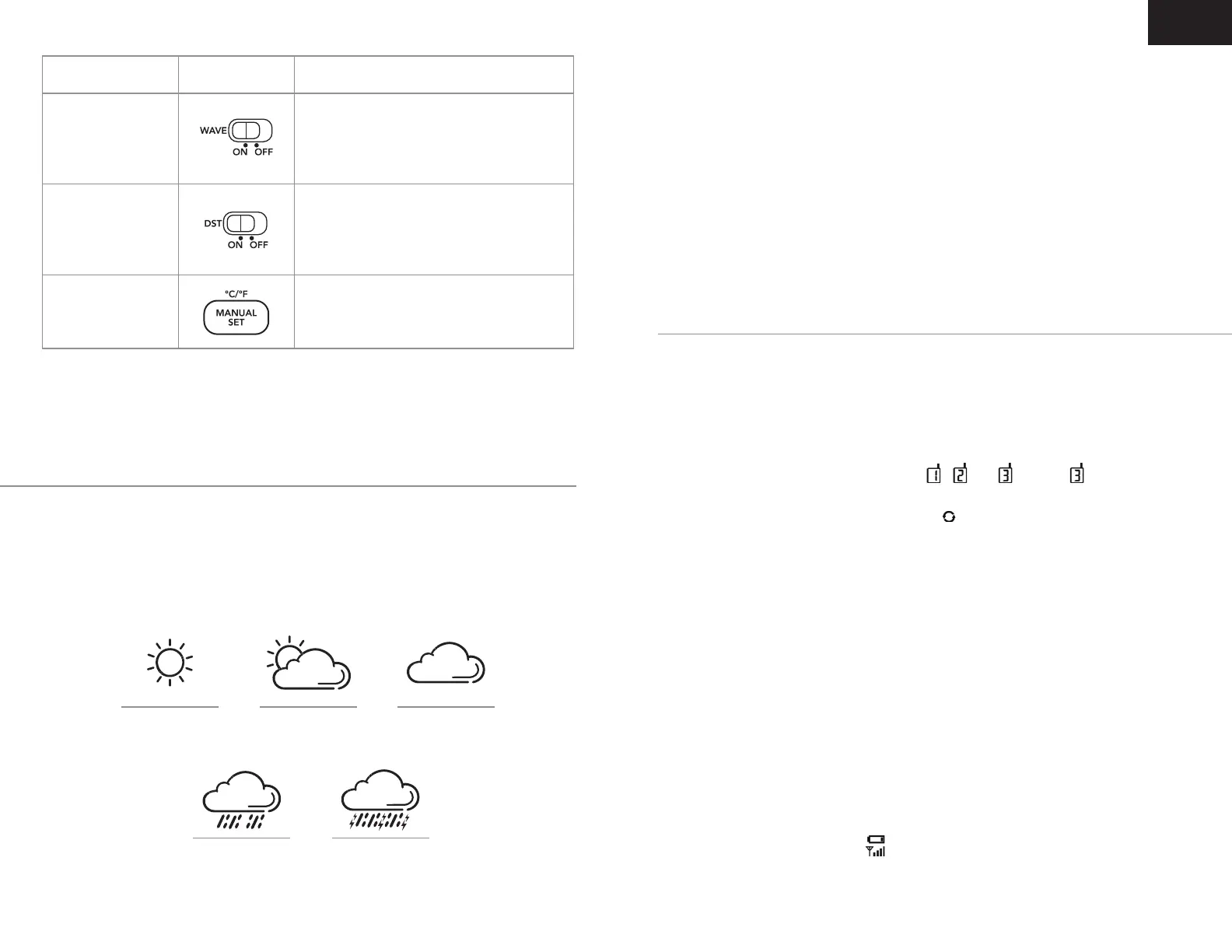
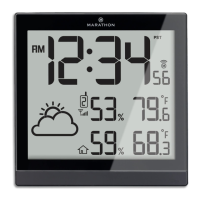
Function Button Steps
When the clock is being used in a region
where the DCF time signal is not available,
slide the WAVE switch to OFF. The clock will
stop searching for DCF time signal.
If you live in an area where DST is not
observed, slide the DST switch to OFF to
disable the auto-adjustment of Day-light-
saving time.
At normal time display mode, press MANUAL
SET
button once to toggle Celsius or
Fahrenheit temperature display.
Turn On/Off Radio-
Controlled Time
Function
Turn DST On/Off
Set ˚C/˚F
Your clock has a built-in barometric air pressure sensor which records and
compares the air pressure change per hour to forecast the weather in next
6 hours.
To use the weather forecaster
Remarks: Moving your weather station clock from one fl oor of a building to
another fl oor will affect the accuracy of your weather station, which should
operate at the same altitude all the time. If you move it to a new location, it
will take 12 hours to become stable and accurate.
The weather station displays the weather forecast for the next 6 hours,
therefore It may not match the current outdoor weather conditions.
To Select Sensor Channel And To Use Auto-Scrolling Display Of Outdoor
Temperature-Humidity
Press
HOLD TO SYNC SENSOR one at a time to select and display the outdoor
temperature-humidity of Channel icon
one at a time to select and display the outdoor
,
one at a time to select and display the outdoor
, or
one at a time to select and display the outdoor
. When
one at a time to select and display the outdoor
is selected,
pressing once again will activate the auto-scrolling of outdoor temperature-
humidity readings from each sensor. The will appear on top of the
Channel icon.
If You Lose The Outdoor Temperature And Humidity
When both the outdoor temperature-humidity readouts show “--“, the
wireless transmission is either interrupted or lost.
Hold HOLD TO SYNC SENSOR button until “--“ ashes. The outdoor data should
display again within 2 minutes. If this does not happen, place the outdoor
sensor next to the clock. Hold HOLD TO SYNC SENSOR again until “--“ ashes.
Then use a pointy object to press RESET on the outdoor sensor.
Please ensure:
1. The sensor Channel you select on the clock, matches the Channel
selector switch at the back of the outdoor sensor.
2. The batteries in the outdoor sensor are at a suf cient level. Observe
if the low battery indicator appears above the outdoor temperture-
humidity readout.
Outdoor remote sensor
EN
Sunny Partly Sunny Cloudy
Rainy Stormy



 To Next Page