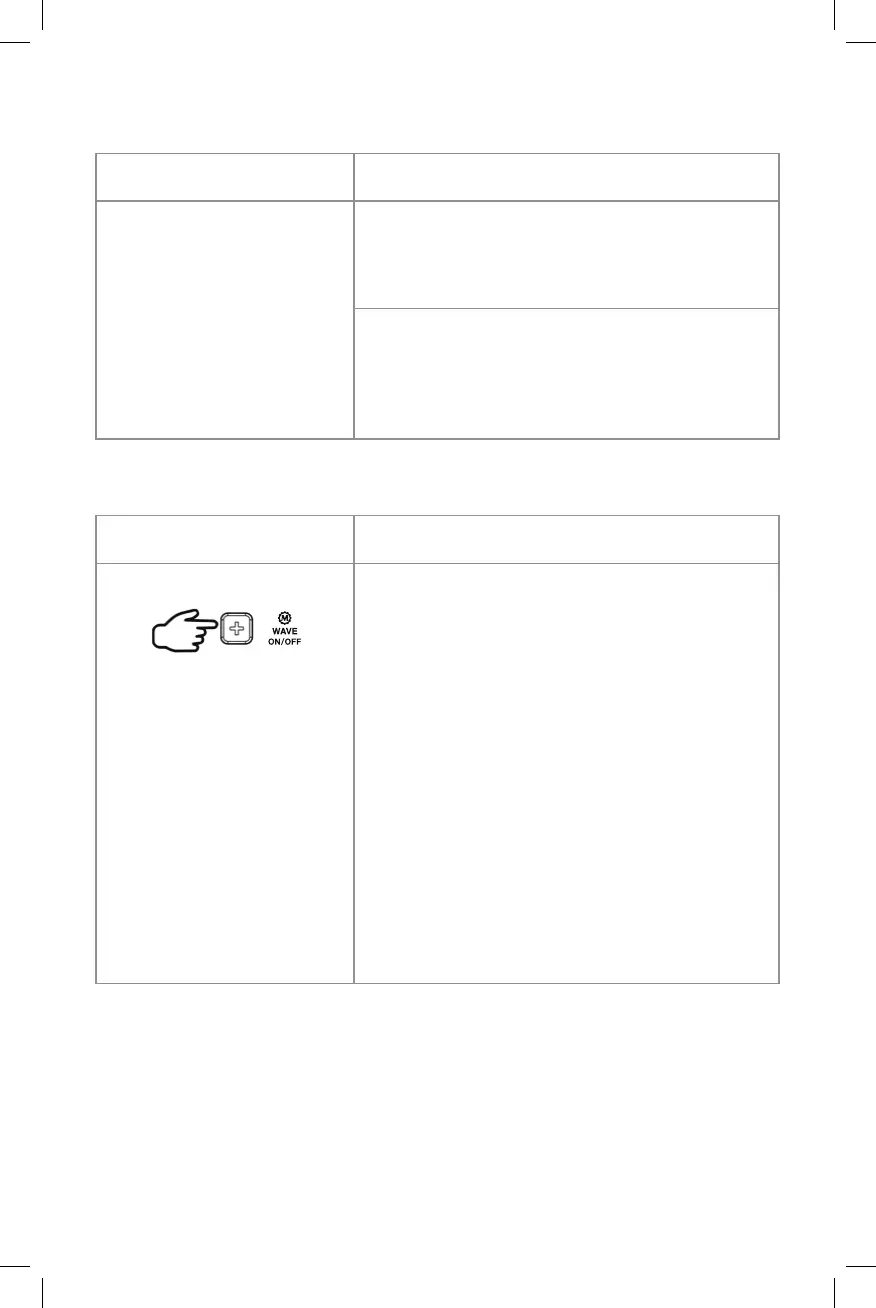
Button control
Button control
Steps
Steps
Press 9x = SET °C / °F
Press + or – to select Celsius or Fahrenheit
temperature display.
Press 10x = TO EXIT SETUP MODE
If you do not press a button for 10
seconds the clock will automatically exit
setup mode.
To turn on/off radio-controlled time function permanently
Press and hold
When the clock is being used in a region
where the WWVB radio-controlled signal
is not available, press and hold + and –
buttons simultaneously for 3 seconds or
until the upper right LCD shows WWVB
OFF.
The clock will return to normal time display
in a few seconds and it will not search for
the WWVB signal automatically every day.
To reactivate the WWVB auto-reception
again, press and hold + and – button
simultaneously for 3 seconds or until
WWVB ON appears.



 To Next Page