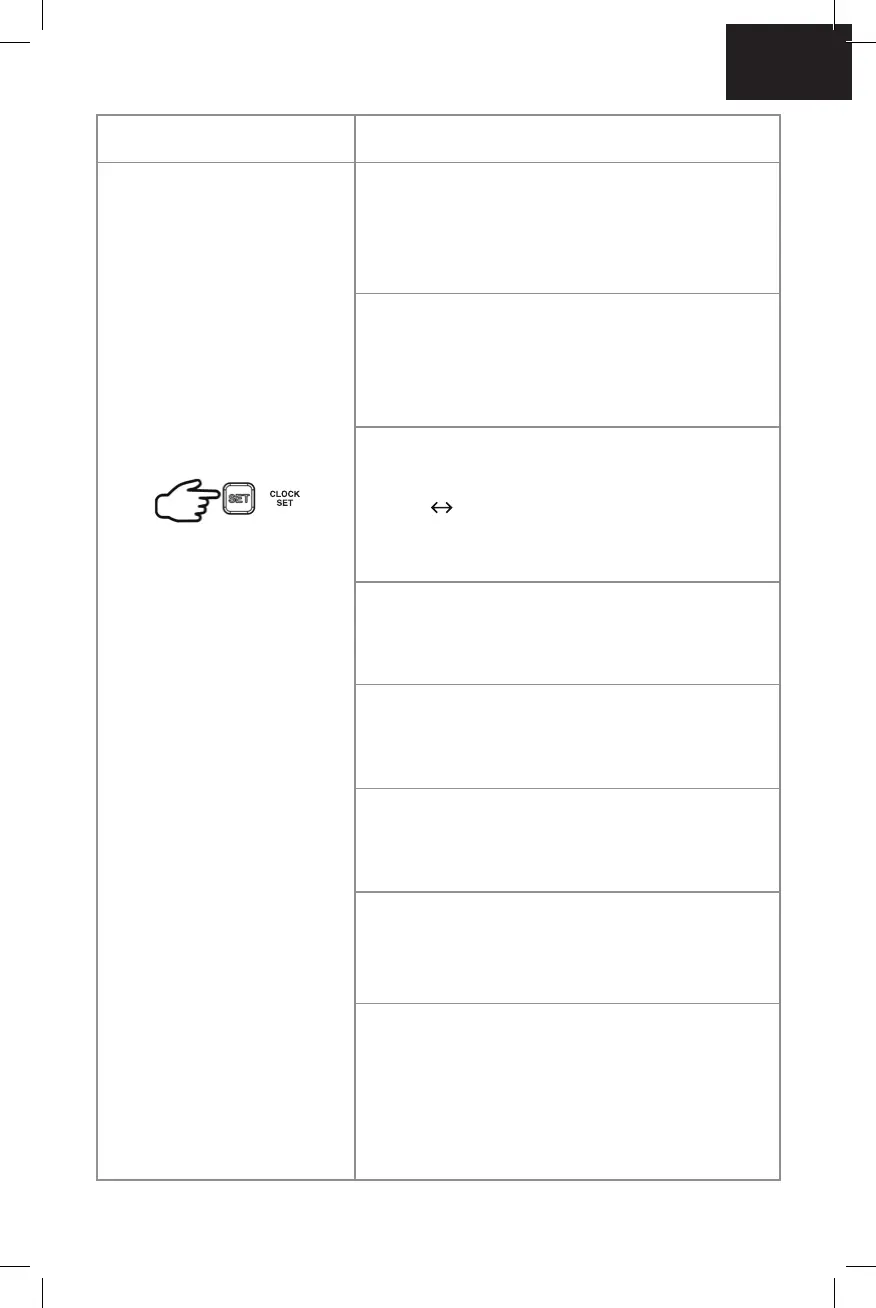
Press and hold the SET
button for 3 seconds to
set DST to ON or OFF
Once DST begins to
ash. Press the SET
button again to set the
following:
Button control Steps
Press 1x = SET HOUR
HOUR appears and hour digits will ash.
Press + or – to set hours. Press and hold +
or – to accelerate setting at fast speed.
Press 2x = SET MINUTE
MINUTE appears and the minute digits will
ash. Press + or – to set minutes. Press and
+ or – to accelerate setting at fast speed.
Press 3x = SET HOUR FORMAT
12HR will ash. Press + or – to select
12HR 24HR. In 12 Hr mode, AM
indicates morning time. PM indicates
afternoon time.
Press 4x = SET YEAR
YEAR appears and 2021 will ash.
Press + or – to set a year.
Press 5x = SET MONTH
MONTH appears and month digit 1 will
ash. Press + or – to set a month.
Press 6x = SET DATE
DATE appears and date digit 1 will ash.
Press + or – to set a date.
Press 7x = SET DATE FORMAT
M/D will ash. Press + or – to select D/M or
M/D calendar display.
Press 8x = SET LANGUAGE OF
WEEKDAY DISPLAY
ENGLISH will ash. Press + or – to select
desired language English (Default) /
Deutsch / French / Italian / Spanish /
Holland / Finnish / Swedish.
Press once
EN



 To Next Page