Revision 1.4.18 Page 245
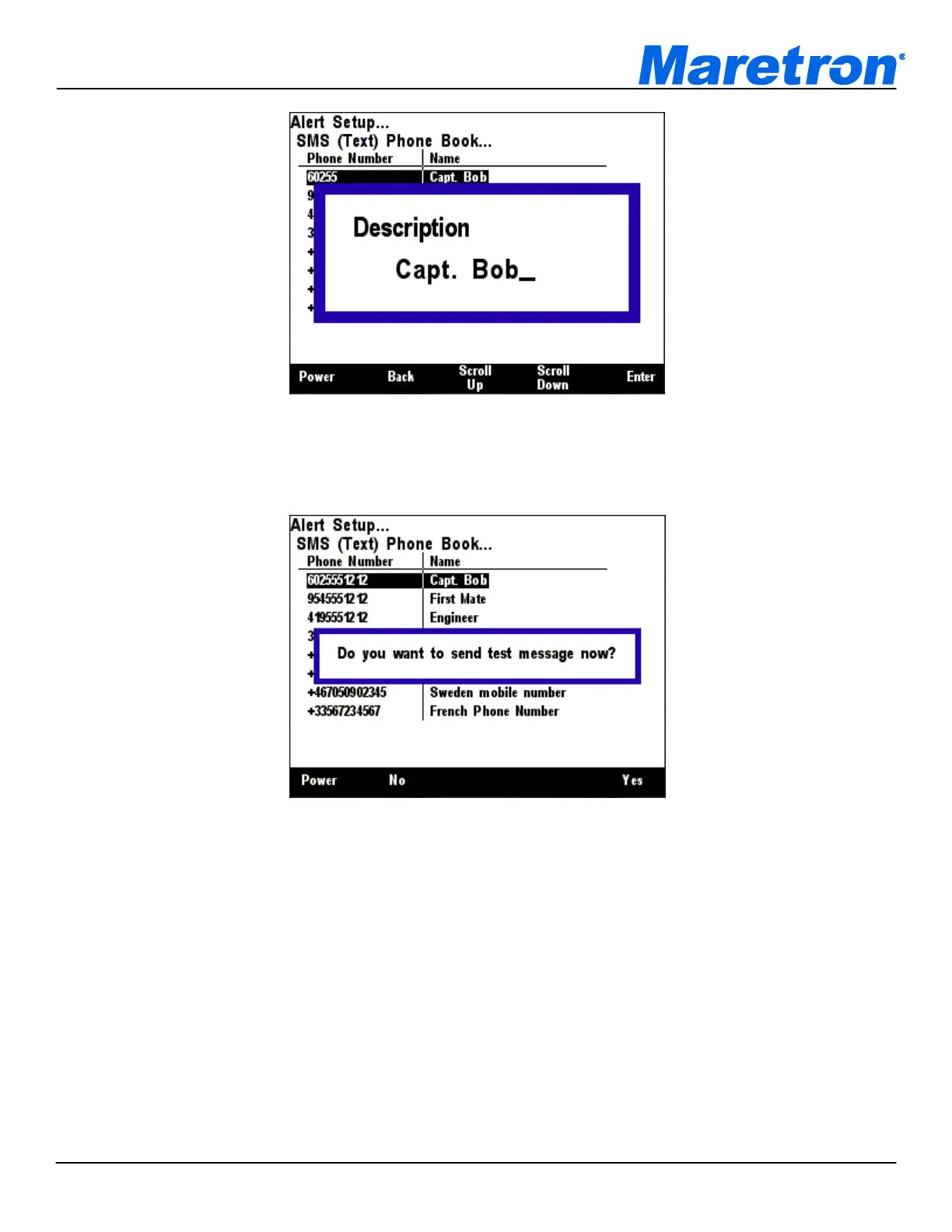
Figure 288 – Editing the Name of a Phone Book Entry
See section 3.3.4 for details on editing the phone book entry name. After you have entered the name,
you will be given the opportunity to send a test message, as shown in Figure 289 below.
Figure 289 – SMS Phone Book Test Message Popup
Press “Yes” to send a test message, or press “No” to skip sending the test message. You will be
returned to the “SMS (Text) Phone Book…” screen.
Once you have created all of the phone book entries you need, press the “Back” key to exit the “SMS
(Text) Phone Book…” screen.
8.8 Advanced Configuration
The Advanced Parameters of the Alert System may be configured through this Screen. Enter the
screen though the Alert Setup menu, and select the Advanced Configuration option.



 To Next Page