EasyManua.ls Logo

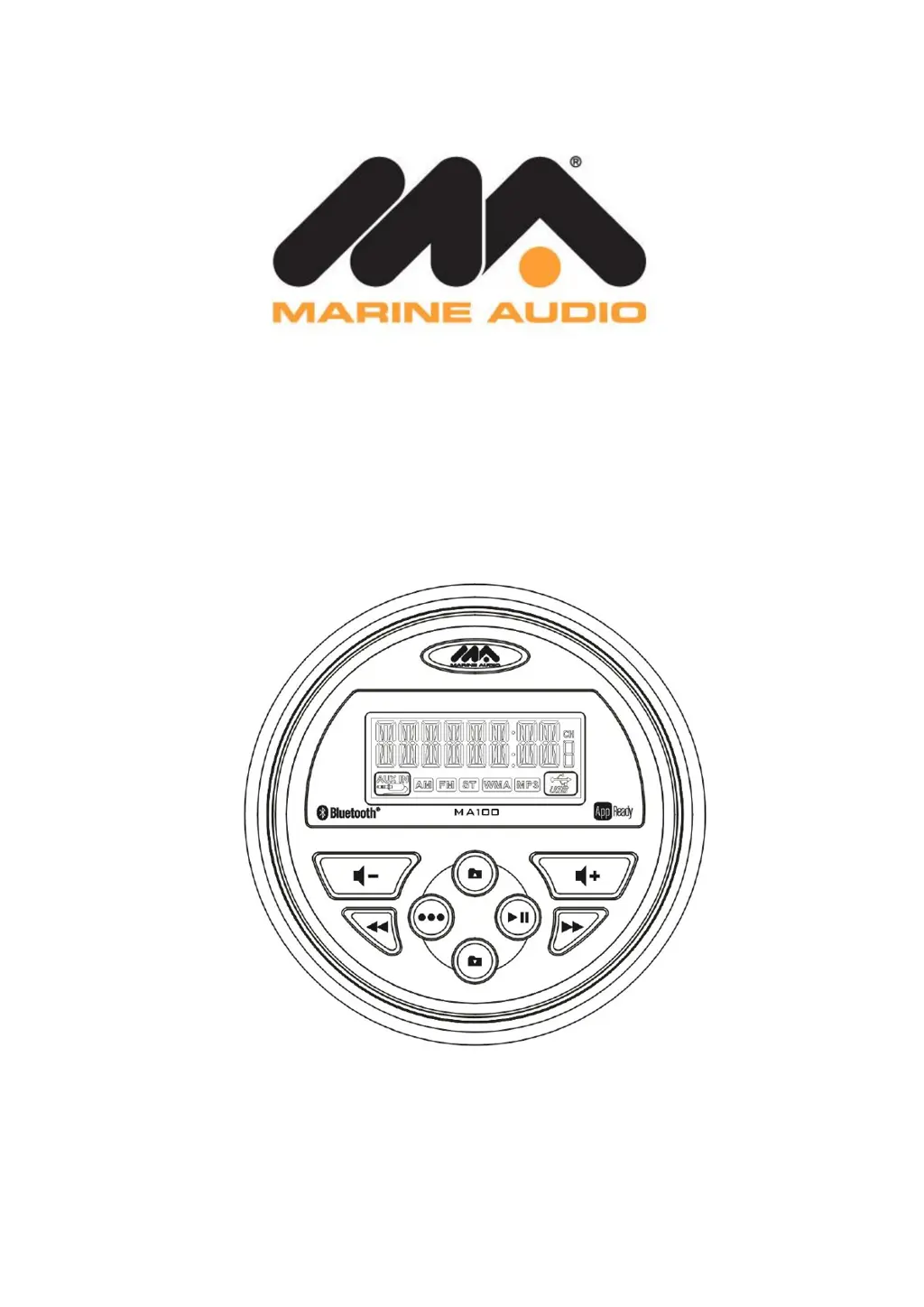
Marine Audio MA100 - User Manual

Marine Audio MA100
16 pages
Print Icon
To Next Page IconTo Next Page
Loading...
MA100
Owner’s Manual

Questions and Answers

Summary

INTRODUCTION

Features

Lists key features of the MA100 receiver, including waterproof, UV resistance, AM/FM tuner, and Bluetooth.

Box Content

Lists all items included in the MA100 package, such as the radio, mounting bracket, and hardware.

Compliance and FCC Rules

Details FCC rules and compliance information for the device, including interference guidelines.

Safety Information

General Safety Precautions

Provides essential safety guidelines for using and installing the MA100, covering water, heat, and electrical safety.

INSTALLATION

Mounting the Radio

Instructions on how to physically install the MA100 unit, including choosing a location and securing it.

Auxiliary Input and Line Output

Details on connecting external audio devices via AUX IN and using the line-out connectors for external amplifiers.

Wiring Diagram

Visual guide for connecting the MA100's wiring harness to power, speakers, and antennas.

OPERATION

Basic Functions

Covers basic operations like power, volume, mute, and mode selection for the MA100 unit.

Radio Mode Operations

Instructions for tuning, seeking, and storing radio presets, including USA/Europe tuning mode selection.

USB Mode Operations

How to use the USB port for music playback, including track selection and folder navigation.

Auxiliary Input Mode

Instructions for connecting and using auxiliary audio sources with the MA100.

Bluetooth Operation

About Bluetooth Technology

Explains the basics of Bluetooth wireless technology and its range for audio streaming.

Bluetooth Menu Options

Details the available settings and functions within the Bluetooth menu, including ON/OFF and device management.

Pairing a Bluetooth Device

Step-by-step guide to connect a Bluetooth device to the MA100, including password entry.

Bluetooth Audio Playback

How to play, pause, and select tracks via Bluetooth, and resume playback after calls.

APP OPERATION

Features of jControl App

Lists the primary functions controlled by the jControl mobile app, such as power, volume, and tuner.

Connecting and Using jControl App

Guide for downloading, installing, and using the jControl app on Apple and Android devices.

TROUBLESHOOTING

Troubleshooting Guide

Solutions for common problems like no power, no AM/FM reception, and no sound.

SPECIFICATIONS

Technical Specifications

Details the electrical and physical specifications of the MA100, including dimensions and power requirements.

Marine Audio MA100 Specifications

General IconGeneral
Water ResistanceIPX6
Impedance4 Ohms
Peak Power (Watts)200W
Voltage12V
WaterproofYes

Related product manuals