21
2 Input number
This part of the Nº360’s display shows the input number of the se-
lected digital source, according to the connections on the rear
panel (see “Rear panel, Nº360”) and to the front panel button
used to access that input.
3 Sampling frequency
This part of the Nº360’s display normally shows the sampling fre-
quency
of the digital input being processed, expressed in kilohertz.
The digital sampling frequency of the incoming signal will be
shown, in “shorthand” form:
32k, 44k, 48k, or 96k (44k is shown
in the main illustration on the opposite page). When an HDCD
®
signal is being received and decoded, this area will show HDCD in-
stead of a sampling frequency.
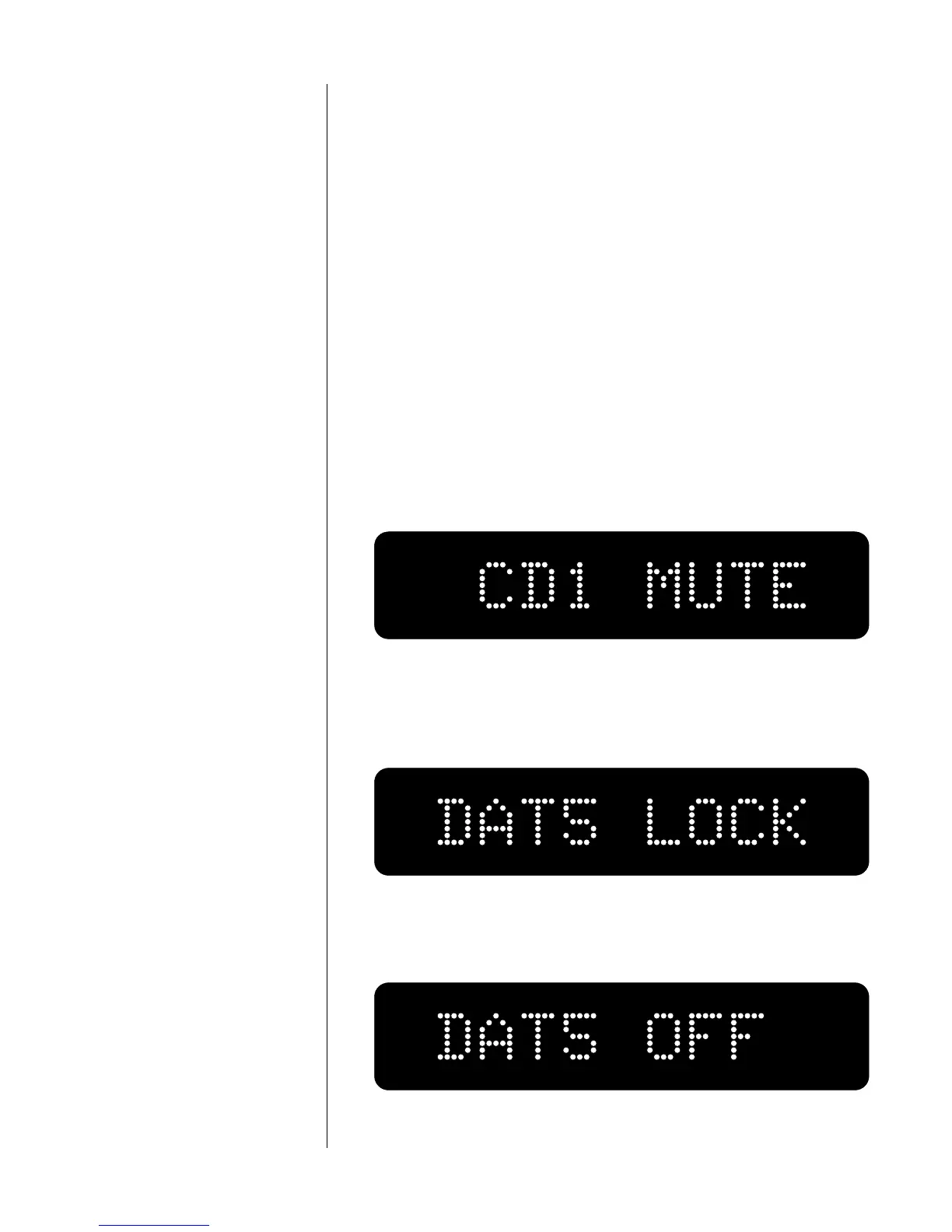
After you press one of the source selection buttons (say, going
from input 1 to input 5), the Nº360 will reduce the volume and
the display will show:
While the Nº360 is attempting to lock onto a different digital sig-
nal, the display will show (assuming you have renamed input 5 for
your DAT):
If no digital signal is present (if the source is turned off, is im-
properly connected, or is disconnected), the display will show:



 To Next Page